Tinywow
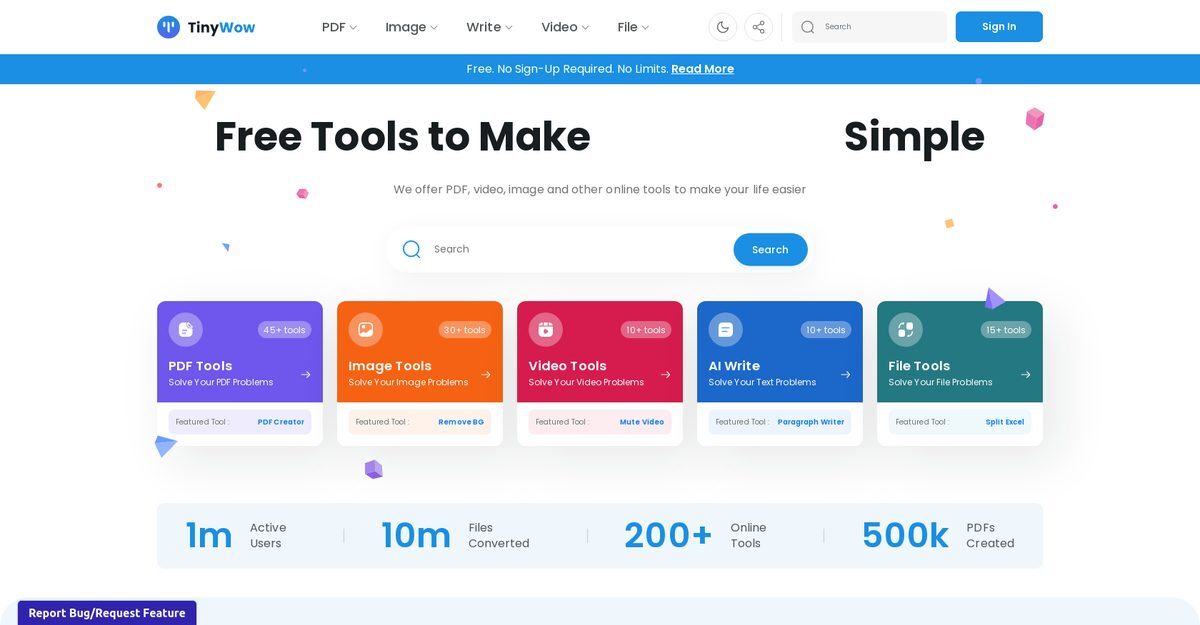
TinyWow is an online platform that provides various AI-powered tools for users looking to enhance their document and image processing capabilities. It is especially useful for individuals and businesses needing free solutions for AI writing, PDF editing, and image editing. The platform enables users to generate content, edit PDFs, and transform images with ease. TinyWow prioritizes user data privacy and allows users to manage their data preferences effectively.
Pros
- Free to use with no hidden costs
- Offers a wide range of AI writing tools
- Includes various PDF editing capabilities
- Provides advanced image editing features
- Allows for easy content generation and text suggestions
- Supports customizable privacy preferences
- Facilitates data-driven audience insights
- User-friendly interface for quick access to tools
- Comprehensive tools for file conversion and document management
- Transparency in how personal data is used
Cons
- Uses personal data for ads and content personalization
- Limited functionality in PDF and image editing tools
- Accuracy of AI-generated content may vary
- Lacks offline access options
- Dependent on cookie consent for data usage
- Not all features are extensively documented
- Potential concerns regarding IP tracking
- No video editing services offered
- Limited support for advanced document features
- May not meet complex editing needs
TinyWow is an online platform offering various AI-powered features including AI writing, PDF editing, and image editing. These tools are accessible for free to users.
The AI writing tool in TinyWow works by suggesting text and generating relevant content based on specific user requirements. It assists users by providing suggested structures, sentences, and phrasing options.
TinyWow's PDF editing tools allow users to modify and manipulate PDF documents, enabling them to make necessary changes and annotations.
The image editing features in TinyWow leverage AI technology, allowing users to enhance and transform their images with tools like filters, cropping, and resizing.
TinyWow protects personal data through the use of cookies and allows users to manage their cookie preferences and withdraw consent at any time.
Users can access and manage their preference settings in TinyWow through the details section of their personal account.
TinyWow uses cookies to personalize content and ads, analyze traffic, and provide social media features.
Yes, users can manage their cookie preferences and withdraw consent for data usage at any time.
All tools offered by TinyWow, including AI writing, PDF editing, and image editing, are free to use.
No, TinyWow currently only provides AI writing, PDF editing, and image editing services.
Become a Contributor
Sign in to unlock these features:
- ⭐️ Rate this tool with a 1-5 star score
- ✍️ Write a detailed review for the community
- ❤️ Follow this tool to get important updates
Get started in seconds
[jnews_social_login_form]