Microsoft Reading Coach
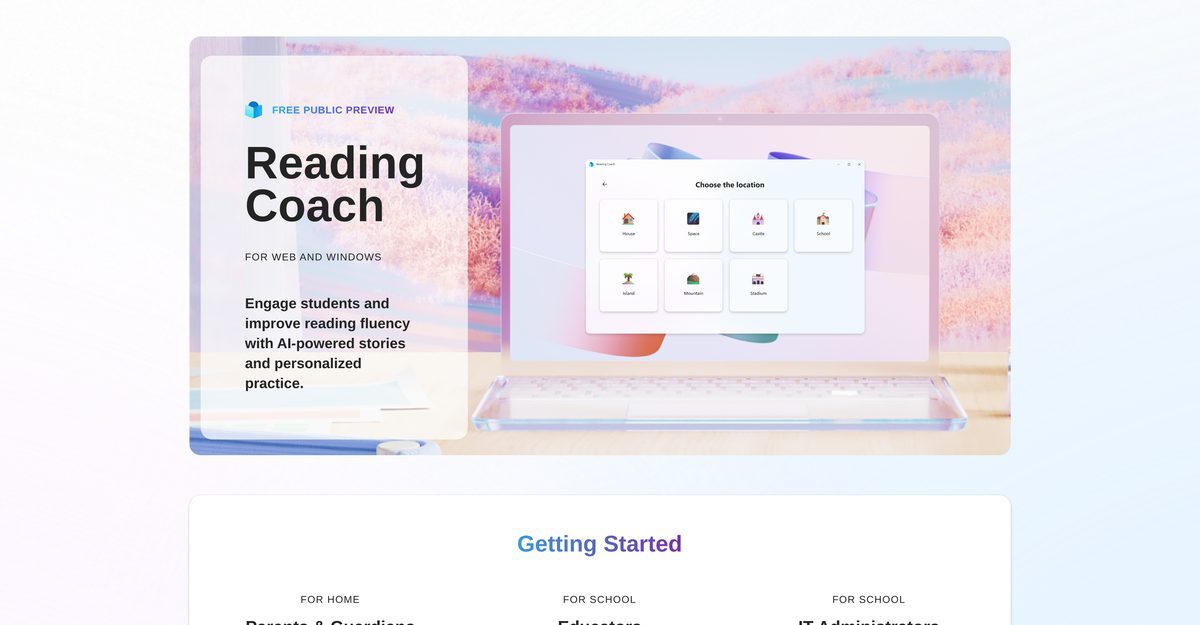
Microsoft Reading Coach is an AI-powered educational tool designed to enhance reading fluency for students through engaging AI-generated stories and personalized practice. It is suitable for both home use by parents and guardians and for incorporation into schools by educators and IT administrators. The platform features personalized learning experiences where learners can co-create stories, targeted practice to address challenging words, and built-in support for emerging readers and learners with dyslexia through the Immersive Reader. Additionally, it offers progress tracking to encourage continuous engagement and celebrate reading achievements.
Pros
- Personalized story creation tailored to individual learners
- Targeted practice features for challenging words
- Support for emerging readers and dyslexic learners through Immersive Reader
- Progress tracking mechanism to monitor achievements
- Increases engagement among reluctant readers
- Unlocks new story elements as reading progresses
- Accessible via web and dedicated Windows app
- Inclusive design catering to diverse learning needs
- Celebrates reading achievements to motivate learners
- Privacy and security measures in place to protect users
Cons
- Only accessible on Windows devices
- No mobile application version available
- Limited stories available for co-creation
- Automatic detection of challenging words may miss some
- Lack of multilingual support for non-English speakers
- Predictive achievements may lack transparency
- No offline mode for reading
- Automated progress tracking might lessen teacher involvement
- No clear method for integrating with existing curricula
- Dependence on AI may not suit all learning styles
Microsoft Reading Coach is an AI-powered educational tool developed by Microsoft. It's designed to engage students and improve their reading fluency through AI-enabled stories and personalized practice. It can be accessed via web or through a dedicated Windows app.
The key features of Reading Coach include personalized learning, where learners can co-create their stories with an AI; targeted practice, where Reading Coach detects learners' challenging words and automatically incorporates opportunities for extra practice; and support from Immersive Reader for emerging readers and learners with dyslexia.
Reading Coach enhances personalized learning by allowing learners to co-create their own stories with an AI, maintaining engagement and assisting even reluctant readers.
Reading Coach offers built-in support from Immersive Reader, assisting learners with dyslexia to build reading confidence.
Reading Coach can be accessed through a web browser or by downloading the dedicated Windows app.
No, Reading Coach can be used for both home education and in schools.
Immersive Reader is an integrated support tool in Reading Coach designed for emerging readers and dyslexic learners, helping to foster reading confidence.
Yes, Reading Coach features an embedded progress tracking mechanism that records learners' advancements.
It allows learners to co-create stories with AI and unlock new story elements the more they read, which fosters ongoing interaction.
Educators can sign up for the free public preview and access the tool to support students' reading fluency.
Become a Contributor
Sign in to unlock these features:
- ⭐️ Rate this tool with a 1-5 star score
- ✍️ Write a detailed review for the community
- ❤️ Follow this tool to get important updates
Get started in seconds
[jnews_social_login_form]