O.Translator
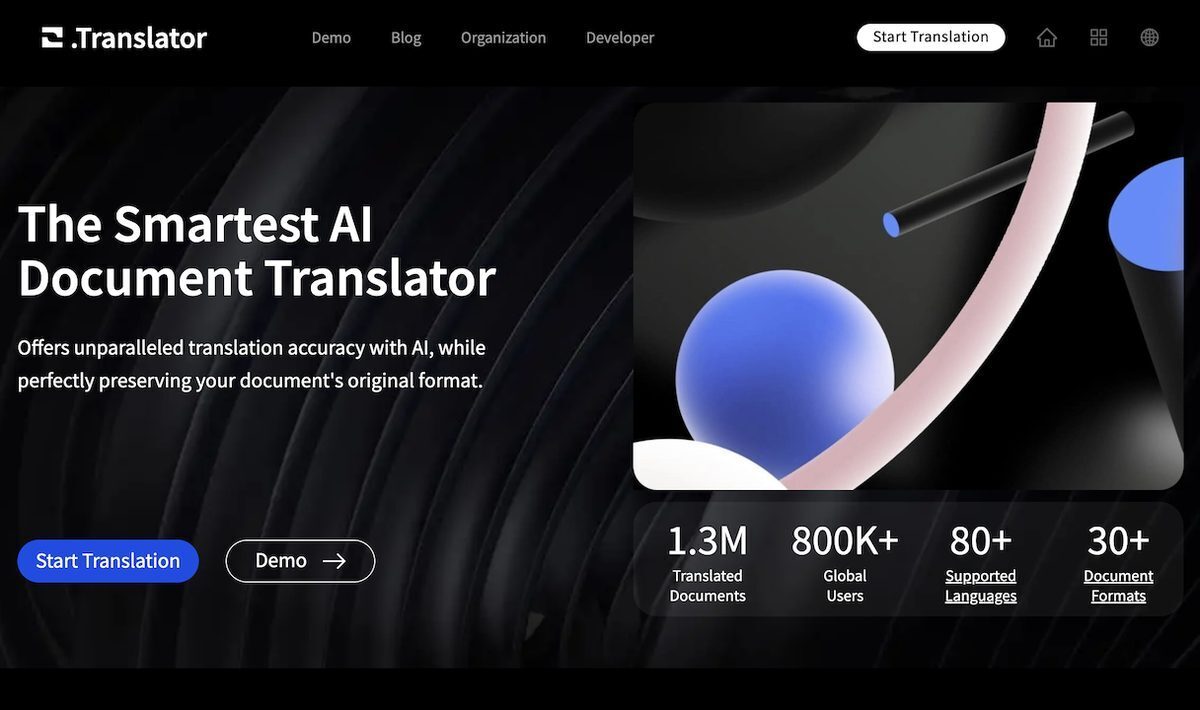
O.Translator is an advanced AI document translator supporting over 80 languages and more than 30 file formats, including PDF, DOCX, XLSX, PPTX, EPUB, images, scanned documents via OCR, code files like JSON and PHP, and even audio formats. It maintains the original layout with WYSIWYG principles, delivers context-aware translations using models like GPT-4, Gemini, and Claude for natural, fluent results, and offers post-editing, glossaries, bilingual previews, and effortless collaboration. Key features include free previews before payment, enterprise-grade encryption, automatic file deletion for privacy, and handling of large files up to 500MB, making it ideal for personal, professional, and organizational use across technical, medical, and academic sectors.
Pros
- Exceptionally accurate translations
- Maintains original document format
- Supports wide range of formats including PDF, DOCX, XLSX, PPTX, EPUB
- Context-aware translations
- Post-editing and glossary function
- Free translation preview
- Collaborative features and user privacy
Cons
- Limited troubleshooting support
- Requires high internet speed
- No offline mode
- Potentially high cost for GPT-4
- Privacy concerns over sharing
- Collaboration feature confuses translation
- File deletion not user-controlled
- Glossary function may confuse
O.Translator can translate a wide range of formats, including PDF, DOCX, XLSX, PPTX, EPUB, AI, INDD, ODT, ODS, ODP, JPEG, PNG, SRT, JSON, HTML, XML, YML, YAML, PHP, TXT, MD, ZIP, PO, XLF, XLIFF, CSV, and TSV.
O.Translator ensures translation accuracy through its advanced AI engine. This AI engine is capable of context-aware translations that preserve the natural flow of language and maintain high-quality output.
The post-editing and glossary function in O.Translator play a crucial role in achieving the perfect translation. It enables precise control of noun translations and makes content editing effortless for users.
Yes, O.Translator provides a free preview feature to guarantee the quality of the translation before payment.
O.Translator is designed with a strong focus on collaboration. It provides features that allow others to be invited to collaborate and manage translations easily.
O.Translator prioritizes user privacy by storing all translations in private and encrypted spaces. It also commits to regularly deleting translation files.
Yes, O.Translator is capable of handling large file sizes. The maximum file size it can support is 300MB.
Yes, O.Translator can translate scanned PDFs. It has an OCR capability which enables it to recognize and translate text in scanned documents.
Yes, O.Translator provides resourceful articles and detailed tutorials on various topics such as PDF translation and glossaries usage among others to guide users in effectively using the software.
O.Translator is proficient in translating with advanced models such as GPT-4. Users can preview the translation effect with GPT-3 and then choose GPT-4 to translate the complete text.
Become a Contributor
Sign in to unlock these features:
- ⭐️ Rate this tool with a 1-5 star score
- ✍️ Write a detailed review for the community
- ❤️ Follow this tool to get important updates
Get started in seconds
[jnews_social_login_form]