CopyCopter
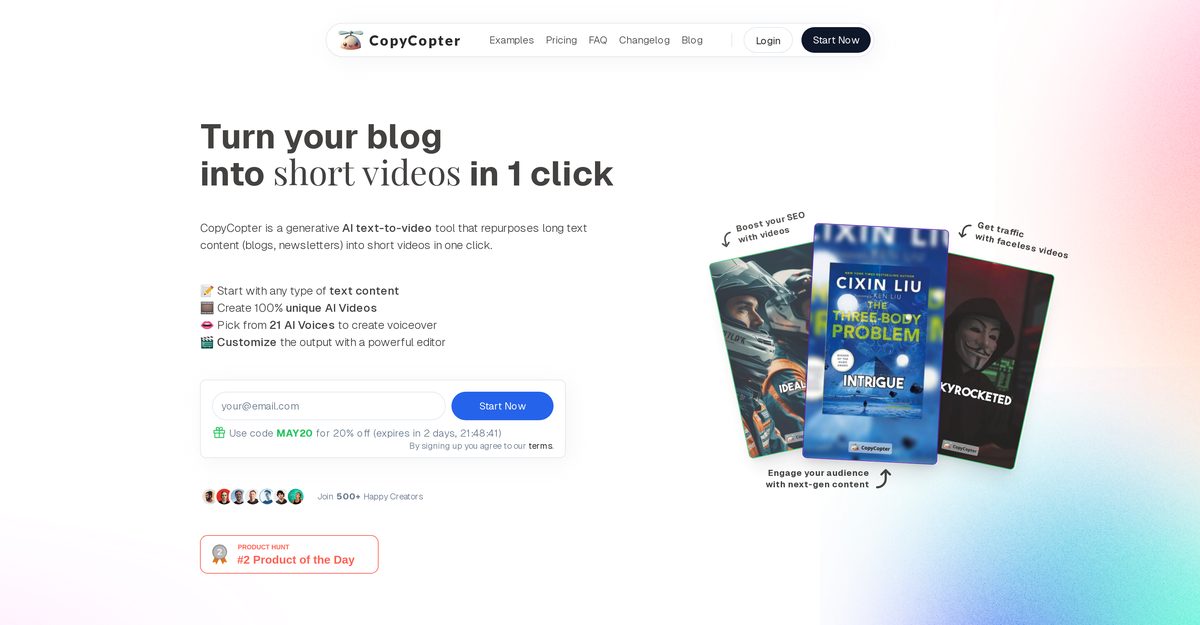
CopyCopter is an AI-powered tool designed to transform longform text content, such as blogs and newsletters, into short videos with a single click. It allows users to engage with various types of text content by creating unique AI videos, selecting from multiple AI voices for voiceovers, and customizing their output using an integrated editor. The platform generates a unique video script based on the provided URL and offers advanced editing tools for fine-tuning the final video. With features like automatic posting to TikTok and YouTube, CopyCopter is well-suited for marketers and content creators looking to convert text to engaging video content.
Pros
- Single click operation for video creation
- Integrated customization editor for personalized videos
- Converts text from publicly accessible URLs
- Generates unique video scripts automatically
- Selection of various AI voices for voiceovers
- Advanced video editing tools for fine-tuning
- Ability to replace images and videos easily
- Automatic posting on platforms like TikTok and YouTube
- Regular updates with new features
- User-friendly interface suitable for beginners
Cons
- Requires a publicly accessible URL for text input
- Limited selection of voice actors for voiceovers
- Image replacements must be done manually
- No direct text input option for content
- Automatic posting is limited to certain platforms
- Updates may disrupt existing workflows
- Limited tools in the editor may restrict advanced editing
- Adaptability of the tool is not fully explained
- Customization process might be complex for some users
CopyCopter is an AI-powered tool that enables users to transform longform text content into short videos. Users provide text content through a publicly accessible URL that could be blogs, articles, news or similar text content. Then, CopyCopter generates a unique video script for the article. Users can personalize their video by selecting from various AI voices for voiceovers, modifying the voice script, choosing the voice actor, and deciding between Stock Footage and AI-Generated Images.
CopyCopter converts longform text into short videos by taking a URL of a text which could be an article, blog or news piece, and transforming it into a video script. It then leverages AI technology to match the script with an appropriate voiceover from a selection of unique AI voices, and pairs the audio with visuals, chosen from Stock Footage or AI-Generated Images.
The given information does not specify if there's a limit to the length of articles that CopyCopter can handle. However, it is designed for 'longform' content such as blogs and newsletters, suggesting it can handle substantial lengths.
CopyCopter accommodates any type of text content that can be provided through a publicly accessible URL, including blogs, articles, and news.
CopyCopter provides an array of AI voices for users to choose from for the voiceovers in their videos, although the exact selection process isn't specified.
To customize videos in CopyCopter, users have access to an integrated and user-friendly editor that allows for modifying the voice script, picking the voice actor, and choosing between Stock Footage and AI-Generated Images.
Stock Footage refers to pre-recorded video clips that can be reused, while AI-Generated Images are visuals created by AI, providing unique content for each video.
Yes, CopyCopter's advanced editor allows users to replace existing images and videos with different footage.
CopyCopter has an advanced feature that allows for automatic posting on platforms like TikTok and YouTube, although the specific functionality details are not provided.
Yes, users can upload and use their own images and videos in the final video output within the editor.
Become a Contributor
Sign in to unlock these features:
- ⭐️ Rate this tool with a 1-5 star score
- ✍️ Write a detailed review for the community
- ❤️ Follow this tool to get important updates
Get started in seconds
[jnews_social_login_form]