Claptools Free Youtube Transcriptor
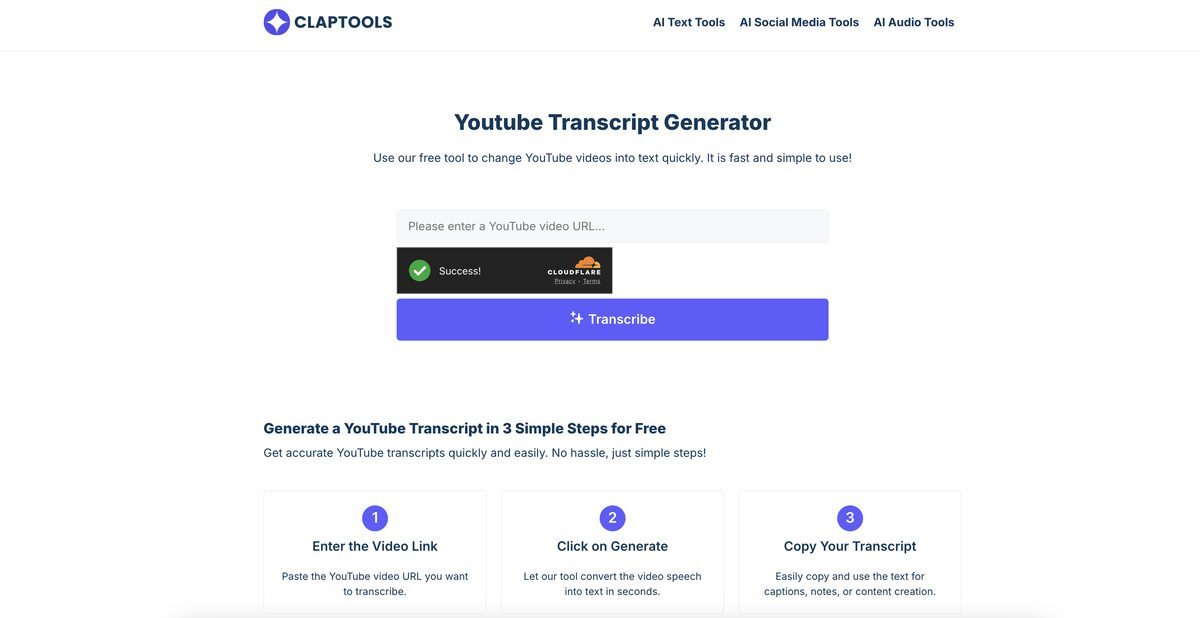
Claptools Free Youtube Transcriptor is a tool designed to convert spoken words from a YouTube video into a readable text format. It extracts audio content from the video and transforms it into a clear transcript, benefiting users who prefer reading over watching. This tool is particularly useful for students taking notes, professionals conducting research, and individuals with hearing impairments. With a straightforward process of inputting the video URL, users can quickly generate transcripts that can be copied for personal use or study. It also includes an embedded video player that allows users to read the transcript while watching the video simultaneously, enhancing comprehension.
Pros
- Free service with no sign-up required
- High accuracy in transcription
- Supports subtitle extraction for higher accuracy
- Fast transcription speed
- User-friendly interface with simple URL input
- On-screen results that can be copied
- Embedded video player for simultaneous reading and watching
- Versatile for students, professionals, and content creators
- Promotes accessibility for individuals with hearing impairments
- Time-saving tool for efficient note-taking and content analysis
Cons
- No mobile application available
- No offline access to transcripts
- Only supports transcription of YouTube videos
- No data export options for the generated transcripts
- No batch processing capabilities
- Lacks speech-to-text customization features
- No multi-language support for transcription
- Limited to video transcription only
- No advanced editing features available
- Restrictions on video size or duration for processing
Claptools Free Youtube Transcriptor is a tool designed to convert spoken words from a YouTube video into readable text format.
To extract transcripts, enter the YouTube video URL and click 'Generate' to convert the speech into text.
The tool aims for high accuracy by analyzing the audio and can also extract subtitles for improved accuracy.
Yes, it can extract video subtitles to aid in creating accurate transcriptions.
The transcript can be read on-page, copied for personal use, study notes, or content creation.
Students, teachers, journalists, and business professionals can all benefit from its features.
Yes, it allows individuals with hearing impairments to access and understand video content.
Paste the YouTube video URL into the tool and click 'Generate' to receive your transcript.
Yes, it can aid in research by transcribing videos and extracting key information.
It allows users to watch the video while reading the transcript, facilitating better understanding.
Become a Contributor
Sign in to unlock these features:
- ⭐️ Rate this tool with a 1-5 star score
- ✍️ Write a detailed review for the community
- ❤️ Follow this tool to get important updates
Get started in seconds
[jnews_social_login_form]