Goless
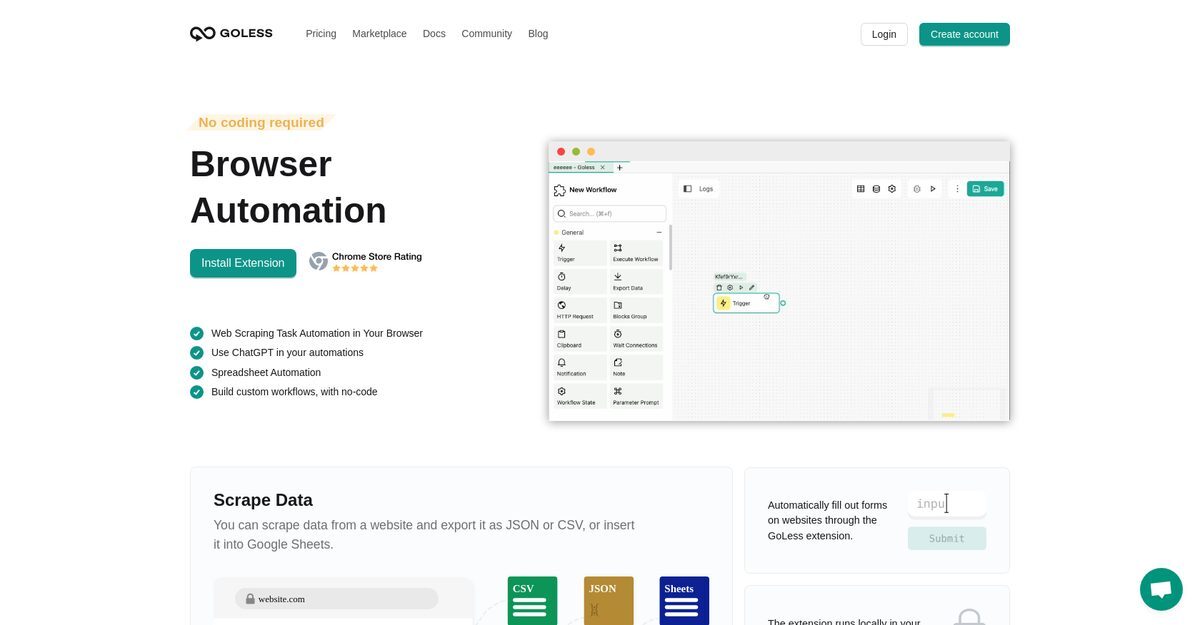
Goless is a web automation tool designed to simplify daily tasks by automating various browser actions. Targeted at users without coding skills, it allows for the creation of automated workflows through a Chrome extension, enhancing productivity and efficiency. Key capabilities include web scraping, automated form filling, CAPTCHA resolution, and integration with ChatGPT for generating responses. With features like visual data extraction and the ability to share workflows, Goless is ideal for collaborative environments and streamlining repetitive tasks.
Pros
- User-friendly interface allows for automation without coding skills.
- Effective web scraping feature simplifies data extraction.
- Integration with ChatGPT enhances automation of responses.
- Supports exporting data in JSON, CSV, or Google Sheets formats.
- Automated form filling saves time on data entry tasks.
- Triggers can be set for automation based on time or events.
- Visual data extraction editor eliminates the need for programming.
- Offers a marketplace for ready-made workflows from the community.
- Local operation in the browser ensures data security.
- Facilitates collaborative use with workflow sharing capabilities.
Cons
- Lacks detailed tutorials for beginners.
- Limited advanced options for data filtering during scraping.
- Requires Chrome as a browser for the extension.
- May not support all websites for web scraping tasks.
- Performance may vary based on browser and system configuration.
- Some users may find the interface overwhelming initially.
- Integration with other tools may not be as extensive.
- Free tier has limitations on premium block credits.
- Service may not cater well to highly technical users.
- Community-contributed workflows may vary in quality.
Create a workflow using the Chrome extension and use the drag-and-drop interface to design it.
You can automate tasks like data scraping, form filling, website testing, and social media interactions.
No, Goless is designed for users without coding knowledge.
Yes, Goless allows you to share automation workflows with team members.
You can export data in JSON, CSV formats, or directly insert into Google Sheets.
Yes, there is a freemium model with a free plan offering 5,000 premium block credits monthly.
Golos operates as a Chrome extension.
Yes, Goless includes features for recognizing and resolving CAPTCHAs.
While Goless lacks detailed tutorials, the community marketplace offers pre-built workflows to help you begin.
You can use the built-in editor and customize pre-built workflows from the marketplace.
Become a Contributor
Sign in to unlock these features:
- ⭐️ Rate this tool with a 1-5 star score
- ✍️ Write a detailed review for the community
- ❤️ Follow this tool to get important updates
Get started in seconds
[jnews_social_login_form]