Sketch2App
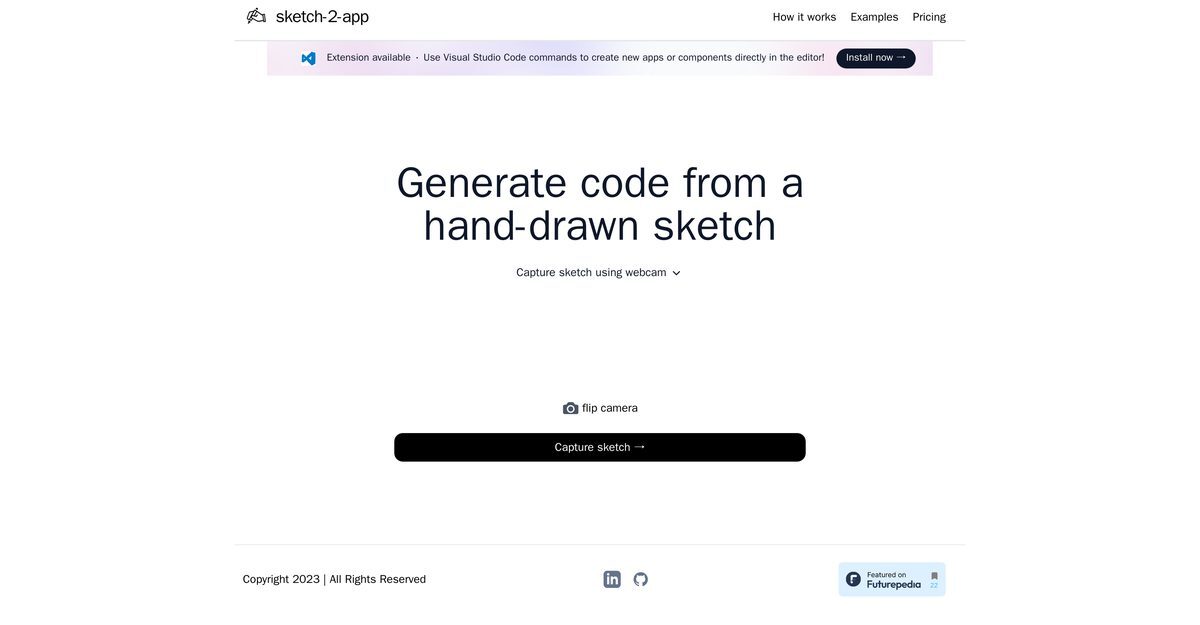
Sketch2App is a tool designed to generate boilerplate UI code from user-created sketches. It automates a significant part of mobile application development, enhancing productivity by transforming hand-drawn sketches into functional code. Users can capture their sketches using a webcam or camera device, and the tool integrates seamlessly with Visual Studio Code, allowing for a smooth workflow. Sketch2App not only helps in creating new apps but also supports generating code for individual components, making it ideal for quick prototyping and UI development.
Pros
- Generates boilerplate UI code
- Sketch to code conversion
- Works within Visual Studio Code
- Seamless integration with code editor
- Creates new apps/components directly
- Available as Visual Studio extension
- Beneficial for quick prototyping
- Transforms hand-drawn sketches
- Uses webcam/camera for input
- Improves productivity in design
Cons
- Only for Visual Studio Code
- Requires manual sketch capture
- No software integration variety
- Dependency on camera quality
- Limited to mobile applications
- Not applicable for complex apps
- Doesn't support multiple coding languages
- No direct sketch importing
- No physical sketch recognition
- Prototyping capability restrictions
Sketch2App is an innovative tool designed to generate boilerplate UI code from user-created sketches. It significantly automates mobile application development, contributing to speed and productivity.
Sketch2App operates by transforming user-created sketches into functional, ready-to-use code. Users can capture their sketch using a webcam or other camera device.
The main function of Sketch2App is to transform a hand-drawn sketch into functional code for UI development.
A sketch can be captured using Sketch2App via a webcam or other camera devices.
No, Sketch2App can process sketches captured by other camera devices too.
Sketch2App interfaces with Visual Studio Code by syncing with it as a primary coding platform.
Yes, Visual Studio Code would need to be installed to use Sketch2App effectively.
Yes, Sketch2App can be used directly in the Visual Studio Code editor.
Yes, Sketch2App has an extension available on Visual Studio Code's marketplace.
Yes, Sketch2App can generate code for both full apps and individual components.
Become a Contributor
Sign in to unlock these features:
- ⭐️ Rate this tool with a 1-5 star score
- ✍️ Write a detailed review for the community
- ❤️ Follow this tool to get important updates
Get started in seconds
[jnews_social_login_form]