Vrew
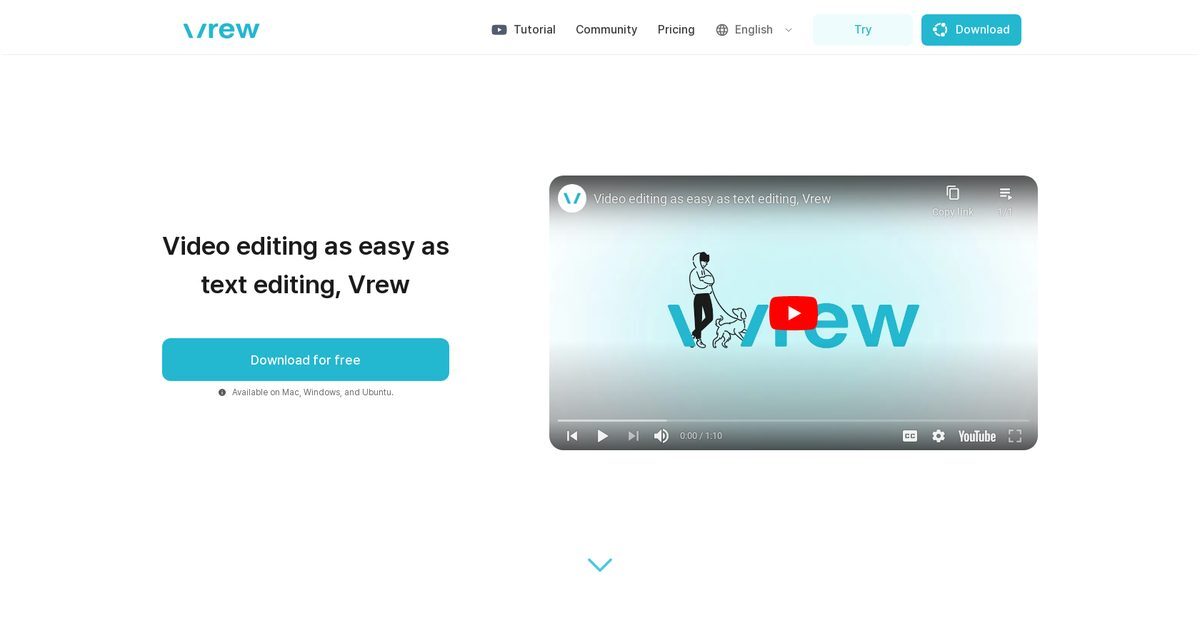
Vrew is an AI-powered video editing tool designed to simplify the creation of professional-quality videos. It enables users to edit videos through a text-based interface, automatically generating subtitles and offering quick cuts. Ideal for content creators, educators, and businesses, Vrew provides access to a wide range of free stock resources and over 200 AI voices. The tool's document-like interface makes it accessible for users of all skill levels, allowing for efficient video editing through transcript-based features.
Pros
- Transcript-based video editing for intuitive workflow
- Automatic subtitle generation using advanced speech recognition
- Access to over 100K free stock images
- Thousands of free stock videos available
- 200 free background music tracks provided
- 1000 free sound effects included
- 100 free fonts and design text templates available
- Supports Mac, Windows, and Ubuntu operating systems
- Lightweight and user-friendly interface
- Versatile for various video formats and content types
Cons
- Lacks advanced editing features found in professional software
- Dependent on the accuracy of transcripts for editing
- Limited language support compared to some competitors
- No mobile app version available
- Fewer video export options compared to industry standards
- No real-time collaboration features
- Requires JavaScript to be enabled for full functionality
- Limited offline capabilities
- AI voiceovers may sound artificial in long scripts
- Customization options for animations and visuals are limited
Vrew is an AI-powered video editing software that simplifies the creation of professional-grade videos.
Vrew uses advanced speech recognition technology to automatically generate subtitles that align with the video's audio.
Key features include automatic subtitle generation, transcript-based editing, and access to a comprehensive library of free stock resources.
Vrew is available for Mac, Windows, and Ubuntu operating systems.
Vrew is suitable for creating YouTube videos, corporate promotions, educational content, and transforming livestream recordings into videos.
The document-like interface allows users to edit videos as if they were editing text documents, making it accessible for beginners.
This feature allows users to edit video content using a textual transcript, saving time by eliminating the need to search through video footage.
Vrew offers 100K stock images, thousands of stock videos, and various music tracks, sound effects, and fonts.
Yes, Vrew allows users to create videos using over 200 high-quality AI voices.
The Silence Trimmer feature automatically removes silent sections from your video with one click.
Become a Contributor
Sign in to unlock these features:
- ⭐️ Rate this tool with a 1-5 star score
- ✍️ Write a detailed review for the community
- ❤️ Follow this tool to get important updates
Get started in seconds
[jnews_social_login_form]