Dataconomy
  • News
    • Artificial Intelligence
    • Cybersecurity
    • DeFi & Blockchain
    • Finance
    • Gaming
    • Startups
    • Tech
  • Industry
  • Research
  • Resources
    • Articles
    • Guides
    • Case Studies
    • Whitepapers
    • AI Models Leaderboard
  • AI toolsNEW
  • Newsletter
  • + More
    • Glossary
    • Conversations
    • Events
    • About
      • Who we are
      • Contact
      • Imprint
      • Legal & Privacy
      • Partner With Us
Subscribe
No Result
View All Result
  • AI
  • Tech
  • Cybersecurity
  • Finance
  • DeFi & Blockchain
  • Startups
  • Gaming
Dataconomy
  • News
    • Artificial Intelligence
    • Cybersecurity
    • DeFi & Blockchain
    • Finance
    • Gaming
    • Startups
    • Tech
  • Industry
  • Research
  • Resources
    • Articles
    • Guides
    • Case Studies
    • Whitepapers
    • AI Models Leaderboard
  • AI toolsNEW
  • Newsletter
  • + More
    • Glossary
    • Conversations
    • Events
    • About
      • Who we are
      • Contact
      • Imprint
      • Legal & Privacy
      • Partner With Us
Subscribe
No Result
View All Result
Dataconomy
No Result
View All Result

How to turn off Meta AI on every platform?

Meta integrated AI into its platforms, raising questions about how to turn off these features

byEmre Çıtak
May 23, 2024
in Artificial Intelligence
Home News Artificial Intelligence
Share on FacebookShare on TwitterShare on LinkedInShare on WhatsAppShare on e-mail
Google Preferred Source

How to turn off Meta AI is a question many users are asking as Meta (formerly Facebook) integrates artificial intelligence into its platforms. Whether you have concerns about privacy, prefer a more traditional user experience, or simply want to control your digital environment, understanding how to manage these AI features is key. This guide provides detailed instructions for each Meta platform, making it easy to adjust your settings to your liking.

While AI integration on Meta platforms offers potential benefits like personalized content recommendations and enhanced communication tools, it’s important to remember that not everyone embraces these changes. Some users may find AI-driven features intrusive or overwhelming. If you’re one of these users, rest assured that you have the option to disable or modify Meta AI’s presence in your digital interactions.

How to turn off Meta AI on Facebook

To adjust AI-powered features on Facebook, you can:

Stay Ahead of the Curve!

Don't miss out on the latest insights, trends, and analysis in the world of data, technology, and startups. Subscribe to our newsletter and get exclusive content delivered straight to your inbox.

  • Disabling AI-powered content suggestions:
    • Navigate to “Settings & Privacy,” then “Feed Preferences”.
    • Choose to prioritize posts from friends and family, reduce the visibility of suggested content, or even hide specific types of posts entirely.
  • Turning off AI-powered chat features:
    • Go to “Settings” in Messenger, then “M Suggestions”.
    • Toggle the options for chat suggestions and “M” suggestions off.
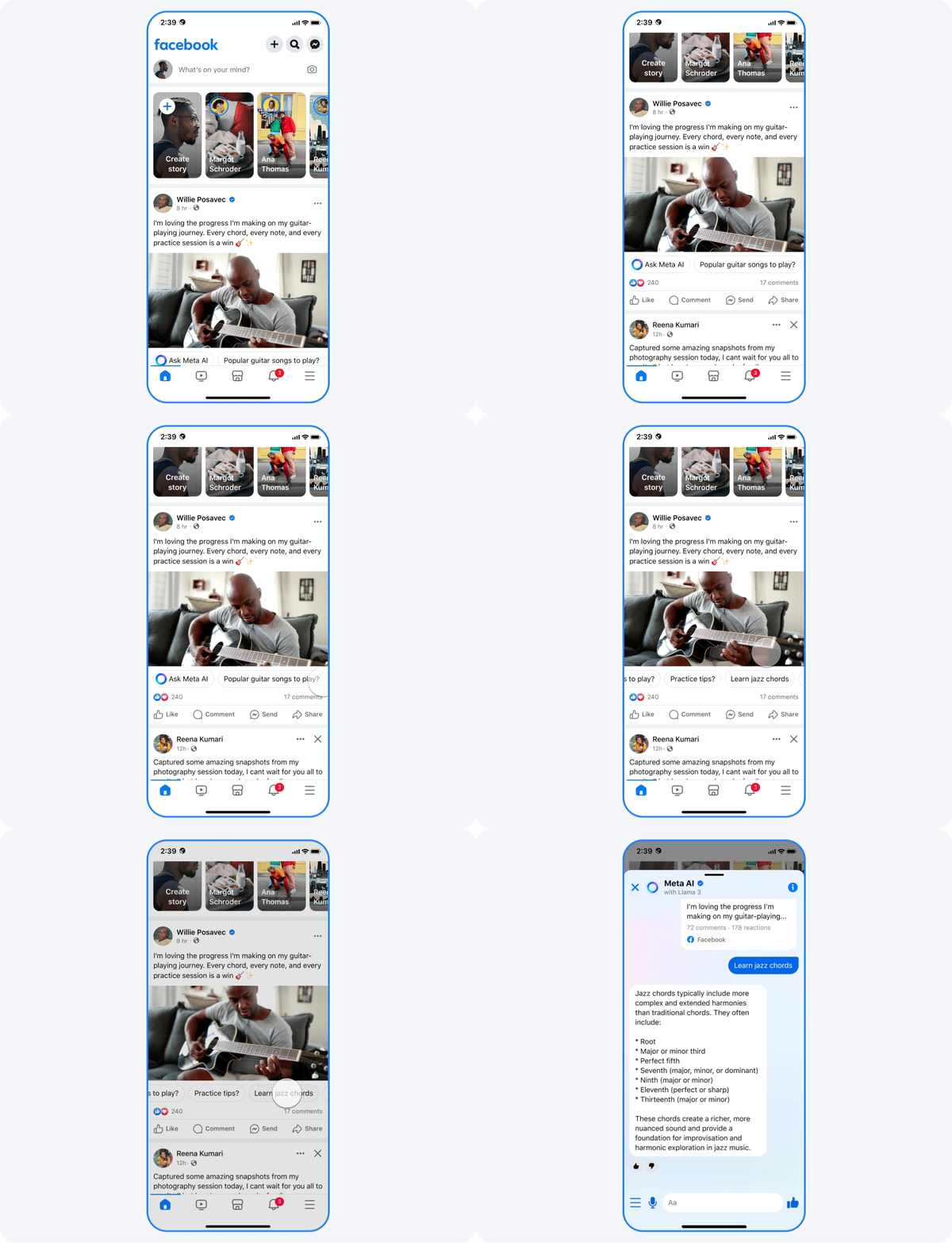
How to turn off Meta AI on Facebook
Meta AI curates your news feed, suggests content, and powers chat features like “M” suggestions on Facebook (Image credit)

How to turn off Meta AI on Instagram

For managing AI on Instagram:

  • Disabling AI-powered recommendations:
    • Indicate your preferences on individual posts by tapping the three dots in the upper right corner and selecting “Not Interested”.
    • This trains the algorithm to show you more relevant content over time.
  • Controlling AI-powered shopping features:
    • Adjust your ad preferences in “Settings” to limit personalized ads.

How to turn off Meta AI on Instagram
Meta AI influences the Explore page of Instagram, suggests products based on browsing history, and powers shopping features (Image credit)

How to turn off Meta AI on WhatsApp

If you use WhatsApp:

  • Disabling AI-powered chat features:
    • Go to “Settings,” then “Chats,” and toggle “Smart Replies” off to disable AI-generated responses.

Remember that Meta AI extends beyond the major platforms. Products like Oculus and Portal also have AI integration, and each offers its own settings to manage these features. Consult the individual platform’s settings or help resources to tailor your experience.
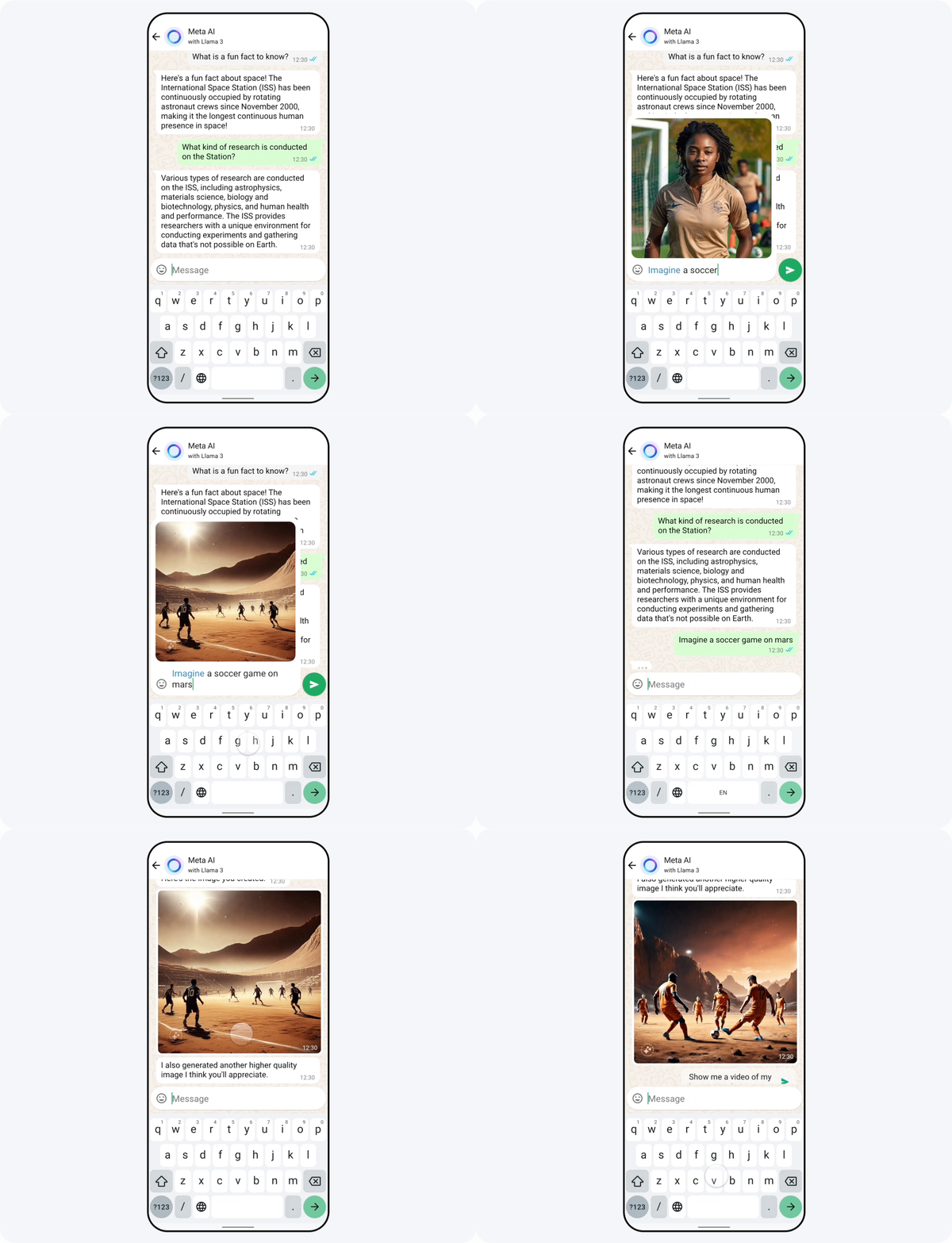
How to turn off Meta AI on WhatsApp
Meta AI offers “Smart Replies,” which are AI-generated responses to messages on WhatsApp (Image credit)

A personal choice

The decision to embrace or turn off Meta AI is ultimately a personal one. There’s no right or wrong answer. It’s about understanding how these technologies work and making informed choices that align with your preferences and priorities. If you decide to disable certain features, rest assured that you still have the option to re-enable them in the future if you change your mind.

Remember, technology should serve you, not the other way around. By taking the time to adjust your settings and understand how to turn off Meta AI, you can ensure that your digital experiences remain under your control.


Featured image credit: Meta

Tags: FacebookInstagrammeta AIWhatsapp

Related Posts

OpenAI limits ChatGPT 5.6 access to government-approved users first

OpenAI limits ChatGPT 5.6 access to government-approved users first

June 26, 2026
Meta debuts AI-powered Creator Studio app to help Facebook creators grow

Meta debuts AI-powered Creator Studio app to help Facebook creators grow

June 25, 2026
Figma adds code layers to collaborative design canvas

Figma adds code layers to collaborative design canvas

June 25, 2026
US reportedly urges Meta to submit AI models

US reportedly urges Meta to submit AI models

June 25, 2026
OpenAI upgrades GPT-5.5 Instant for stronger context awareness

OpenAI upgrades GPT-5.5 Instant for stronger context awareness

June 25, 2026
ByteDance launches Doubao 2.1 Pro language model

ByteDance launches Doubao 2.1 Pro language model

June 24, 2026

LATEST NEWS

Apple touchscreen MacBook could launch with M5 Pro chips

Apple touchscreen MacBook could launch with M5 Pro chips

OpenAI limits ChatGPT 5.6 access to government-approved users first

Apple to skip M6 Pro and Max chips and launch M7 in 2027

IBM unveils world’s first sub-1nm chip with new nanostack architecture

Apple raises prices across Macs, iPads and home devices

BEST AI MODELS LEADERBOARD

See the best AI models, ranked by intelligence, benchmark results, speed and token price. Find the most suitable LLMs, Text-to-Image, Image Editing, Text-to-Speech, Text-to-Video and Image-to-Video  artificial intelligence model for your tasks and business.

LATEST TOOLS

Autoppt

Otter.ai

Slideoo

Disney Pixar AI Generator

Codebay

Newo

BlackInk.AI

WatchMyCompetitor

TokkingHeads

Fellow.app

Dataconomy

COPYRIGHT © DATACONOMY MEDIA GMBH, ALL RIGHTS RESERVED.

  • About
  • Imprint
  • Contact
  • Legal & Privacy

Follow Us

  • News
    • Artificial Intelligence
    • Cybersecurity
    • DeFi & Blockchain
    • Finance
    • Gaming
    • Startups
    • Tech
  • Industry
  • Research
  • Resources
    • Articles
    • Guides
    • Case Studies
    • Whitepapers
    • AI Models Leaderboard
  • AI tools
  • Newsletter
  • + More
    • Glossary
    • Conversations
    • Events
    • About
      • Who we are
      • Contact
      • Imprint
      • Legal & Privacy
      • Partner With Us
No Result
View All Result
Subscribe

This website uses cookies to improve your experience. You can choose to accept or reject them. Visit our Privacy Policy.