Microsoft Bing AI Image Creator is not brand-new, but we are sure many of you haven’t heard about it. In this guide, we will show you all the details about it, including its features, how to use it, and even a couple of free alternatives!
Welcome to the future of artistic expression! In this digital era, Microsoft has unveiled a game-changer for both seasoned artists and those just dipping their toes into the creative waters – the Microsoft Bing AI Image Creator. This ingenious AI art generator, nestled within Bing Chat and Microsoft Edge, is here to turn your vivid descriptions into captivating digital masterpieces.
No artistic skill is required – just your imagination and a desire to see your ideas come to life. Join us as we delve into the best features of this cutting-edge tool and explore the seamless process of bringing your creative visions to fruition.
How does Microsoft Bing AI Image Creator work?
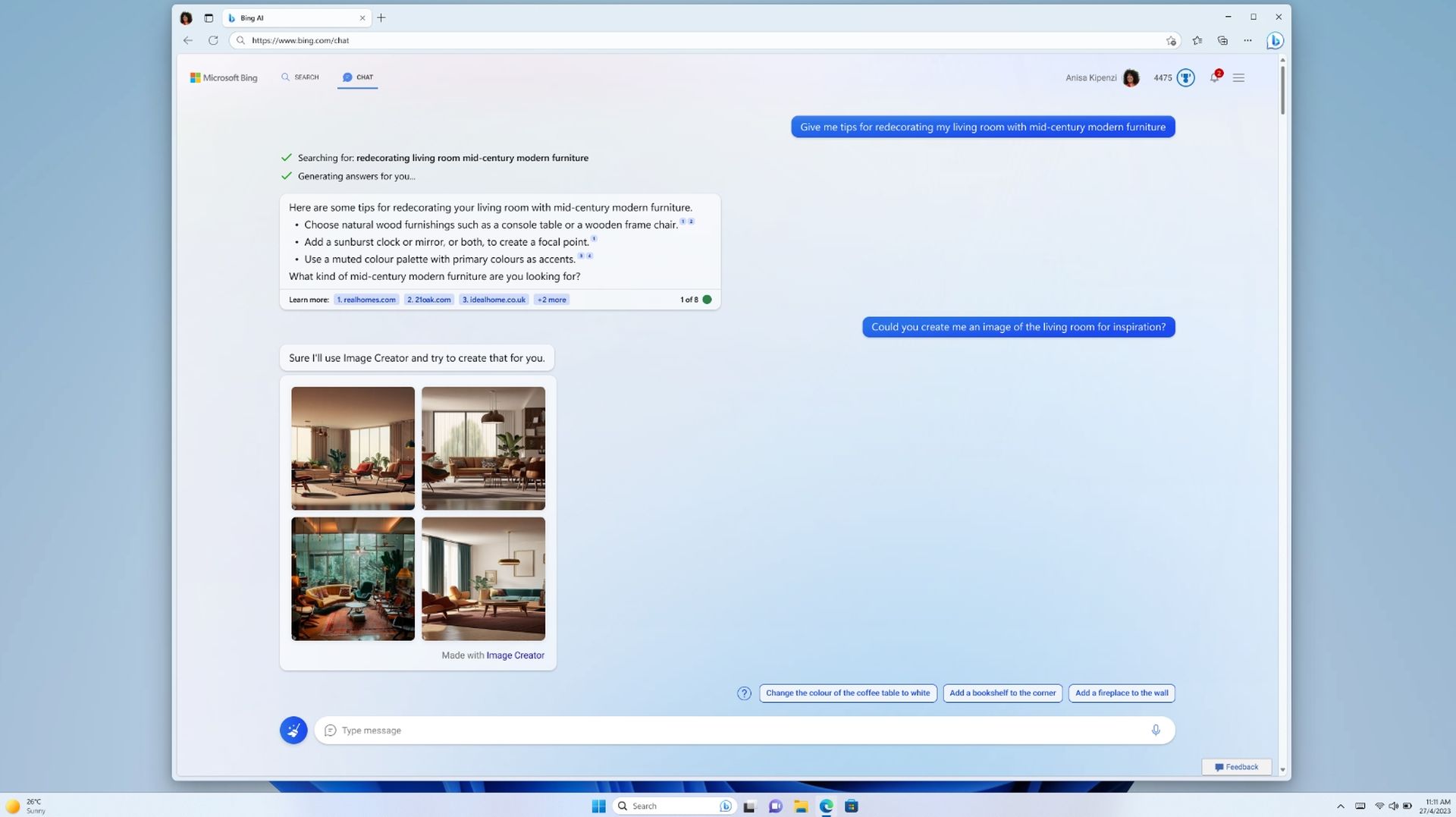
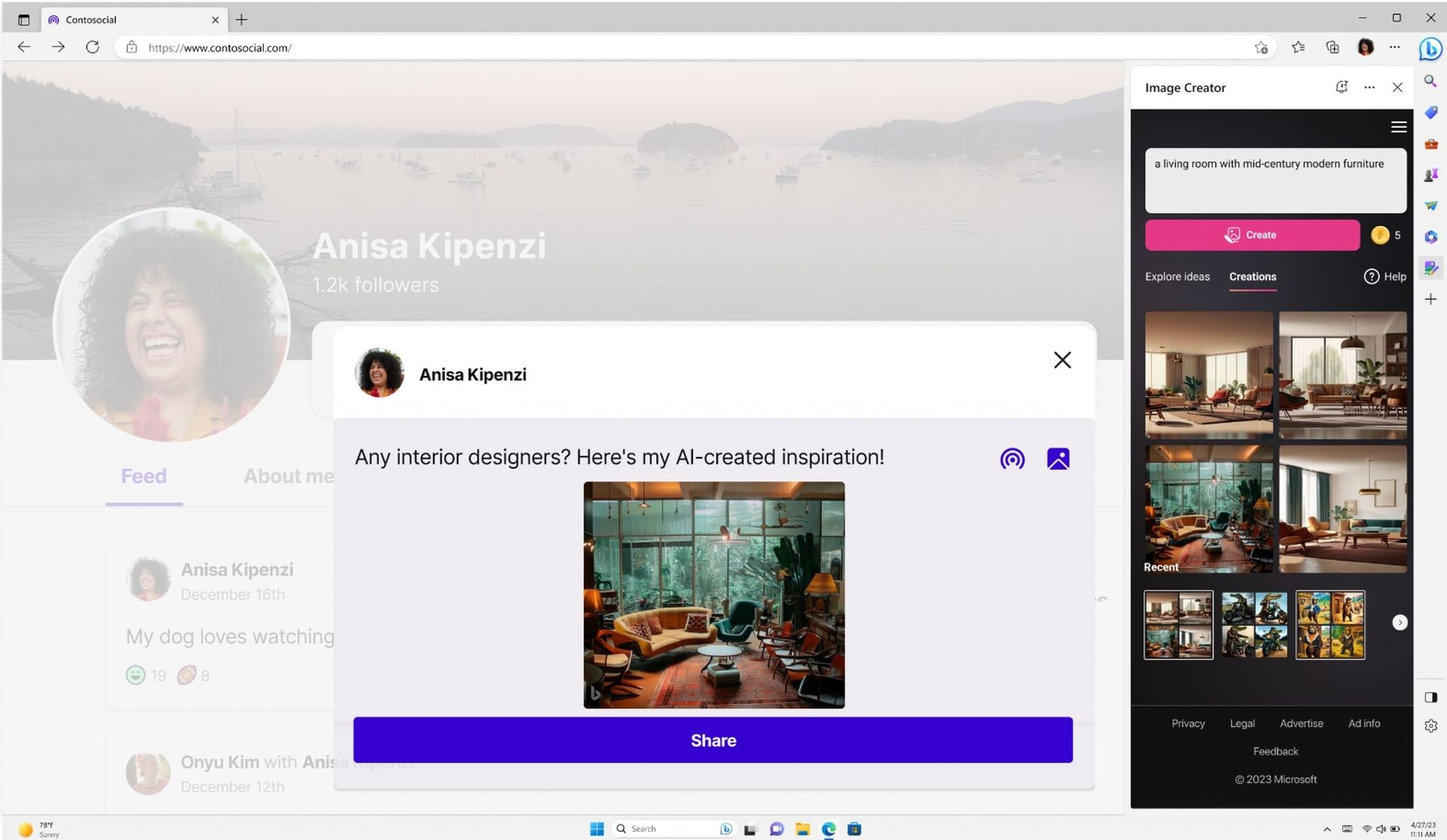
Microsoft Bing AI Image Creator is a cutting-edge AI art generator brought to you by the tech giants at Microsoft. It’s seamlessly integrated into Bing Chat, an AI-powered hub designed to cater to various needs like image creation, answering complex questions, and summarizing vast amounts of information. Not just limited to Bing Chat, you can also find Bing Image Creator as a standalone pane in the Microsoft Edge sidebar.
This innovative tool enables users to transform textual prompts into stunning digital art regardless of their artistic expertise. Want a unique image? Describe it, and Bing Image Creator’s AI capabilities kick in, understanding details like object features, facial expressions, backgrounds, and even different artistic styles. It’s like having a digital artist at your fingertips. From realism to abstract or comic book to character animations, this AI image generator can turn your imagination into reality within seconds.
How to use Microsoft Bing AI Image Creator
Accessing Bing Image Creator is a breeze. No need for complicated sign-ups or OpenAI accounts – head to Bing.com/Create. Follow these simple steps:
- Go to the Bing Image Creator and log in: Navigate to Bing.com/Create, click on “Join & Create,” and log in using your Microsoft account.
- Enter your prompt: Describe the image you have in mind as vividly as possible. The more details, the better.
- View your results: Bing Image Creator will generate four images based on your prompt. Keep in mind that while the results are impressive, there might be occasional errors in intricate details.
- Download your image(s): Once satisfied, choose to download one, all, or none of the generated images. Easy, right?
But wait, there’s more! You can also create images directly from Microsoft Copilot or Bing Chat. Open Microsoft Edge, go to Bing.com, click Chat, and write your prompt. It’s that simple!
Microsoft Bing AI Image Creator alternatives
Here are some of the free Microsoft Bing AI Image Creator alternatives:
While Microsoft Bing AI Image Creator is a fantastic tool, here are some alternatives for those looking to explore more options:
- WOMBO Dream: Crafted by Canadian company WOMBO, WOMBO Dream is an AI-driven NFT creation tool. It excels in morphing words and phrases into artistic masterpieces, offering various artistic styles and futuristic landscapes.
- NightCafe: Known for its extensive features and user-friendly interface, NightCafe stands out in the AI art generator arena. Operating on a credit system, it’s beginner-friendly and offers a substantial free tier.
- StarryAI: This AI-powered art generator is perfect for creating NFTs without manual input. StarryAI utilizes machine learning to interpret and transform images, providing a seamless experience for generating unique NFTs.
In a world where technology constantly pushes boundaries, Microsoft Bing AI Image Creator stands as a testament to the intersection of creativity and artificial intelligence. Whether you’re crafting a dreamlike scene or summoning the whimsical, this tool invites you to unleash your imagination with a few simple prompts. As we wrap up our exploration, take a moment to embark on your own artistic journey with Microsoft Bing AI Image Creator. The canvas is yours, and the possibilities are endless – it’s time to see your creativity unfold in the realm of AI-generated art.
Featured image credit: Microsoft