Dataconomy
  • News
    • Artificial Intelligence
    • Cybersecurity
    • DeFi & Blockchain
    • Finance
    • Gaming
    • Startups
    • Tech
  • Industry
  • Research
  • Resources
    • Articles
    • Guides
    • Case Studies
    • Whitepapers
    • AI Models Leaderboard
  • AI toolsNEW
  • Newsletter
  • + More
    • Glossary
    • Conversations
    • Events
    • About
      • Who we are
      • Contact
      • Imprint
      • Legal & Privacy
      • Partner With Us
Subscribe
No Result
View All Result
  • AI
  • Tech
  • Cybersecurity
  • Finance
  • DeFi & Blockchain
  • Startups
  • Gaming
Dataconomy
  • News
    • Artificial Intelligence
    • Cybersecurity
    • DeFi & Blockchain
    • Finance
    • Gaming
    • Startups
    • Tech
  • Industry
  • Research
  • Resources
    • Articles
    • Guides
    • Case Studies
    • Whitepapers
    • AI Models Leaderboard
  • AI toolsNEW
  • Newsletter
  • + More
    • Glossary
    • Conversations
    • Events
    • About
      • Who we are
      • Contact
      • Imprint
      • Legal & Privacy
      • Partner With Us
Subscribe
No Result
View All Result
Dataconomy
No Result
View All Result

What is Midjourney Vary Region editor and how to use it

If you have any questions about Midjourney's Vary Region editor, we are here to answer all of them

byOnur Demirkol
August 22, 2023
in Artificial Intelligence
Home News Artificial Intelligence
Share on FacebookShare on TwitterShare on LinkedInShare on WhatsAppShare on e-mail
Google Preferred Source

Midjourney is surely one of the most successful and popular generative AI tools in the world right now, and the team behind it is adding more features each day. With the latest announcement, the company announced the Midjourney Vary Region editor, and today, we will show you what it is and how to use it!

Midjourney has once again taken a leap forward by introducing its latest innovation: the Vary Region editor. Building upon the success of its existing Vary (Strong) and Vary (Subtle) features, this new tool empowers users to hone in on specific areas of an image, offering unprecedented control over inpainting outcomes.
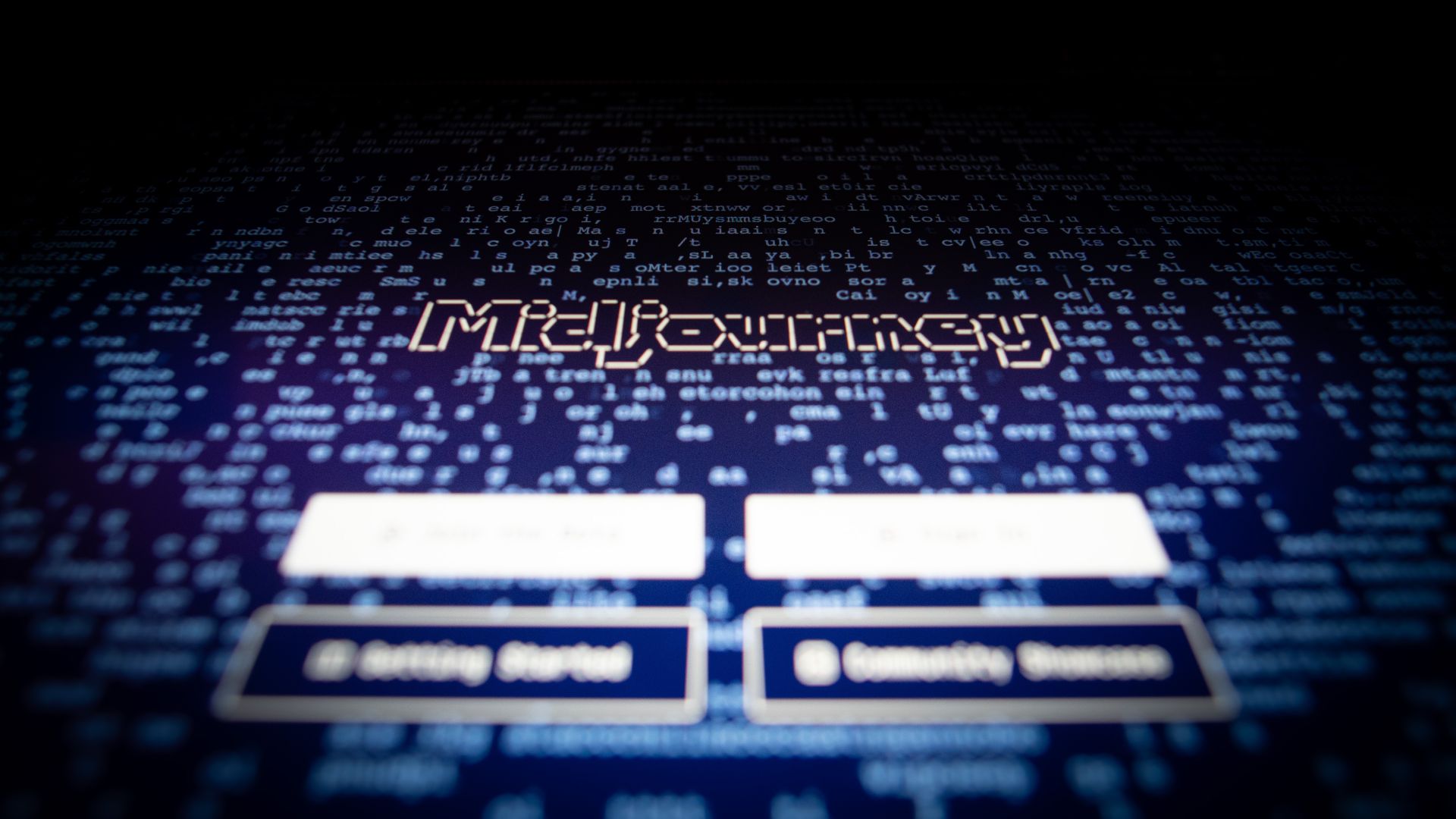
Midjourney Vary Region
Midjourney Vary Region editor is available to all users (Image Credit)

What is Midjourney Vary Region editor?

Picture this: you’ve upscaled an image and are ready to embark on an artistic journey. Enter the Vary (Region) button, the gateway to a world of precision editing possibilities. This remarkable feature provides a dynamic editing interface that allows users to choose which parts of an image they want to paint.

Stay Ahead of the Curve!

Don't miss out on the latest insights, trends, and analysis in the world of data, technology, and startups. Subscribe to our newsletter and get exclusive content delivered straight to your inbox.


How to use Midjourney on Discord to create unique images


To wield the Vary Region editor effectively, embracing the /remix mode is recommended, a versatile feature that optimizes inpainting results. Activating it is as simple as typing /remix; to deactivate, a quick retyping of the same command suffices.

Midjourney Vary Region
Midjourney is one of the most popular generative AI tools (Image Credit)

How does Midjourney Vary Region editor work?

Once you’ve activated the Vary (Region) option, a canvas of creativity unfolds before you. The editor allows you to meticulously select regions for inpainting, utilizing both the Rectangle and Lasso tools. For broad strokes of editing, kickstart your journey with the Rectangle tool; then, refine and finesse edges with the Lasso tool.

Keep in mind, while there’s no “subtract” function, an Undo button stands ready to come to your rescue, granting you the freedom to undo selections.


Where to look for the best Midjourney images?


Diving deeper into the functionality, the Vary Region editor thrives on larger image areas, typically ranging from 20% to 50% of the image. This range is an estimation; even regions smaller than 20% can still yield impressive results, as showcased by the featured image where only earrings were enhanced.
Midjourney Vary Region
You need to activate the new feature to start using (Image Credit)

Tips for Optimal Midjourney Vary Region Usage

As you embrace the Vary Region editor, consider these insights to wield its creative power to the fullest:

  1. Strategic Prompts: Align prompt changes with the image’s context for best results. Think of adding a hat to a character rather than an entirely out-of-place element.
  2. Experiment and Adapt: Feel free to reroll and explore different options if your initial inpainting doesn’t match your vision. It’s all part of the creative process.
  3. Balancing Act: While the Vary (Region) editor is versatile, it can sometimes exhibit a mind of its own. Patience and experimentation can help you achieve the desired outcome.

From stuck to stunning: Fixing the “Waiting to start” issue in Midjourney


How to use Midjourney Vary Region editor

  1. Generate and Upscale: Begin by crafting an image with the /imagine command, then upscale it using the U buttons.
  2. Access Vary Region: Click on the 🖌️ Vary (Region) button to open the editing interface.
  3. Select with Precision: Utilize the freehand or rectangular selection tools to choose areas for regeneration. Larger selections amplify creativity, while smaller ones yield subtle changes.
  4. Submit and Await: Hit the Submit → button to send your request to the Midjourney Bot. Your job will be processed, and you can momentarily return to Discord.
  5. Experience the Magic: The Midjourney Bot will process your request and present a new image grid with variations within your selected area.
  6. Unleash Remix Mode: Enhance your experience by combining Remix mode with the Vary Region editor. Update prompts while regenerating specific parts of your image for an enhanced outcome.

With Midjourney’s Vary Region editor, the boundaries of image enhancement are being redefined. While it’s an exciting addition to the AI artist’s toolkit, understanding its nuances is essential for harnessing its full potential. So, dive in, experiment, and let your creative vision come to life in ways you never thought possible.

Featured image credit: Swello/Unsplash
Tags: Midjourney

Related Posts

OpenAI limits ChatGPT 5.6 access to government-approved users first

OpenAI limits ChatGPT 5.6 access to government-approved users first

June 26, 2026
Meta debuts AI-powered Creator Studio app to help Facebook creators grow

Meta debuts AI-powered Creator Studio app to help Facebook creators grow

June 25, 2026
Figma adds code layers to collaborative design canvas

Figma adds code layers to collaborative design canvas

June 25, 2026
US reportedly urges Meta to submit AI models

US reportedly urges Meta to submit AI models

June 25, 2026
OpenAI upgrades GPT-5.5 Instant for stronger context awareness

OpenAI upgrades GPT-5.5 Instant for stronger context awareness

June 25, 2026
ByteDance launches Doubao 2.1 Pro language model

ByteDance launches Doubao 2.1 Pro language model

June 24, 2026

LATEST NEWS

Apple touchscreen MacBook could launch with M5 Pro chips

Apple touchscreen MacBook could launch with M5 Pro chips

OpenAI limits ChatGPT 5.6 access to government-approved users first

Apple to skip M6 Pro and Max chips and launch M7 in 2027

IBM unveils world’s first sub-1nm chip with new nanostack architecture

Apple raises prices across Macs, iPads and home devices

BEST AI MODELS LEADERBOARD

See the best AI models, ranked by intelligence, benchmark results, speed and token price. Find the most suitable LLMs, Text-to-Image, Image Editing, Text-to-Speech, Text-to-Video and Image-to-Video  artificial intelligence model for your tasks and business.

LATEST TOOLS

Autoppt

Otter.ai

Slideoo

Disney Pixar AI Generator

Codebay

Newo

BlackInk.AI

WatchMyCompetitor

TokkingHeads

Fellow.app

Dataconomy

COPYRIGHT © DATACONOMY MEDIA GMBH, ALL RIGHTS RESERVED.

  • About
  • Imprint
  • Contact
  • Legal & Privacy

Follow Us

  • News
    • Artificial Intelligence
    • Cybersecurity
    • DeFi & Blockchain
    • Finance
    • Gaming
    • Startups
    • Tech
  • Industry
  • Research
  • Resources
    • Articles
    • Guides
    • Case Studies
    • Whitepapers
    • AI Models Leaderboard
  • AI tools
  • Newsletter
  • + More
    • Glossary
    • Conversations
    • Events
    • About
      • Who we are
      • Contact
      • Imprint
      • Legal & Privacy
      • Partner With Us
No Result
View All Result
Subscribe

This website uses cookies to improve your experience. You can choose to accept or reject them. Visit our Privacy Policy.