Pixian.AI
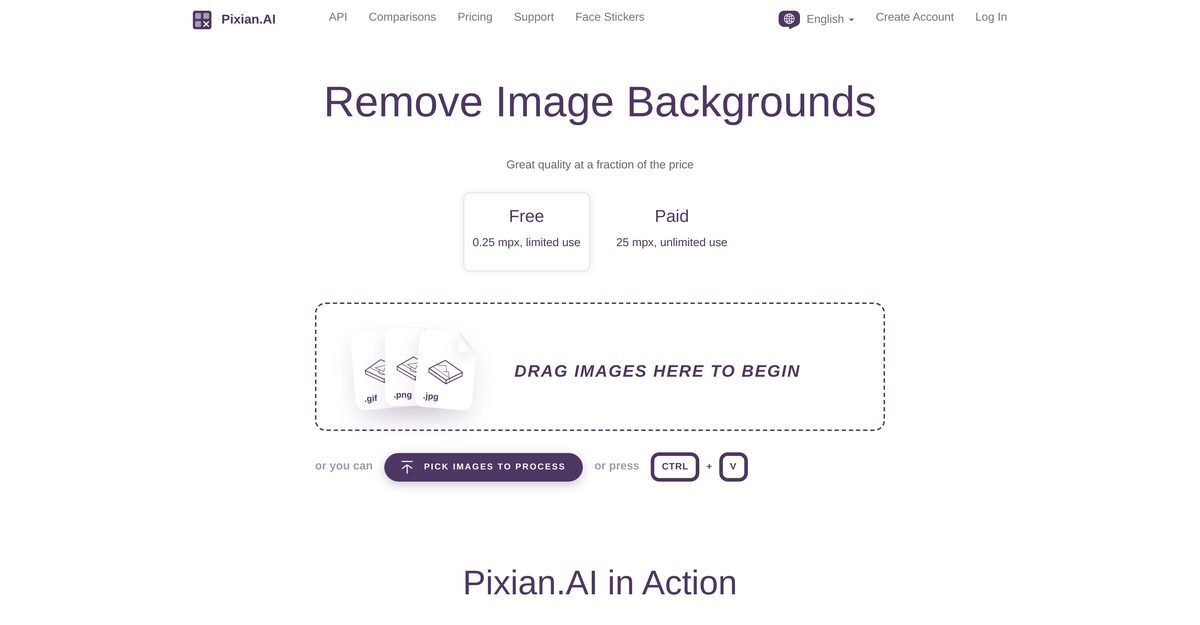
Pixian.AI is an AI-powered online service specializing in high-quality image background removal, leveraging powerful server GPUs and multi-core CPUs for efficient processing of photos, artworks, logos, and scans up to 25 megapixels in paid tiers. It offers a free tier for limited use (up to 0.25-8 MP), no signup required, customizable outputs including JPEG/PNG formats, crop margins, result sizes, and background options like transparent, white, or black. The tool supports multilingual interfaces, API access for business integration, and compatibility with services like Vectorizer.AI, Recompressor.com, and ClippingMagic.com, while excelling in preserving fine details such as hair and fur. Users benefit from result previews, HD downloads, and performance benchmarks outperforming competitors in specific categories like objective backgrounds and artwork.
Pros
- Free to use for basic needs
- No sign up required
- Supports up to 8 megapixels free and 25 megapixels paid
- HD resolution downloads
- API access for business workflows
- Multilingual support in 14+ languages
- Customizable output settings like JPEG quality and crop margin
Cons
- Limited to 8 megapixels in free tier
- API subject to rate limits and authentication
- Limited file format customization
- Errors possible with persistent network problems
- Data retained for 24 hours
- Limited crop margin customization options
- Specific vertical alignment options only
Pixian.AI removes image backgrounds by leveraging powerful server GPUs and multi-core CPUs for detailed image analysis and background elimination.
Pixian.AI can process images up to 25 megapixels for both free and paid options.
Pixian.AI supports English, German, Spanish, French, Hindi, Indonesian, Italian, Japanese, Korean, Polish, Portuguese, Russian, Thai, Turkish, and Vietnamese.
Users can customize file format (JPEG/PNG), JPEG quality, crop margin, result size, vertical alignment, filename suffix, and use presets for e-commerce.
Yes, Pixian.AI provides API access for businesses to integrate background removal into their workflows, with authentication and rate limits.
Yes, it excels in background removal for logos, artworks, and scans, outperforming competitors in these areas.
Pixian.AI is optimized to detect and preserve fine details like hair and fur, trained on diverse images.
It integrates with Vectorizer.AI, Recompressor.com, ClippingMagic.com, and allows result inspection on PixSpy.com.
Options include transparent, white, or black backgrounds, with PNG and JPEG support.
Free tier for limited use, paid pay-as-you-go from $0.05/image supporting up to 25 megapixels.
Become a Contributor
Sign in to unlock these features:
- ⭐️ Rate this tool with a 1-5 star score
- ✍️ Write a detailed review for the community
- ❤️ Follow this tool to get important updates
Get started in seconds
[jnews_social_login_form]