Clipping Magic
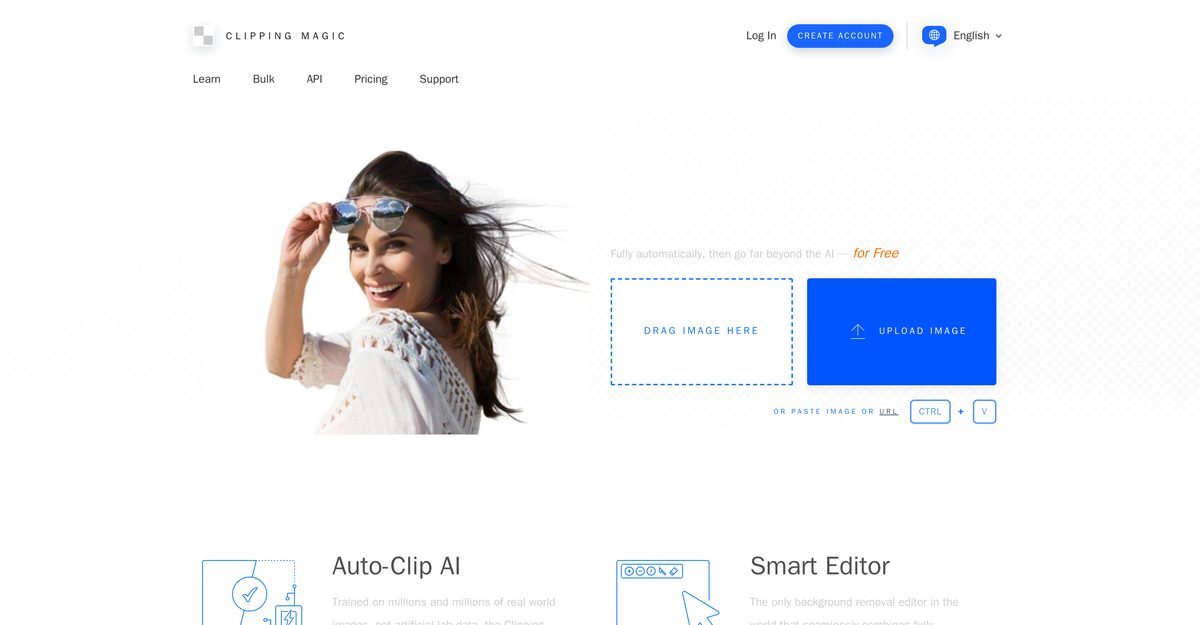
Clipping Magic is an AI-powered tool specifically designed to remove backgrounds from images with precision. It automates background removal while offering manual editing capabilities through its Smart Clip Editor, making it suitable for a variety of users, particularly eCommerce businesses. Key features include color correction, cropping, and the ability to add shadows and reflections, ensuring uniform, professional-quality results. The tool can handle bulk background removal for large catalogs, enhancing the presentation of product photos.
Pros
- Precision background removal
- Features Smart Clip Editor for manual refinements
- Offers Scalpel Tool for precise clipping in low-contrast areas
- Efficient handling of hair detail in images
- Trained on a large volume of real-world images
- Handles a wide range of image categories
- Supports bulk background removal for large catalogs
- Ensures uniform, professional shots with default settings
- Consistent color correction and cropping
- Available in multiple languages
Cons
- No offline usage available
- Limited to images up to 25 megapixels
- Only supports JPEG, PNG, BMP, and GIF formats
- CMYK colors can lead to incorrect editing colors
- Maximum file size is 80 megabytes
- No undo/redo functionality
- Limited color space support (only sRGB)
- Does not support older browsers
- No mobile platform support
- Not all possible image formats are supported
Clipping Magic is a tool powered by artificial intelligence, specifically designed to remove background from images with precision.
Clipping Magic uses AI for automatic background removal through its Auto-Clip AI, which has been trained with a large volume of real-world images.
The Smart Clip Editor allows users to manually refine results of the automatic background removal process, combining automatic AI with manual tools.
Clipping Magic uses the Scalpel Tool to make precise cuts in low-contrast areas of images for accurate clipping.
Yes, Clipping Magic can process bulk background removal, making it efficient for large catalogs of product photos.
By producing professional-looking product photos through background removal, color correction, and cropping, Clipping Magic helps enhance eCommerce conversion rates.
Clipping Magic supports multiple languages including English, Spanish, French, German, and more.
Clipping Magic can be accessed through their official website, where users can create an account or log in to start using the tool.
Yes, Clipping Magic allows users to add shadows and reflections to images for a more professional look.
Clipping Magic can handle a wide variety of image categories, including product photos, portraits, and group images.
Become a Contributor
Sign in to unlock these features:
- ⭐️ Rate this tool with a 1-5 star score
- ✍️ Write a detailed review for the community
- ❤️ Follow this tool to get important updates
Get started in seconds
[jnews_social_login_form]