Auto Draw
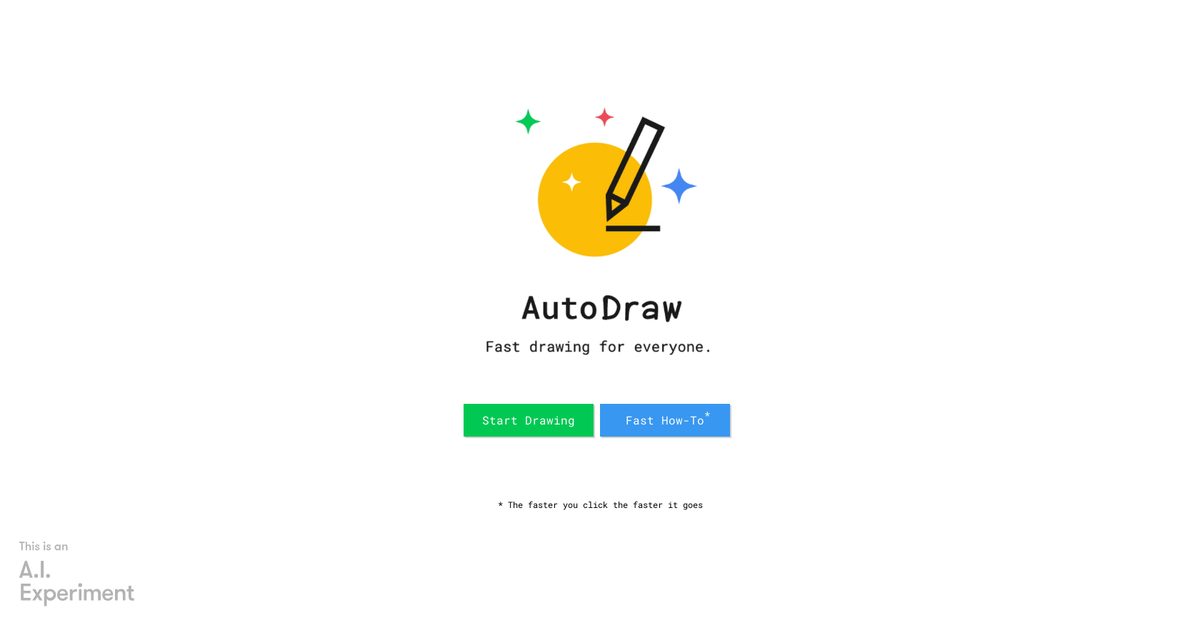
AutoDraw is a free, web-based drawing tool developed by Google Creative Lab that leverages machine learning technology to assist users in creating polished illustrations from rough sketches. Ideal for casual users, educators, and small businesses, it allows individuals without advanced artistic skills to generate quick visual content. Users can easily start drawing by clicking, and the tool matches their doodles with a library of professional illustrations, providing instant suggestions.
Pros
- Completely free with no registration required
- AI recognizes hundreds of doodle categories with professional artist illustrations
- Cross-platform availability on all devices without installation
- User-friendly interface with essential drawing tools
- Fast drawing speed responsive to user clicks
- Downloadable creations in PNG format
- Instant sharing options for online platforms
- Learning from featured artists' sketches
- Supports collaborative editing via live links
- Adaptive learning algorithm improves suggestion accuracy
Cons
- Requires Javascript to function
- Limited to sketching, no advanced drawing tools
- No offline mode available
- Dependent on internet connection
- Minimal artist interaction
- Restrictive drawing speed based on click rhythm
- No version control for drawings
- Limited privacy options
- Not suitable for complex illustrations
- No multiplatform support beyond web browsers
AutoDraw is an online tool powered by machine learning and contributed sketches by talented artists, assisting users in quickly and easily creating drawings.
AutoDraw works by leveraging machine learning to interpret user sketches and offering suggestions based on input drawing strokes.
The main features include fast drawing assistance, ability to start over, download, share drawings, and learn from featured artists.
To start drawing, visit the website and click; the drawing process begins immediately.
Javascript is required for the dynamic and interactive features of AutoDraw to function properly.
AutoDraw is completely free to use, with no hidden costs.
It provides assisted drawing experiences, making it easier for users without artistic skills to create illustrations.
Yes, AutoDraw allows users to share their creations on platforms like Facebook, Twitter, and Google+.
Yes, users can download their creations directly as PNG files.
AutoDraw utilizes machine learning to assist in drawing, reducing the time and effort needed to create polished illustrations.
Become a Contributor
Sign in to unlock these features:
- ⭐️ Rate this tool with a 1-5 star score
- ✍️ Write a detailed review for the community
- ❤️ Follow this tool to get important updates
Get started in seconds
[jnews_social_login_form]