YouTube Dubbing
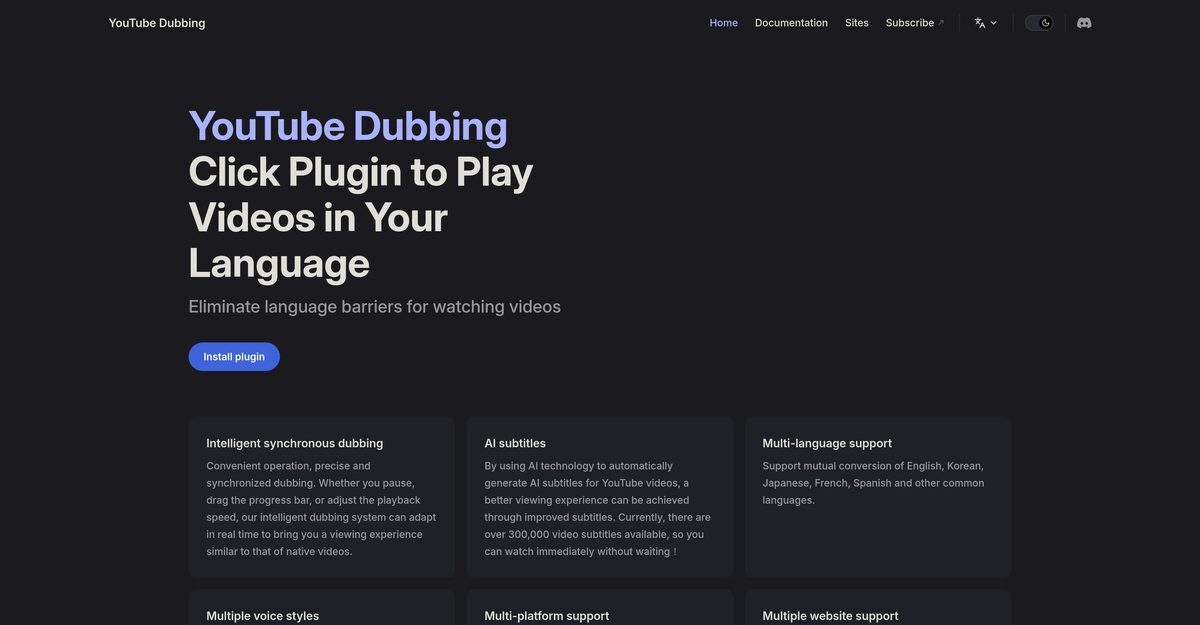
YouTube Dubbing is an AI-powered browser extension that revolutionizes video watching by providing real-time translation, synchronous dubbing, and overlaid subtitles for platforms like YouTube, Bilibili, Udemy, and more, eliminating language barriers. Powered by GPT and Claude models, it offers one-click playback with customizable voices including male/female options, regional accents, and speaker detection (premium), while preserving background audio and supporting real-time adjustments for pausing or speed changes. Compatible across Chrome, Firefox, Safari, PC, Android, and iOS, it also includes webpage text-to-speech for hands-free reading, with core features free and premium unlocks for enhanced quality.
Pros
- Seamless browser plugin integration
- Synchronous dubbing with real-time adaptation
- Supports multiple video platforms like YouTube and Bilibili
- Customizable male/female and regional voices
- Cross-platform compatibility (browsers, PC, mobile)
- Automatic AI-optimized subtitles
- One-click translation and playback
Cons
- Limited to browser extension format
- Potential sync issues with dubbing
- Limited language and voice support
- Depends on internet speed
- May struggle with slang or accents
- Possible inaccurate translations
- Gender-specific voice limitations
- Potential delays in subtitling
YouTube Dubbing is an AI-powered tool that tackles language barriers in video content, making it more accessible to viewers worldwide. This is accomplished by automatically generating and overlaying subtitles on YouTube videos. A remarkable feature of YouTube Dubbing is its capability for intelligent synchronous dubbing, which provides precise and synchronized dubbing.
YouTube Dubbing works by using advanced AI technology to automatically generate and overlay subtitles for YouTube videos. It operates via a plugin that can be installed on your browser and can seamlessly integrate with YouTube. It supports real-time adjustment to various actions such as pausing, dragging the progress bar, or adjusting the playback speed.
YouTube Dubbing supports multiple platforms. These include PC, Android, iOS, and various browsers. This support isn't limited to YouTube alone; the tool continually adds more mainstream video platforms to its repertoire.
YouTube Dubbing supports multiple languages. These include, but are not limited to, English, Korean, Japanese, French, and Spanish. Furthermore, it supports conversion between these languages.
Yes, YouTube Dubbing does change the voice in the video. It provides support for both male and female voices and offers exclusive voice options for different countries.
Yes, YouTube Dubbing can be used on mobile devices. It provides support for both Android and iOS systems.
Yes, YouTube Dubbing works in real time. It can adapt to different actions such as pausing, dragging the progress bar, or adjusting the playback speed in real time.
Yes, YouTube Dubbing provides support for both male and female voices.
Yes, English to Spanish translation is available in YouTube Dubbing. It supports mutual conversion of English, Korean, Japanese, French, Spanish and other common languages.
Yes, you can adjust the playback speed with YouTube Dubbing. The intelligent synchronous dubbing feature adapts in real time to this adjustment.
Become a Contributor
Sign in to unlock these features:
- ⭐️ Rate this tool with a 1-5 star score
- ✍️ Write a detailed review for the community
- ❤️ Follow this tool to get important updates
Get started in seconds
[jnews_social_login_form]