Dataconomy
  • News
    • Artificial Intelligence
    • Cybersecurity
    • DeFi & Blockchain
    • Finance
    • Gaming
    • Startups
    • Tech
  • Industry
  • Research
  • Resources
    • Articles
    • Guides
    • Case Studies
    • Whitepapers
    • AI Models Leaderboard
  • AI toolsNEW
  • Newsletter
  • + More
    • Glossary
    • Conversations
    • Events
    • About
      • Who we are
      • Contact
      • Imprint
      • Legal & Privacy
      • Partner With Us
Subscribe
No Result
View All Result
  • AI
  • Tech
  • Cybersecurity
  • Finance
  • DeFi & Blockchain
  • Startups
  • Gaming
Dataconomy
  • News
    • Artificial Intelligence
    • Cybersecurity
    • DeFi & Blockchain
    • Finance
    • Gaming
    • Startups
    • Tech
  • Industry
  • Research
  • Resources
    • Articles
    • Guides
    • Case Studies
    • Whitepapers
    • AI Models Leaderboard
  • AI toolsNEW
  • Newsletter
  • + More
    • Glossary
    • Conversations
    • Events
    • About
      • Who we are
      • Contact
      • Imprint
      • Legal & Privacy
      • Partner With Us
Subscribe
No Result
View All Result
Dataconomy
No Result
View All Result

Meta AI chatbot: WhatsApp now lets you use it directly in-app

The Meta AI has recently become available within the WhatsApp messaging app, providing a user experience comparable to interacting with other chatbots.

byKerem Gülen
April 17, 2024
in Artificial Intelligence
Home News Artificial Intelligence
Share on FacebookShare on TwitterShare on LinkedInShare on WhatsAppShare on e-mail
Google Preferred Source

The Meta AI chatbot, an innovative feature within WhatsApp, is now more broadly accessible, although activation is required initially. This tutorial will detail the steps to enable Meta AI in WhatsApp and explore its capabilities, such as chatting or creating images.

It was September 2023 when the tech giant first rolled out Meta AI on WhatsApp but this chatbot integration is a new step forward.

Since the previous year, Meta has been promoting the Meta AI capabilities across its various applications, including an announcement from WhatsApp about the introduction of AI-generated stickers for users in selected areas.

Stay Ahead of the Curve!

Don't miss out on the latest insights, trends, and analysis in the world of data, technology, and startups. Subscribe to our newsletter and get exclusive content delivered straight to your inbox.

Meta AI operates within Facebook Messenger. This technology is built on the Llama 2 model and, as stated by Meta, collaborates with Bing as its search engine partner. This collaboration positions Meta AI alongside the performance capabilities of Microsoft’s Bing AI engine.

The Meta AI has recently become available within the WhatsApp messaging app, providing a user experience comparable to interacting with other chatbots. The key distinction is the convenience of accessing it directly through WhatsApp, an app many users frequently engage with. Communicating with Meta AI is as straightforward as conversing with another person.

How to enable Meta AI chatbot in WhatsApp?

Before engaging with Meta AI or requesting it to generate images, it must be activated within the WhatsApp application. Here are the steps to turn on Meta AI:

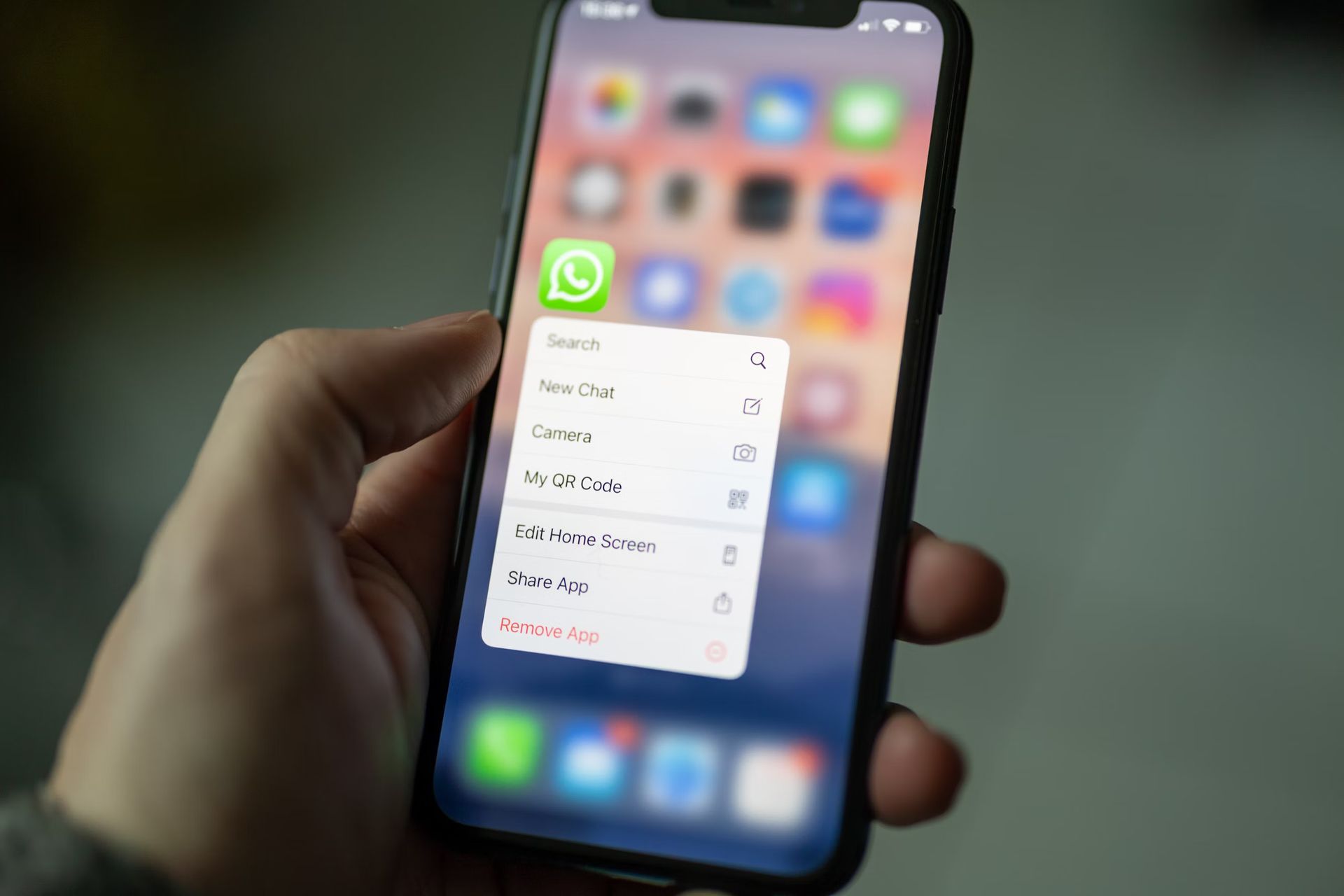
  • Tap the newly introduced Meta AI icon located at the bottom right of your screen.
  • Read and accept Meta’s terms and conditions by selecting the “Accept” button.
  • Begin your interaction with the chatbot.

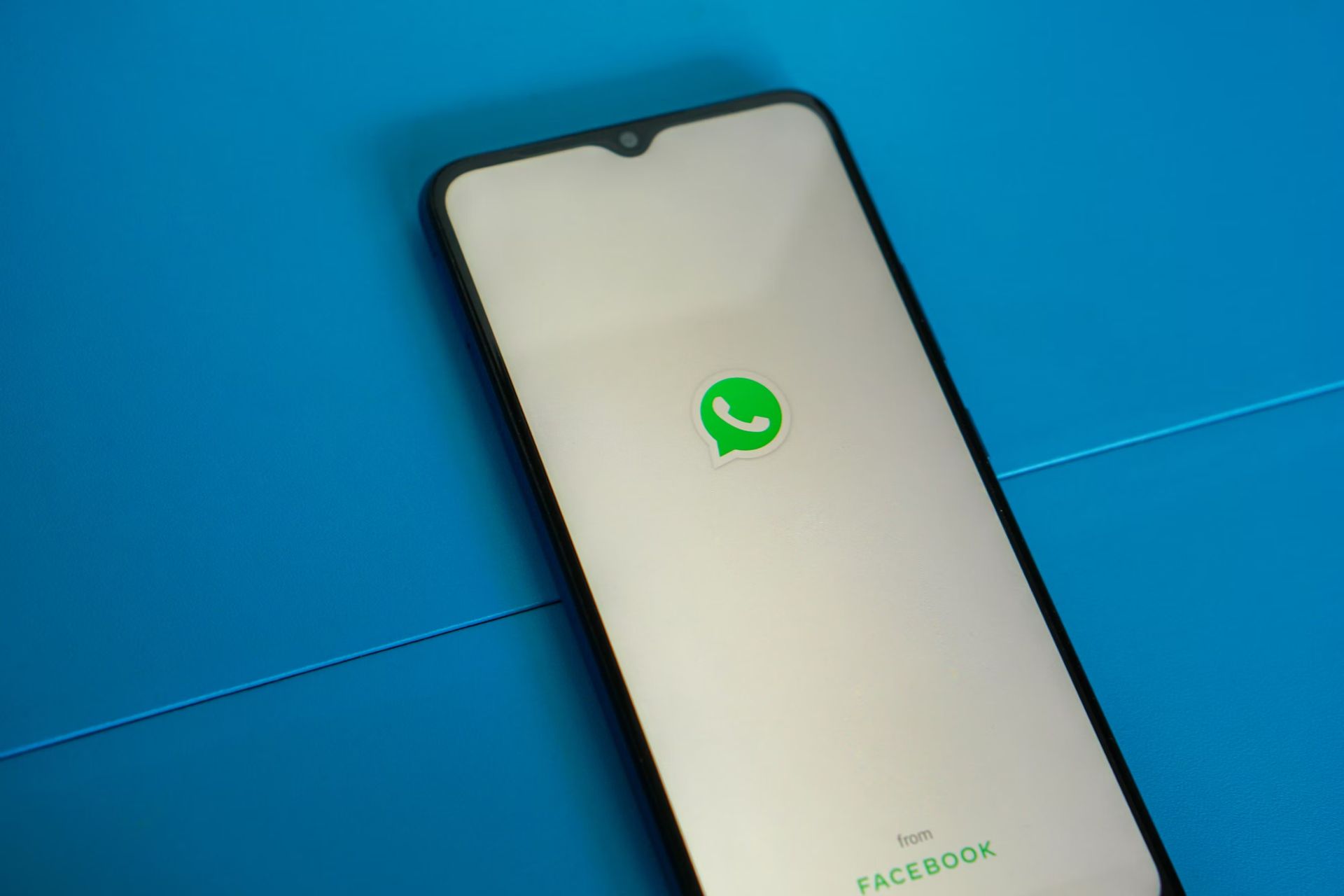
After agreeing to Meta’s terms, Meta AI becomes accessible like any typical chat within WhatsApp. You will find it listed among your other conversations, and you can open it by tapping the new icon positioned above the “new chat” button.
Meta AI chatbot: WhatsApp
This technology is built on the Llama 2 model and, as stated by Meta, collaborates with Bing as its search engine partner (Image credit)

It’s important to recognize that while Meta AI functions similarly to other chatbots, it may not provide the same level of flexibility. For example, other platforms like ChatGPT allow users to disable data sharing. Although AI models generally collect data from interactions to enhance their performance, some, including ChatGPT, offer the option to disable this data collection.

How to start chatting with Meta AI?

If you’re already experienced with AI chatbots like Google Gemini or ChatGPT, you’ll find Meta AI on WhatsApp messenger quite intuitive. This chatbot allows you to ask a wide range of questions, from seeking local restaurant recommendations to posing complex, playful queries, as long as the responses are considered appropriate by the model.

To create an image with Meta AI, you need to utilize a specific command. By typing /imagine [image prompt], you instruct Meta AI to generate an image. The system itself limits you to 25 image creations per day. While it’s unlikely you’ll reach this limit regularly after the initial testing phase, it’s worth noting that Meta AI’s image generation process is notably quick, though accuracy can vary, much like other models. Nonetheless, experimenting with this feature can be quite entertaining.
Meta AI chatbot: WhatsApp
WhatsApp-integrated Meta AI chatbot is now available in the US and India (Image credit)

Meta AI’s rollout in WhatsApp is becoming increasingly widespread, now appearing to be in a stable version for users in both the US and India, with potentially more regions to follow. Importantly, this feature is offered at no cost, adding value without requiring financial investment.


Featured image credit:
Tags: AIartificial intelligenceMetaWhatsapp

Related Posts

Anthropic adds screen-recorded teaching feature to Claude AI

Anthropic adds screen-recorded teaching feature to Claude AI

July 22, 2026
Substack introduces new AI transparency features

Substack introduces new AI transparency features

July 22, 2026
OpenAI confirms its AI model hacked Hugging Face in test

OpenAI confirms its AI model hacked Hugging Face in test

July 22, 2026
Moonshot pauses Kimi K3 signups amid GPU shortage

Moonshot pauses Kimi K3 signups amid GPU shortage

July 20, 2026
Musk teases next-generation 2T Grok AI model

Musk teases next-generation 2T Grok AI model

July 20, 2026
Alibaba unveils 2.4T-parameter Qwen3.8 AI model

Alibaba unveils 2.4T-parameter Qwen3.8 AI model

July 20, 2026

LATEST NEWS

Kylian Mbappé named EA Sports FC 27 cover star

Anthropic adds screen-recorded teaching feature to Claude AI

Meta adds Xbox Game Pass starter edition to Horizon+ subscriptions

Threads launches new parental supervision tools for teen safety

9 games to leave PS Plus Extra and Premium in August 2026

Substack introduces new AI transparency features

BEST AI MODELS LEADERBOARD

See the best AI models, ranked by intelligence, benchmark results, speed and token price. Find the most suitable LLMs, Text-to-Image, Image Editing, Text-to-Speech, Text-to-Video and Image-to-Video  artificial intelligence model for your tasks and business.

LATEST TOOLS

Amanda AI

InterviewBot

VernAI

MyLoans

Essay Grader AI

Cover Letter AI

Animate Old Photos

Resume.io

MonAI

AIEngine Plugin

Dataconomy

COPYRIGHT © DATACONOMY MEDIA GMBH, ALL RIGHTS RESERVED.

  • About
  • Imprint
  • Contact
  • Legal & Privacy

Follow Us

  • News
    • Artificial Intelligence
    • Cybersecurity
    • DeFi & Blockchain
    • Finance
    • Gaming
    • Startups
    • Tech
  • Industry
  • Research
  • Resources
    • Articles
    • Guides
    • Case Studies
    • Whitepapers
    • AI Models Leaderboard
  • AI tools
  • Newsletter
  • + More
    • Glossary
    • Conversations
    • Events
    • About
      • Who we are
      • Contact
      • Imprint
      • Legal & Privacy
      • Partner With Us
No Result
View All Result
Subscribe

This website uses cookies to improve your experience. You can choose to accept or reject them. Visit our Privacy Policy.