Vadoo AI
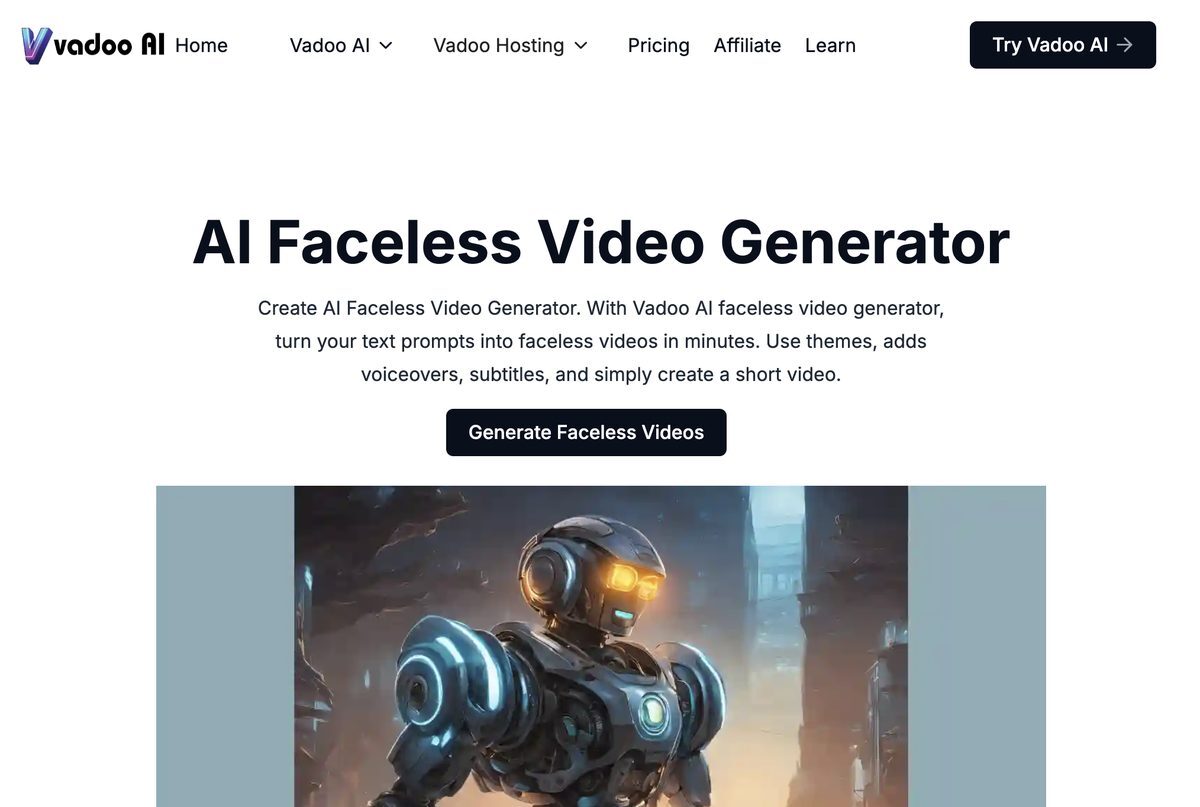
Vadoo AI is a versatile video generation tool that transforms prompts, text, or scripts into engaging videos effortlessly. Ideal for creators, marketers, and businesses, it offers a range of capabilities including customizable themes, voiceovers, background music, and subtitles. The platform supports multi-language captioning in over 50 languages, allowing users to reach global audiences. With powerful editing tools, AI-generated B-roll footage, and SEO optimization features, Vadoo AI enables users to create high-quality videos tailored to various social media platforms.
Pros
- Creation of faceless videos from text prompts
- High-quality video generation in minutes
- Customizable themes and text overlays
- Supports multi-language captioning in over 50 languages
- Extensive collection of in-platform background music
- AI-generated B-roll footage enhances storytelling
- SEO optimization feature for video visibility
- User-friendly interface requiring no prior editing experience
- Automatic posting to popular social media platforms
- Flexible pricing plans suitable for various needs
Cons
- Limited video length for generated content
- No free version available
- Limited storage options for video projects
- Some users find pricing tiers restrictive
- Lack of collaborative features for team use
- Limited customization options for video templates
- Does not support all font types
- No video security features
- Limited API documentation
- Some features may not be intuitive for new users
Vadoo AI turns text prompts into faceless videos by employing advanced algorithms that transform the text into a structured script, generating corresponding images and stitching them together into a cohesive video.
Vadoo AI offers tools for adding voiceovers, setting background music, including subtitles, and adding B-roll footage, as well as options for selecting themes and customizing text overlays.
Yes, Vadoo AI allows users to add personalized voiceovers to enhance the customization and personal touch of their faceless videos.
Yes, the platform provides an option to include subtitles, which enhances the accessibility and user-friendliness of the videos.
Videos created with Vadoo AI can be posted on various platforms including YouTube, Instagram, and TikTok, among others.
B-roll footage consists of additional visuals that complement the main content. Vadoo AI provides the option to incorporate B-roll footage to enhance the visual storytelling of your videos.
Yes, Vadoo AI offers multiple themes that users can select from to align the aesthetics of their videos with their brand or message.
The generation time for a faceless video depends on the length of the text prompt, but the process is designed to be fast and intuitive.
Yes, Vadoo AI provides a variety of in-platform background music options that users can select to suit the tone of their videos.
No additional software is required; Vadoo AI operates fully online and can be accessed from any device with a web browser.
Become a Contributor
Sign in to unlock these features:
- ⭐️ Rate this tool with a 1-5 star score
- ✍️ Write a detailed review for the community
- ❤️ Follow this tool to get important updates
Get started in seconds
[jnews_social_login_form]