Parseur
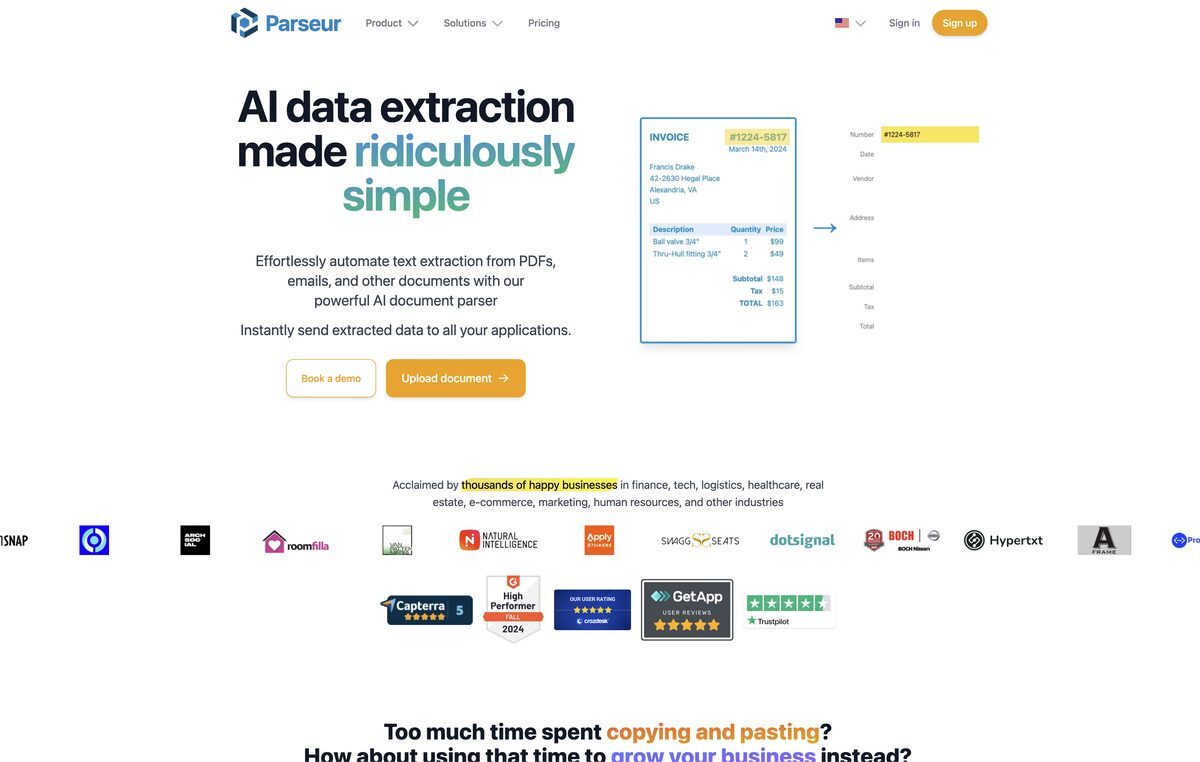
Parseur is a data entry automation software that simplifies document processing and email parsing. It automates data extraction from various types of documents, allowing for immediate transfer to business applications. Designed for businesses of all sizes, Parseur features a no-code point and click editor for template creation, alongside pre-built templates for a zero-click setup. It supports numerous document types, including emails, PDFs, and invoices, and employs advanced OCR technology for accurate data extraction.
Pros
- Automates diverse document extraction
- Point and click editing for easy template creation
- Zero-click setup with pre-built templates
- Extracts data from emails, PDFs, and invoices
- Fast and accurate OCR capabilities
- Dynamic OCR for extracting changing fields
- Can convert Google Alerts to Excel or Google Sheets
- Integrations with Zapier and Microsoft Power Automate
- Free trial available for evaluation
- Supports high-volume document parsing
Cons
- Template-based extraction only
- No native mobile app available
- Limited number of pre-built templates
- Dependent on third-party integrations
- Moderate learning curve for complex setups
- May struggle with highly complex document structures
- High volume use can be costly
- No intra-document navigation features
- Limited support for certain document formats
- Unused pages in monthly plans do not roll over
Parseur is a data entry automation software that simplifies the process of document processing and email parsing.
Parseur stands out due to its no-code point and click editor and pre-built templates for easy setup.
No, Parseur is designed for users without technical skills, utilizing a no-code system.
Yes, it can extract data from emails, making it useful for businesses managing large email volumes.
It allows users to create templates easily by clicking and selecting the data to be extracted.
It allows users to specify extraction instructions once, saving time and reducing manual errors.
Yes, to expedite the setup process for users.
Yes, it effectively processes PDFs and invoices using its OCR capabilities.
Dynamic OCR allows extraction of fields that move or change size, enhancing flexibility in document processing.
Parseur adheres to strict security protocols to ensure safe handling of data.
Become a Contributor
Sign in to unlock these features:
- ⭐️ Rate this tool with a 1-5 star score
- ✍️ Write a detailed review for the community
- ❤️ Follow this tool to get important updates
Get started in seconds
[jnews_social_login_form]