KickBot
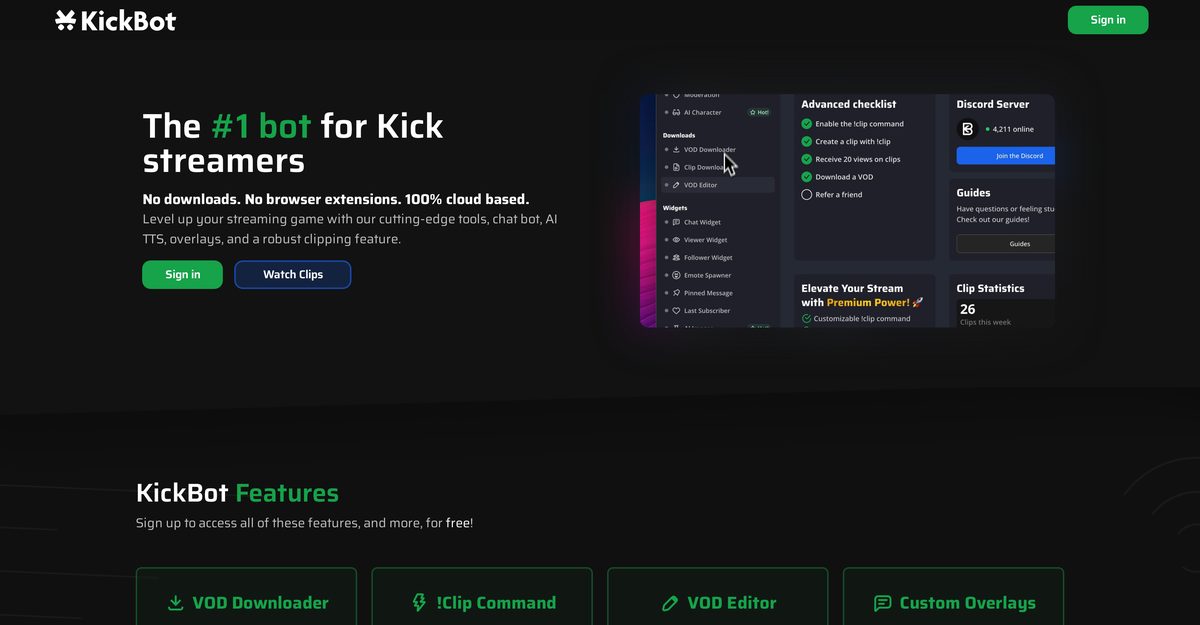
KickBot is a fully cloud-based tool and the leading bot for Kick.com streamers, used by over 140,000 creators to enhance live streaming with features like custom chat commands, timed messages, advanced moderation including ban words and custom filters, and AI Text-to-Speech (TTS) supporting 2,500+ ultra-realistic voices for immersive viewer interaction. It offers instant !clip commands for cloud-stored clips, VOD downloader and editor, 32+ customizable widgets and overlays displaying chat, viewership, followers, and subs, plus on-screen alerts and a custom tipping system across 100+ countries. Additional integrations include Stream Deck plugins for real-time control and AI Character mode for ping-based responses, all without downloads or extensions.
Pros
- Highly customizable
- No downloads required
- Cloud-based chat bot
- Custom commands and timed messages
- Advanced moderation options
- VOD download and editing capability
- Customizable overlays and widgets
Cons
- Limited to the Kick platform
- No offline tools
- !Clip command unresponsive
- Moderation functions basic
- VOD downloads can be slow
- Custom overlays lacking features
- Limited Stream Deck integration
- No API for devs
KickBot is a highly customizable online tool designed to optimize streaming experiences on the Kick platform. It integrates AI capabilities, a chat bot, dynamic commands, timed messages, and live streaming with AI Text-To-Speech feature.
To use KickBot on the Kick platform, simply sign in or sign up on the KickBot page. This bot is cloud-based, so there are no downloads or extensions required.
KickBot's cloud-based chat bot enhances viewer engagement with custom commands, timed messages, AI integration, and robust moderation options like banning words, character limits, and custom filters.
The AI TTS feature converts text into lifelike voices with 2,500+ options, allowing viewers to send messages voiced out via commands or automatically for all chat.
The !clip command allows easy creation of clips from streams, stored on cloud servers for review, enabling quick curation of stream moments.
Yes, KickBot includes a VOD downloader for easy downloads, editing, and clipping directly from the platform.
Overlays include real-time chat, viewership, follower, subscription info, and more, fully customizable for stream management.
KickBot integrates with Stream Deck for enhanced control, including clipping, moderation, chat clearing, and personalized messages.
No, KickBot is 100% cloud-based with no downloads or browser extensions required.
Through custom chat bots, AI TTS voices, alerts, overlays, and moderation for a healthier, interactive chat environment.
Become a Contributor
Sign in to unlock these features:
- ⭐️ Rate this tool with a 1-5 star score
- ✍️ Write a detailed review for the community
- ❤️ Follow this tool to get important updates
Get started in seconds
[jnews_social_login_form]