Cursor
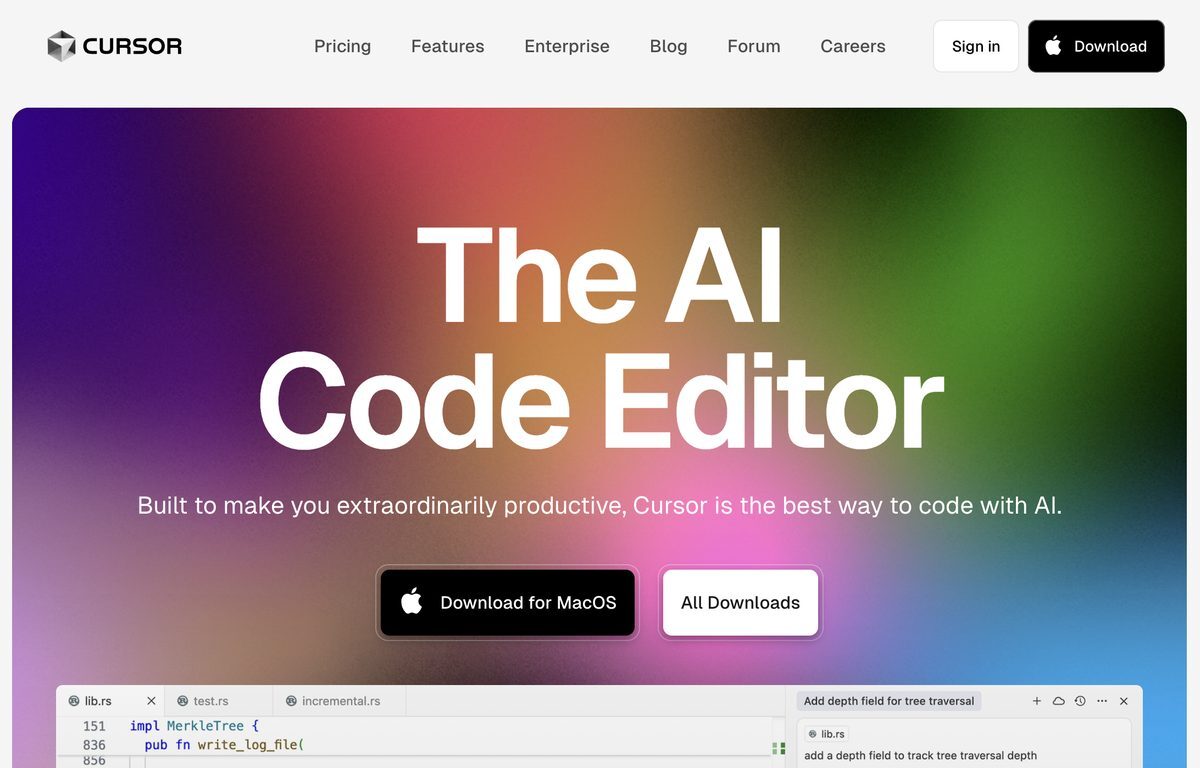
Cursor is an AI-first code editor designed specifically for pair-programming, enhancing productivity and efficiency for software engineers. It allows for seamless migration of favorite VSCode extensions, themes, and keybindings with a single click. Cursor prioritizes data privacy with a local mode option that ensures no user data is stored on servers. Developers can interact with their projects through a chat feature, enabling tailored code solutions and effective documentation browsing.
Pros
- Easy VSCode extensions migration
- One-click keybindings and themes import
- Local mode for privacy
- No data stored in servers/logs
- Chat with projects feature
- Codebase query ability
- Seamless documentation browsing
- Code definitions access within editor
- Automated bug spotting and fixing
- Context-aware coding experience
Cons
- No mobile app
- Limited language support
- Dependence on GPT-4
- No web version
- No collaborative feature
- No data-cloud option
- Inherited VSCode's limitations
- No version control integration
- Lacks refactoring functionality
- Limited debugging features
Cursor is a uniquely designed AI-first code editor that enhances productivity and efficiency in software engineering.
Cursor integrates powerful AI and GPT-4 technology for automated low-level logic writing and tailored code solutions.
Yes, you can easily migrate your favorite Visual Studio Code extensions to Cursor with a single click.
Unique features include project chatting for tailored code solutions, seamless documentation browsing, and AI-powered code generation.
Cursor's 'Local Mode' ensures that no user data is stored on servers or logs, enhancing data security.
Yes, Cursor allows developers to chat with their projects for real-time tailored answers.
Features like AI-powered code generation and project chatting help developers save time and make coding more efficient.
This feature automatically writes low-level logic, enabling developers to focus on more complex tasks.
Cursor scans the codebase to spot bugs and linter errors, and analyzes stack traces to propose solutions.
Yes, Cursor is designed as an AI-first code editor for pair-programming, enhancing collaborative coding sessions.
Become a Contributor
Sign in to unlock these features:
- ⭐️ Rate this tool with a 1-5 star score
- ✍️ Write a detailed review for the community
- ❤️ Follow this tool to get important updates
Get started in seconds
[jnews_social_login_form]