Tangia
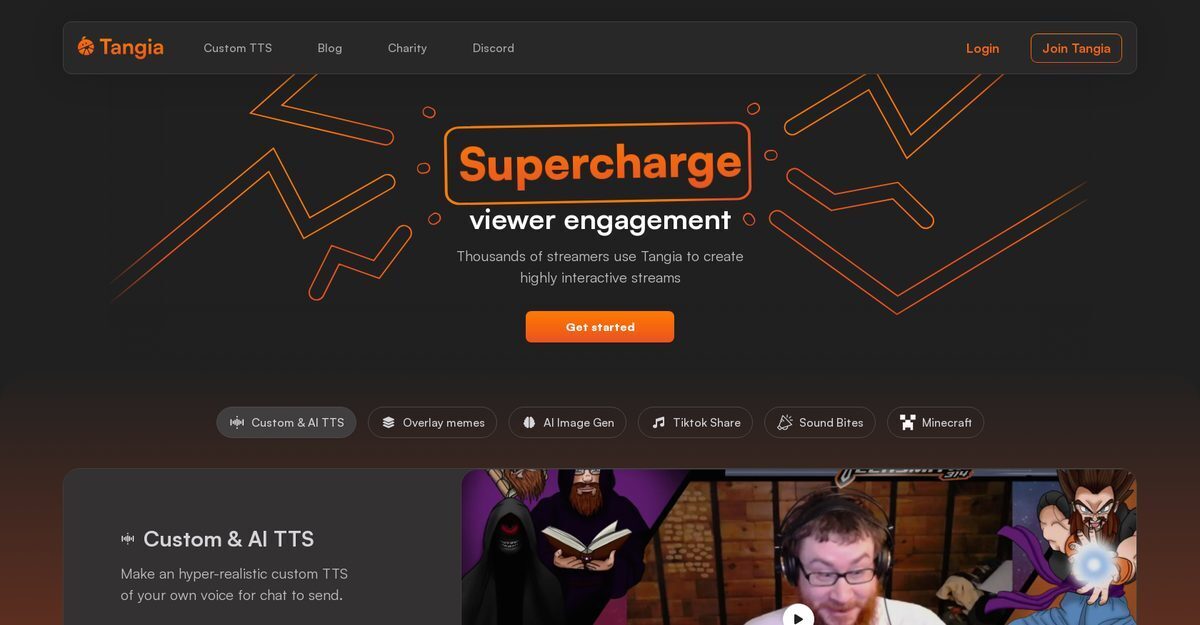
Tangia is an AI-powered streaming tool designed to boost chat engagement on platforms like Twitch, YouTube, and Kick through interactive features such as hyper-realistic custom TTS voices created from the streamer's own voice, AI image generation from viewer prompts, and a vast library of overlay memes and soundbites. Viewers can share TikTok videos, replay Twitch clips, trigger customizable alerts for follows/subs/donations, and participate in game integrations like Minecraft god armor or fight clubs. It supports over 150 interactions including AI chat conversations, viewer-submitted clips, Tangia Parties for bits/token goals, and browser-source integration with OBS and similar software for seamless overlays. Streamers appreciate its ease of setup, resource efficiency, and ability to drive higher revenue and community interaction.
Pros
- Customizable TTS system using own voice
- Enables overlay memes and interactive library
- AI image generation for chat prompts
- Sharing of TikToks and Twitch clips
- Interactive Minecraft features controlled by chat
- Compatible with browser sources like OBS
- Higher viewer engagement and revenue generation
Cons
- No offline functionality
- Only supports browser sources
- Overlays may cause distractions
- Limited interaction options
- Potential for inappropriate content
- Depends on internet speed
- No multi-language support
- Incompatible with some platforms
Tangia is an artificial intelligence tool created to elevate chat engagement on streaming platforms. It is equipped with a multitude of interactive features, like custom text-to-speech systems, overlay meme features, AI image generation models, and streaming enhancement features for games like Minecraft.
Tangia enhances engagement by allowing streamers to send hyper-realistic messages via a custom text-to-speech system, overlay their preferred memes onto their streams, and facilitate viewer participation through an AI image generation model. It also offers a soundbite replay feature from Twitch clips and allows viewers to share their favorite TikTok videos.
Yes, Tangia allows users to create a custom text-to-speech (TTS) system using their own voice. This feature enables hyper-realistic chat messaging and enhances conversation on the platform.
The overlay meme feature at Tangia enables streamers to overlay their favorite memes onto their stream videos, thus injecting a sense of fun and personalization to their live streams.
Viewers can use Tangia's AI image generation model to create custom images for the stream. The images generated can then be used to enhance engagement and participation during streams.
With Tangia, viewers can seamlessly share their favorite TikTok videos on stream. This feature allows viewers to bring in content from other platforms, thereby enhancing the variety and entertainment value of the stream.
In addition to the features mentioned, Tangia provides extra interactive options like Peepo Note Taker, Plankton Text-to-speech, Bluescreen, Draw on Stream, and Confetti Celebration to maximize viewer engagement.
Tangia works with any streaming software that supports browser sources. This compatibility means that it can be used across different platforms, offering a wide range of flexibility to the streamer.
To connect Tangia to your stream, you first need to login with your Twitch or Youtube account and create your Tangia account. After your account is set up, you can sync the Tangia overlay with the streaming tool you use.
Tangia has received positive responses from its users for its community engagement capabilities, quick and easy integration, and rich catalogue of memes and tools. Users have praised its customizable interactions, personalised TTS features, and commendable support service.
Become a Contributor
Sign in to unlock these features:
- ⭐️ Rate this tool with a 1-5 star score
- ✍️ Write a detailed review for the community
- ❤️ Follow this tool to get important updates
Get started in seconds
[jnews_social_login_form]