Dataconomy
  • News
    • Artificial Intelligence
    • Cybersecurity
    • DeFi & Blockchain
    • Finance
    • Gaming
    • Startups
    • Tech
  • Industry
  • Research
  • Resources
    • Articles
    • Guides
    • Case Studies
    • Whitepapers
    • AI Models Leaderboard
  • AI toolsNEW
  • Newsletter
  • + More
    • Glossary
    • Conversations
    • Events
    • About
      • Who we are
      • Contact
      • Imprint
      • Legal & Privacy
      • Partner With Us
Subscribe
No Result
View All Result
  • AI
  • Tech
  • Cybersecurity
  • Finance
  • DeFi & Blockchain
  • Startups
  • Gaming
Dataconomy
  • News
    • Artificial Intelligence
    • Cybersecurity
    • DeFi & Blockchain
    • Finance
    • Gaming
    • Startups
    • Tech
  • Industry
  • Research
  • Resources
    • Articles
    • Guides
    • Case Studies
    • Whitepapers
    • AI Models Leaderboard
  • AI toolsNEW
  • Newsletter
  • + More
    • Glossary
    • Conversations
    • Events
    • About
      • Who we are
      • Contact
      • Imprint
      • Legal & Privacy
      • Partner With Us
Subscribe
No Result
View All Result
Dataconomy
No Result
View All Result

ChatGPT Advanced Voice is now on macOS and Windows

Accessing Advanced Voice mode on both desktop and mobile platforms requires a ChatGPT Plus subscription, which costs $20 per month

byKerem Gülen
October 31, 2024
in Artificial Intelligence
Home News Artificial Intelligence
Share on FacebookShare on TwitterShare on LinkedInShare on WhatsAppShare on e-mail
Google Preferred Source

OpenAI has rolled out its Advanced Voice mode for the desktop versions of ChatGPT, available on macOS and Windows. Previously exclusive to mobile versions, this feature expands the capabilities of the desktop ChatGPT app, allowing users to have voice conversations with the AI in a more natural way. The announcement came with the tagline, “Big day for desktops,” highlighting the importance of this update for desktop users.

While the macOS version of the ChatGPT app has been available for some time, the Windows version has just been launched, bringing the convenience of ChatGPT directly to PC users. Advanced Voice mode, however, was not part of the browser-based ChatGPT experience, making this new feature a significant addition to the desktop versions.

The voice functionality on desktop closely mirrors that of the mobile versions. Users can click the Advanced Voice icon next to the prompt bar, opening a new window that shows the familiar floating blue orb, which pulses as ChatGPT listens. This feature allows users to hold conversations with the AI using any of the nine available voices. To change voices, users simply click an icon in the top right corner of the screen.

Stay Ahead of the Curve!

Don't miss out on the latest insights, trends, and analysis in the world of data, technology, and startups. Subscribe to our newsletter and get exclusive content delivered straight to your inbox.

ChatGPT Advanced Voice mode uses OpenAI’s latest ChatGPT-4o model, ensuring interactions are as seamless as possible. Users can interrupt the AI whenever needed, prompting it to stop talking and listen, which helps keep conversations efficient and focused. This function is particularly useful when responses become lengthy or if the conversation takes an unexpected turn.

ChatGPT Advanced Voice is now on macOS and Windows
The interface is similar to the mobile version

Subscription requirements

Accessing Advanced Voice mode on both desktop and mobile platforms requires a ChatGPT Plus subscription, which costs $20 per month. There is, however, an option for free-tier users, though it limits voice interactions to ten minutes per month. The voice feature has been available in the U.S. for a while and recently became available in Europe, broadening its accessibility to a larger user base.

A new version of ChatGPT, named Orion, is rumored to be released soon, though OpenAI CEO Sam Altman has dismissed these claims as “fake news.”

The recent launch of the Windows version of ChatGPT brought with it some notable limitations. Unlike the macOS version, which had Advanced Voice mode integrated earlier, the initial release of the Windows app did not include this feature. The absence of Voice mode meant that Windows users were unable to use one of the most anticipated functions of ChatGPT, leaving the experience feeling somewhat incomplete.

OpenAI made sure to create an intuitive experience for Windows users despite the missing features. To get started, users need to download the app from OpenAI’s official website, which then redirects them to the Microsoft Store for the actual installation. Once installed, users can summon ChatGPT by pressing Alt + Space, providing a quick and easy way to access the chatbot without leaving their current tasks. This functionality is designed to embed ChatGPT deeper into users’ workflows, allowing for easier and more direct interaction.
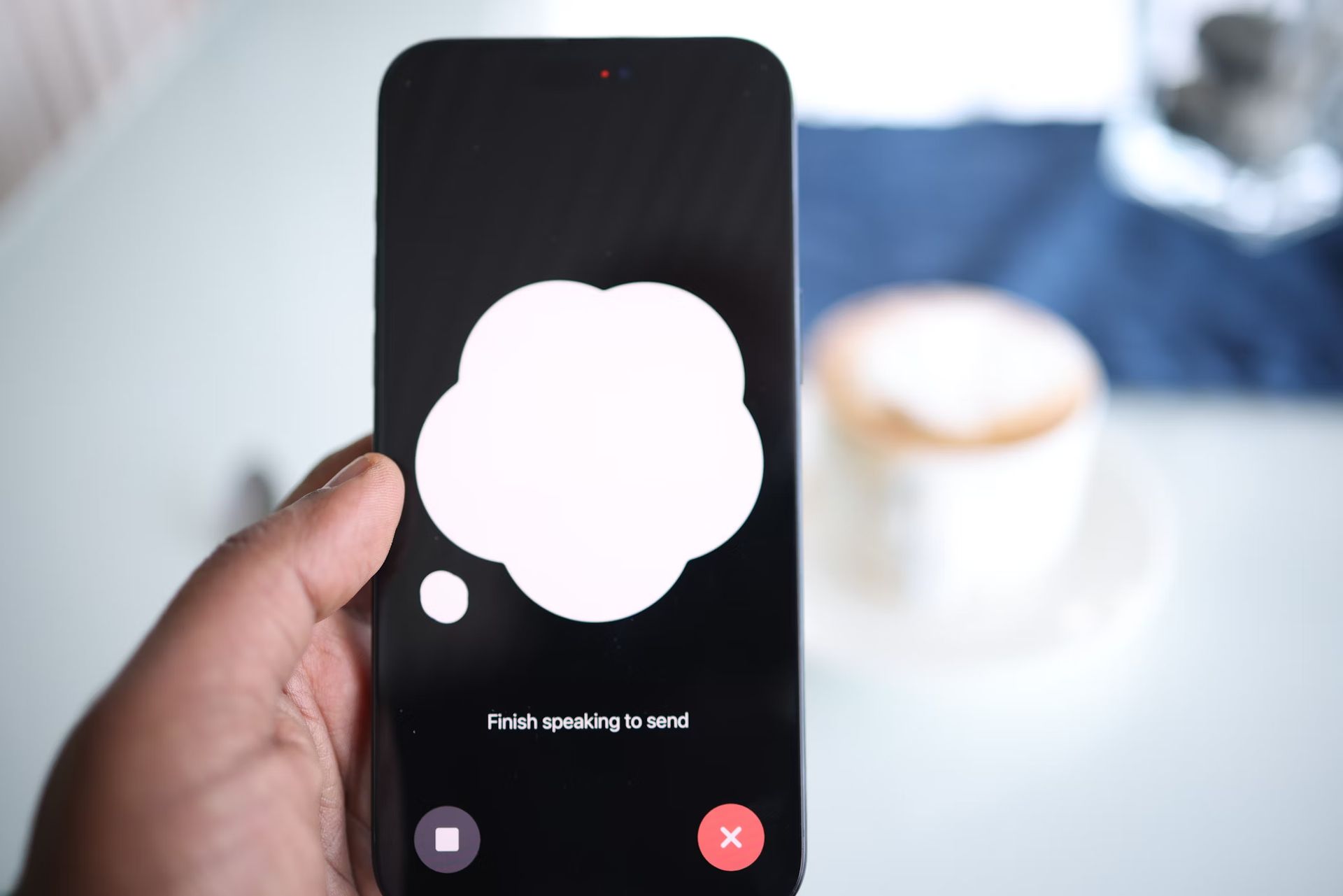
ChatGPT Advanced Voice is now on macOS and Windows
Accessing Advanced Voice mode on both desktop and mobile platforms requires a ChatGPT Plus subscription (Image credit)

Advanced Voice mode in ChatGPT offers a way for users to communicate with the AI more naturally. You can use it to set reminders, ask questions about anything from work-related topics to general knowledge, or simply chat about daily matters. The ability to interrupt the AI mid-sentence allows for a more dynamic conversation, unlike many voice assistants that require a set question-and-answer format.

A significant advantage of using Advanced Voice mode on desktop is its integration into daily tasks. By pressing Alt + Space on Windows or simply clicking the ChatGPT icon on macOS, users can instantly access the voice feature without needing to switch contexts or open a browser. This reduces friction, making ChatGPT more of an integrated productivity tool rather than a standalone service.

Another notable aspect of the desktop version is its similarity to the mobile experience. Users accustomed to using voice mode on their phones will find the desktop version intuitive and easy to use. The floating blue orb, the option to change voices, and the interaction flow are all designed to offer a consistent experience across devices, ensuring that users can transition between platforms.


Featured image credit: Andrew Neel/Unsplash

Tags: Featured

Related Posts

OpenAI improves health responses for free ChatGPT users

OpenAI improves health responses for free ChatGPT users

June 19, 2026
Steam Next Fest sees one in five demos labeled for generative AI

Steam Next Fest sees one in five demos labeled for generative AI

June 17, 2026
Anthropic adds multilingual and push-to-talk features to Claude Voice Mode

Anthropic adds multilingual and push-to-talk features to Claude Voice Mode

June 17, 2026
Is Gemini down? Users report problems with Google Gemini

Is Gemini down? Users report problems with Google Gemini

June 17, 2026
The Atlantic uncovers millions of copyrighted songs in AI training data

The Atlantic uncovers millions of copyrighted songs in AI training data

June 16, 2026
Meta brings AI-powered photo editing and chat features to Facebook

Meta brings AI-powered photo editing and chat features to Facebook

June 16, 2026

LATEST NEWS

OpenAI improves health responses for free ChatGPT users

Adobe expands Firefly AI across Premiere, Illustrator, InDesign and Frame.io

Spotify launches Reserved to give superfans early ticket access

Google discontinues Nest Home Mini and Nest Audio

Instagram adds unique captions for each carousel slide

Steam Next Fest sees one in five demos labeled for generative AI

BEST AI MODELS LEADERBOARD

See the best AI models, ranked by intelligence, benchmark results, speed and token price. Find the most suitable LLMs, Text-to-Image, Image Editing, Text-to-Speech, Text-to-Video and Image-to-Video  artificial intelligence model for your tasks and business.

LATEST TOOLS

Novoresume

PolyAI

SeaArt

H2O.ai

Techpresso

Namecheap Free Logo Maker

Binaural Beats Factory

Lyricallabs

Jobscan

Vsub

Dataconomy

COPYRIGHT © DATACONOMY MEDIA GMBH, ALL RIGHTS RESERVED.

  • About
  • Imprint
  • Contact
  • Legal & Privacy

Follow Us

  • News
    • Artificial Intelligence
    • Cybersecurity
    • DeFi & Blockchain
    • Finance
    • Gaming
    • Startups
    • Tech
  • Industry
  • Research
  • Resources
    • Articles
    • Guides
    • Case Studies
    • Whitepapers
    • AI Models Leaderboard
  • AI tools
  • Newsletter
  • + More
    • Glossary
    • Conversations
    • Events
    • About
      • Who we are
      • Contact
      • Imprint
      • Legal & Privacy
      • Partner With Us
No Result
View All Result
Subscribe

This website uses cookies to improve your experience. You can choose to accept or reject them. Visit our Privacy Policy.