Copyseeker
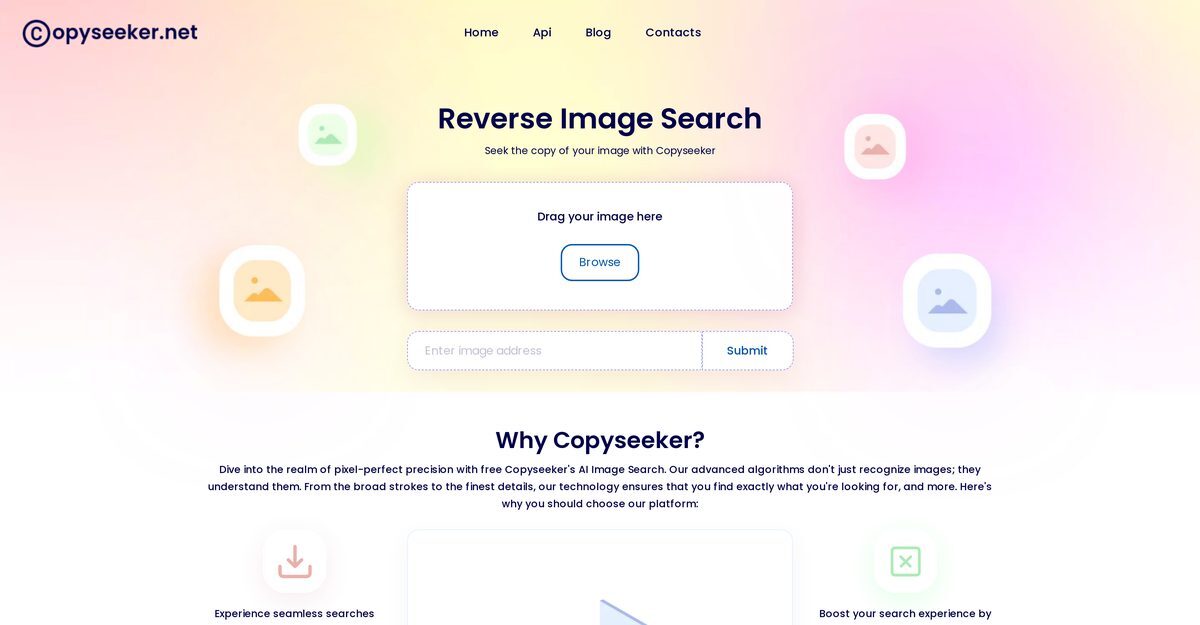
Copyseeker's AI Image Search is an advanced reverse image search tool designed to help users find visually similar images, detect duplicates, and ensure content originality. It utilizes AI technology to analyze images with pixel-perfect precision, understanding both broader contexts and minute details. This tool is suitable for photographers, businesses, journalists, and researchers looking to protect their visual assets and verify image authenticity. With features like a dedicated Chrome extension and continuous monitoring, Copyseeker enhances the search experience by providing accurate results while safeguarding users from copyright infringements.
Pros
- Pixel-perfect precision in image analysis
- Understands image context and details
- Identifies exact image sources and related images
- Detects potential duplicates for content uniqueness
- Filters out low-quality sites from search results
- Prevents copyright infringements effectively
- Continuous monitoring of visual assets
- User-friendly interface for easy navigation
- Free to use with various search packs available
- Chrome extension enhances usability
Cons
- No mobile app available for Android
- Dependency on Chrome extension for full features
- Limited mobile functionality for iOS
- Lacks multi-language support
- Unspecified accuracy metrics
- Potential false positives in duplicate detection
- May miss small-scale sites during searches
- No bulk image handling capability
- Image size limitations for uploads
- No explicit user privacy policy outlined
Copyseeker's AI Image Search is an advanced tool that utilizes AI technology to process images with precise accuracy, helping users find sources, references, and similar images.
It works by analyzing uploaded images with high-precision algorithms to deliver accurate results, recognizing images down to minute details.
'Pixel-perfect precision' refers to the detailed and exact analysis that Copyseeker applies in image searching, ensuring highly accurate results.
By analyzing the uploaded image in detail, Copyseeker scans for precise sources and references, leveraging its extensive database.
It detects potential duplicate images by searching the internet for existing copies, helping ensure the uniqueness of the user's content.
This feature identifies identical or similar images elsewhere on the internet, aiding in content originality and copyright protection.
By identifying duplicates, it helps users avoid using copyrighted images without permission, thereby reducing legal dispute risks.
Yes, there is a Chrome extension that enhances usability by integrating with the user's browsing experience.
Yes, it filters out low-quality sites to enhance user experience and provide reliable search results.
Yes, Copyseeker can be used in academic research to find visually similar images and verify image authenticity.
Become a Contributor
Sign in to unlock these features:
- ⭐️ Rate this tool with a 1-5 star score
- ✍️ Write a detailed review for the community
- ❤️ Follow this tool to get important updates
Get started in seconds
[jnews_social_login_form]