Blue
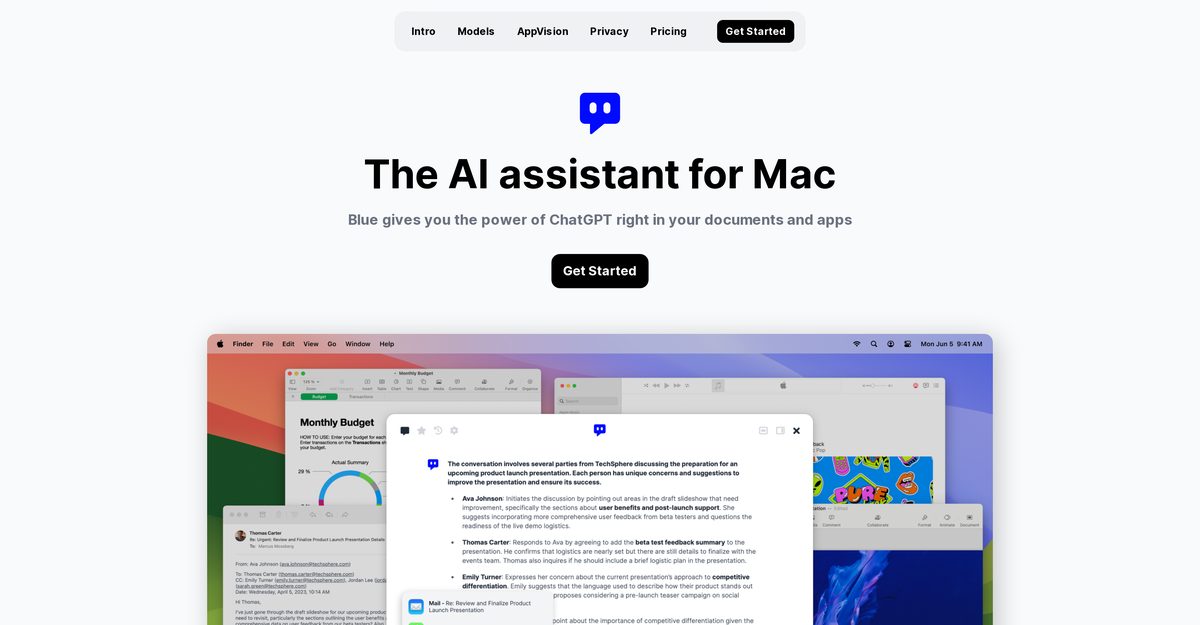
Blue is an AI assistant built for macOS that integrates the power of ChatGPT into your applications and documents. It provides context-aware assistance by analyzing, summarizing, or translating content on your screen within seconds. Suitable for both individual and professional use, Blue enhances productivity by functioning seamlessly without the need for browser tabs or copy-pasting. With features powered by Microsoft and strong data privacy measures, Blue is an effective tool for coding, brainstorming, and report writing.
Pros
- Seamless integration into macOS applications
- Activated with keypress (Option + Space)
- On-screen content analysis for quick insights
- Summarizes and translates content efficiently
- Helpful for coding and technical documentation
- Aids in brainstorming and idea generation
- Assists in drafting and editing reports and emails
- Context-based assistance through AppVision
- GDPR compliant with strong data privacy measures
- On-device data storage with AES-256 encryption
Cons
- Only available for macOS, no multi-platform support
- Limited to GPT-4 and GPT-3.5 Turbo for AI models
- Reliant on Microsoft for model power and updates
- Lacks support for external APIs
- In-app interactivity has some limitations
- Scope of AppVision technology is limited
- Data encryption is only AES-256
- Data localization primarily in the EU
- No cloud storage of user data
- No tracking features for user interactions
Blue - ChatGPT for Mac is an AI assistant designed specifically for macOS. It uses the power of ChatGPT to provide assistance within applications and documents.
You can activate Blue on your Mac by pressing the Option + Space keys.
Blue can analyze, translate or summarize content on your screen, helping with tasks like brainstorming ideas, producing code, or polishing reports.
AppVision captures the context of your work, understanding what you're working on and enhancing user experience by interpreting spatial information.
Blue stores all data on-device and encrypts it with AES-256. It sends data only when you ask a question and does not save or track your data.
Blue utilizes GPT-4 and auto-switches to GPT-3.5 Turbo based on user requirements.
Yes, Blue can interact directly with your macOS apps, providing seamless assistance without needing additional software.
No, Blue does not use user data for developing its AI models, adhering to strict privacy standards.
Yes, Blue offers various pricing plans including Starter and Professional options.
Blue reduces time spent on mundane tasks and provides quick access to AI models for efficient task completion.
Become a Contributor
Sign in to unlock these features:
- ⭐️ Rate this tool with a 1-5 star score
- ✍️ Write a detailed review for the community
- ❤️ Follow this tool to get important updates
Get started in seconds
[jnews_social_login_form]