Otter.ai
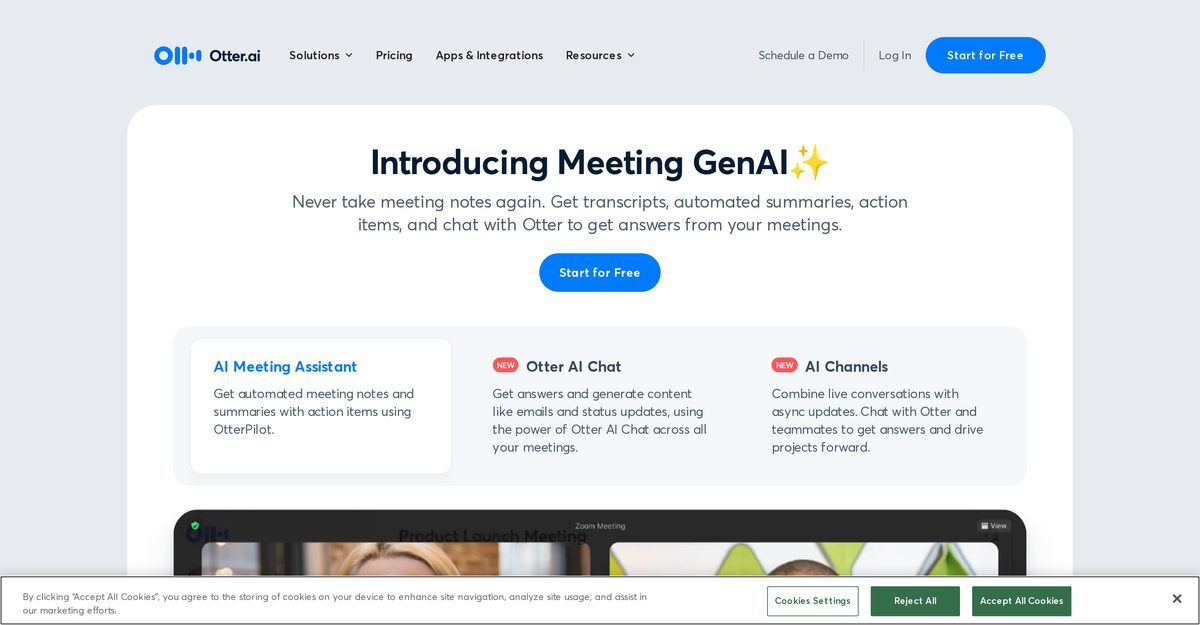
Otter.ai offers a comprehensive solution for managing meetings by providing transcription and note-taking services powered by AI. Its toolset enables automatic transcription of meetings in real time, recording audio, capturing slides, and highlighting action items. It serves various sectors including business, sales, education, and media, making meetings more effective by creating automated notes. The OtterPilot feature allows it to auto-join meetings on platforms like Zoom, Google Meet, and Microsoft Teams to produce notes automatically.
Pros
- Records and transcribes meetings accurately
- Real-time transcription capabilities
- Generates shareable and searchable notes
- Automatically joins meetings on supported platforms
- Highlights key points and assigns action items
- Generates concise meeting summaries in 30 seconds
- Integrates with various workflow tools like Salesforce and HubSpot
- Available on iOS, Android, and Chrome
- Facilitates collaboration with team members on transcriptions
- Offers a secure and compliant platform for note-taking
Cons
- No offline functionality available
- Limited integration capabilities with some tools
- Lacks advanced data analysis features
- May struggle with overlapping speech
- Limited support for languages other than English
- Inability to transcribe videos directly
- Does not support voice commands
- Limited customization of the user interface
- No feature for user groups management
- Limited options for customizing meeting summaries
Otter.ai is an AI-powered tool that provides services such as recording and transcribing meetings and conversations with high accuracy. It auto-joins meetings on platforms like Zoom, Microsoft Teams, and Google Meet, and generates shareable, searchable notes.
Otter.ai is known for its high accuracy in transcribing meetings, effectively handling multiple speakers and various accents.
Yes, it highlights key points and assigns action items during the transcription process, making it easier to track important information.
Otter.ai integrates with popular platforms like Zoom, Microsoft Teams, and Google Meet through its 'OtterPilot' feature, which auto-joins meetings and takes notes.
Yes, Otter.ai is available on iOS and Android devices, allowing users to access its services on the go.
Otter.ai is used across various sectors, including business, sales, education, and media, due to its versatile note-taking and transcription capabilities.
Otter AI Chat enables users to generate content like emails and status updates across meetings and retrieve information efficiently.
Otter.ai helps manage meetings by providing real-time transcriptions, capturing slides, assigning action items, and generating concise summaries.
Yes, Otter.ai can send follow-up emails based on the discussions held during meetings.
Otter.ai enhances productivity by automating note-taking, providing summaries, and integrating with various workflow tools, allowing teams to focus on discussions rather than note-taking.
Become a Contributor
Sign in to unlock these features:
- ⭐️ Rate this tool with a 1-5 star score
- ✍️ Write a detailed review for the community
- ❤️ Follow this tool to get important updates
Get started in seconds
[jnews_social_login_form]