Dataconomy
  • News
    • Artificial Intelligence
    • Cybersecurity
    • DeFi & Blockchain
    • Finance
    • Gaming
    • Startups
    • Tech
  • Industry
  • Research
  • Resources
    • Articles
    • Guides
    • Case Studies
    • Whitepapers
    • AI Models Leaderboard
  • AI toolsNEW
  • Newsletter
  • + More
    • Glossary
    • Conversations
    • Events
    • About
      • Who we are
      • Contact
      • Imprint
      • Legal & Privacy
      • Partner With Us
Subscribe
No Result
View All Result
  • AI
  • Tech
  • Cybersecurity
  • Finance
  • DeFi & Blockchain
  • Startups
  • Gaming
Dataconomy
  • News
    • Artificial Intelligence
    • Cybersecurity
    • DeFi & Blockchain
    • Finance
    • Gaming
    • Startups
    • Tech
  • Industry
  • Research
  • Resources
    • Articles
    • Guides
    • Case Studies
    • Whitepapers
    • AI Models Leaderboard
  • AI toolsNEW
  • Newsletter
  • + More
    • Glossary
    • Conversations
    • Events
    • About
      • Who we are
      • Contact
      • Imprint
      • Legal & Privacy
      • Partner With Us
Subscribe
No Result
View All Result
Dataconomy
No Result
View All Result

2 smart ways to resize text in Copilot for Windows 11

Copilot doesn’t have a font slider—yet. But here’s how to fix that, using a hidden trick and a browser workaround.

byKerem Gülen
April 8, 2025
in Guides
Home Resources Guides
Share on FacebookShare on TwitterShare on LinkedInShare on WhatsAppShare on e-mail
Google Preferred Source

Stay Ahead of the Curve!

Don't miss out on the latest insights, trends, and analysis in the world of data, technology, and startups. Subscribe to our newsletter and get exclusive content delivered straight to your inbox.

Microsoft’s Copilot brings an AI assistant straight to your Windows 11 desktop—but if the tiny text makes your eyes twitch, you’re not alone. Copilot doesn’t (yet) include a built-in font size option. Luckily, there are two easy workarounds that give you control over how it looks—without waiting for a feature update.

Option 1: Zoom in with Windows Magnifier (Temporary boost)

If you just want a quick readability upgrade—say, while Copilot’s reading back a long file—Magnifier is your best friend.

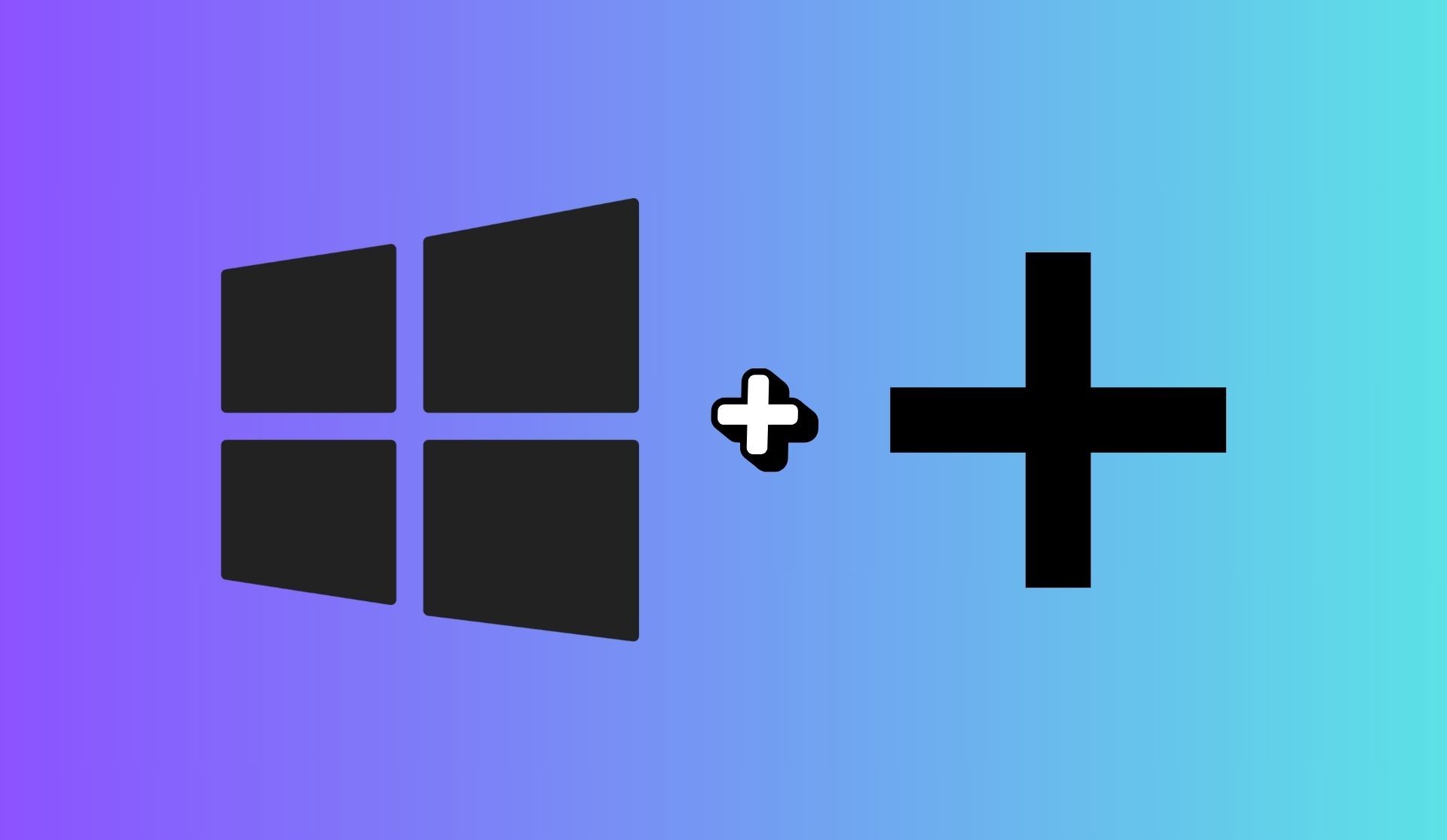
  1. Hit Win + + to launch Windows Magnifier. You’ll instantly see everything zoomed in.
  2. Use Win + + or - to fine-tune the zoom level.
  3. Press Win + Esc to exit when you’re done.
2 smart ways to resize text in Copilot for Windows 11
Hit Win + + to launch Windows Magnifier. You’ll instantly see everything zoomed in.

This trick is quick and reversible—it won’t mess with system settings or affect other apps. Perfect for those “my eyes need help right now” moments.

Option 2: Turn Copilot into a browser app (PWA style)

Want full control over Copilot’s window, zoom, and layout? Treat it like a web app. Here’s how to install Copilot as a PWA using Microsoft Edge—no admin rights required.

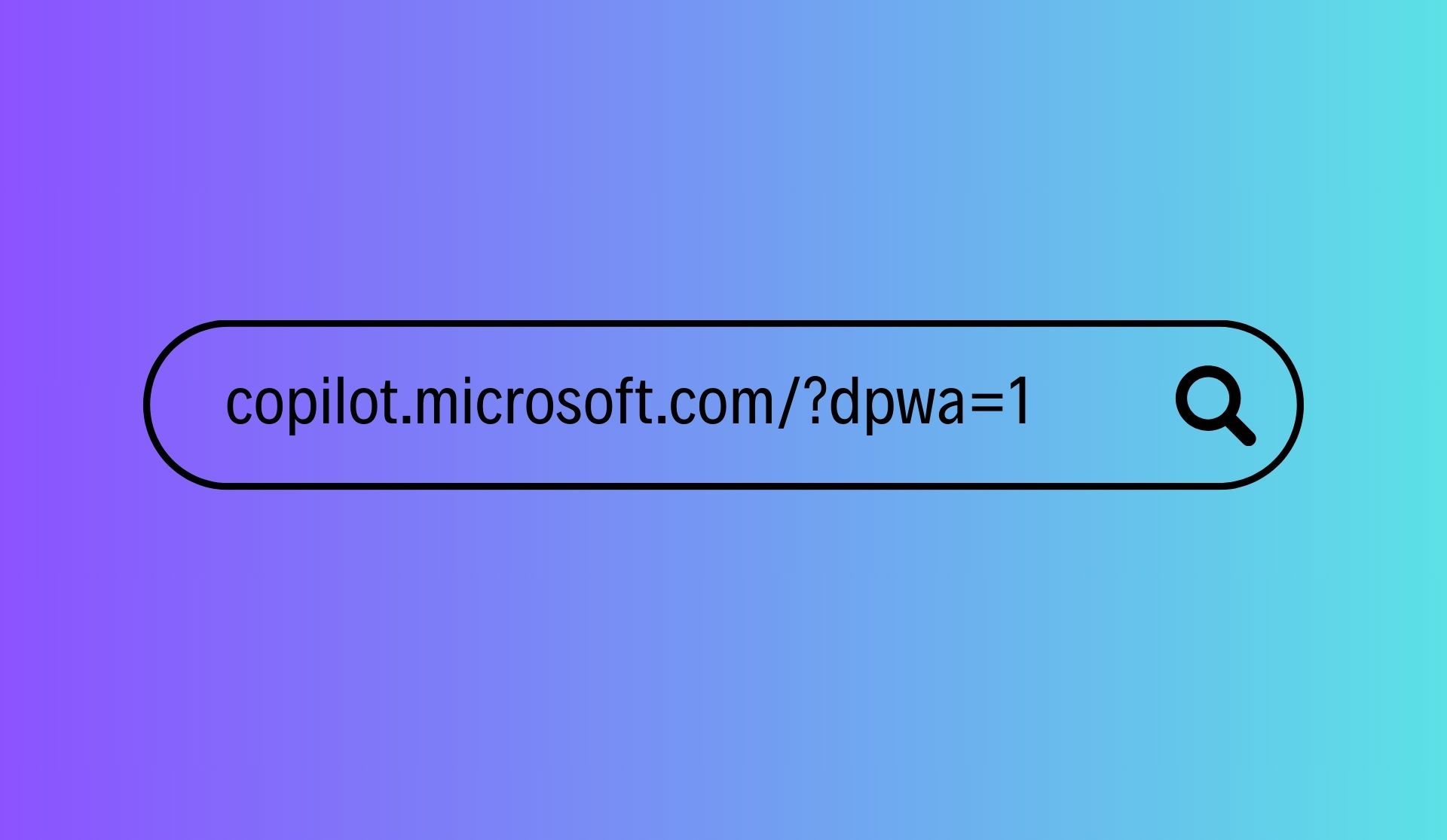
  1. Open Edge and head to copilot.microsoft.com/?dpwa=1.
  2. Click the three-dot menu (⋮), go to Apps, then choose Install this site as an app.
  3. Launch the app from your desktop or Start menu.
  4. Now use Ctrl + + or - to scale the text inside the Copilot window—just like you would on any website.
2 smart ways to resize text in Copilot for Windows 11
Open Edge and head to copilot.microsoft.com/?dpwa=1

This approach makes Copilot feel more flexible—resize the window, pin it anywhere, and zoom in or out as needed. Bonus: it remembers your zoom level.

Pro tip: Prefer Chrome? You can do the same thing. Navigate to the URL, then click the three dots ▸ More Tools ▸ Create Shortcut ▸ check “Open as window.”

Until Microsoft gives Copilot a built-in text-size toggle, these two methods are your best bet. Magnifier is great for short bursts of clarity. Installing it as a browser app gives you long-term control and smoother readability.

Use whichever fits your workflow—and stop squinting at your AI assistant.


Featured image credit

Tags: AIcopilottrends

Related Posts

Here is how you put ads on ChatGPT

Here is how you put ads on ChatGPT

June 1, 2026
How to undo a deleted WhatsApp contact on Android: What works and what to try next

How to undo a deleted WhatsApp contact on Android: What works and what to try next

March 26, 2026
Where to go first in Crimson Desert

Where to go first in Crimson Desert

March 24, 2026
12 things I wish I knew when I started Crimson Desert

12 things I wish I knew when I started Crimson Desert

March 24, 2026
PinchTab: The next big leap in AI browser control after OpenClaw

PinchTab: The next big leap in AI browser control after OpenClaw

March 4, 2026
Best Blu-ray Ripper software for Windows and Mac: 3 top picks

Best Blu-ray Ripper software for Windows and Mac: 3 top picks

February 11, 2026

LATEST NEWS

Steam Next Fest sees one in five demos labeled for generative AI

Qualcomm debuts Snapdragon Reality Elite chip for AR and VR devices

Roblox expands age-based account tiers worldwide with new parental controls

Anthropic adds multilingual and push-to-talk features to Claude Voice Mode

Is Gemini down? Users report problems with Google Gemini

Google releases Android 17

BEST AI MODELS LEADERBOARD

See the best AI models, ranked by intelligence, benchmark results, speed and token price. Find the most suitable LLMs, Text-to-Image, Image Editing, Text-to-Speech, Text-to-Video and Image-to-Video  artificial intelligence model for your tasks and business.

LATEST TOOLS

Wiz Write

BoldVoice

Bith

Concisely

YourGPT

Sonoteller

RoomGPT

Rosie

LedgerUp

Call Annie

Dataconomy

COPYRIGHT © DATACONOMY MEDIA GMBH, ALL RIGHTS RESERVED.

  • About
  • Imprint
  • Contact
  • Legal & Privacy

Follow Us

  • News
    • Artificial Intelligence
    • Cybersecurity
    • DeFi & Blockchain
    • Finance
    • Gaming
    • Startups
    • Tech
  • Industry
  • Research
  • Resources
    • Articles
    • Guides
    • Case Studies
    • Whitepapers
    • AI Models Leaderboard
  • AI tools
  • Newsletter
  • + More
    • Glossary
    • Conversations
    • Events
    • About
      • Who we are
      • Contact
      • Imprint
      • Legal & Privacy
      • Partner With Us
No Result
View All Result
Subscribe

This website uses cookies to improve your experience. You can choose to accept or reject them. Visit our Privacy Policy.