PixVerse AI is part of a growing trend in video generation tools that aim to simplify the process of creating professional-quality content. As the demand for video continues to rise across social media, marketing, and other digital platforms, tools like PixVerse AI have emerged to make video creation more accessible to a broader audience. These tools offer features that allow users to generate short videos with minimal effort, often using text prompts or uploaded images.
What is PixVerse AI?
PixVerse AI is a video creation tool designed to help users generate short video content with ease. It offers both text-to-video and image-to-video capabilities, making it accessible for those who want to create visually appealing videos without extensive video editing skills. The platform supports the creation of videos up to 10 seconds long, providing users with a simple way to produce content that is consistent in style and quality across multiple clips.
Features of PixVerse AI
PixVerse AI includes several key features that make it a versatile tool for video creation:
- Users can generate videos by inputting text prompts or uploading images, allowing for flexibility in how content is created.
- The platform supports video lengths of 5 to 8 seconds, giving users control over the duration of their content.
- Users can add and edit up to 5 scenes in a single video, ensuring consistency across clips while allowing for variation in prompts and styles.
- PixVerse AI automatically stitches together clips, and users can further edit the generated video by adjusting characters, environments, and actions.
- The tool maintains a consistent style and subject across multiple video clips, enhancing the overall coherence of the final product.
Best voice to video AI tools you’ll ever find
Updated features of PixVerse 2.5
PixVerse V2.5 introduces several updates aimed at improving video creation performance and quality:
- Improved prompt understanding: The platform now offers sharper prompt interpretation, allowing for more precise realization of users’ creative ideas.
- Magic Brush tool: This feature lets users draw directions or brush areas within the video to animate images, adding a new level of control to the creation process.
- 4K resolution upscaling: All videos generated with PixVerse V2.5 can now be upscaled to 4K resolution, enhancing visual quality.
- Faster video generation: The update speeds up video generation by 2x, making the creation process more efficient.
- Extended video duration: PixVerse V2.5 allows users to create videos up to 10 seconds long, offering more flexibility in content length.
- Camera movement control: Users can now control camera movements with greater precision, making PixVerse V2.5 suitable for more professional video production needs.
How to use PixVerse V2.5?
If you’re eager to try out PixVerse AI, follow these simple steps. The tool is particularly noted for its ability to let you add scenes one after another, each with different prompts, allowing for more dynamic and varied video content.
Go to app.pixverse.ai
To begin, navigate to the PixVerse website at app.pixverse.ai. This is where you’ll access all the features of PixVerse V2.5.
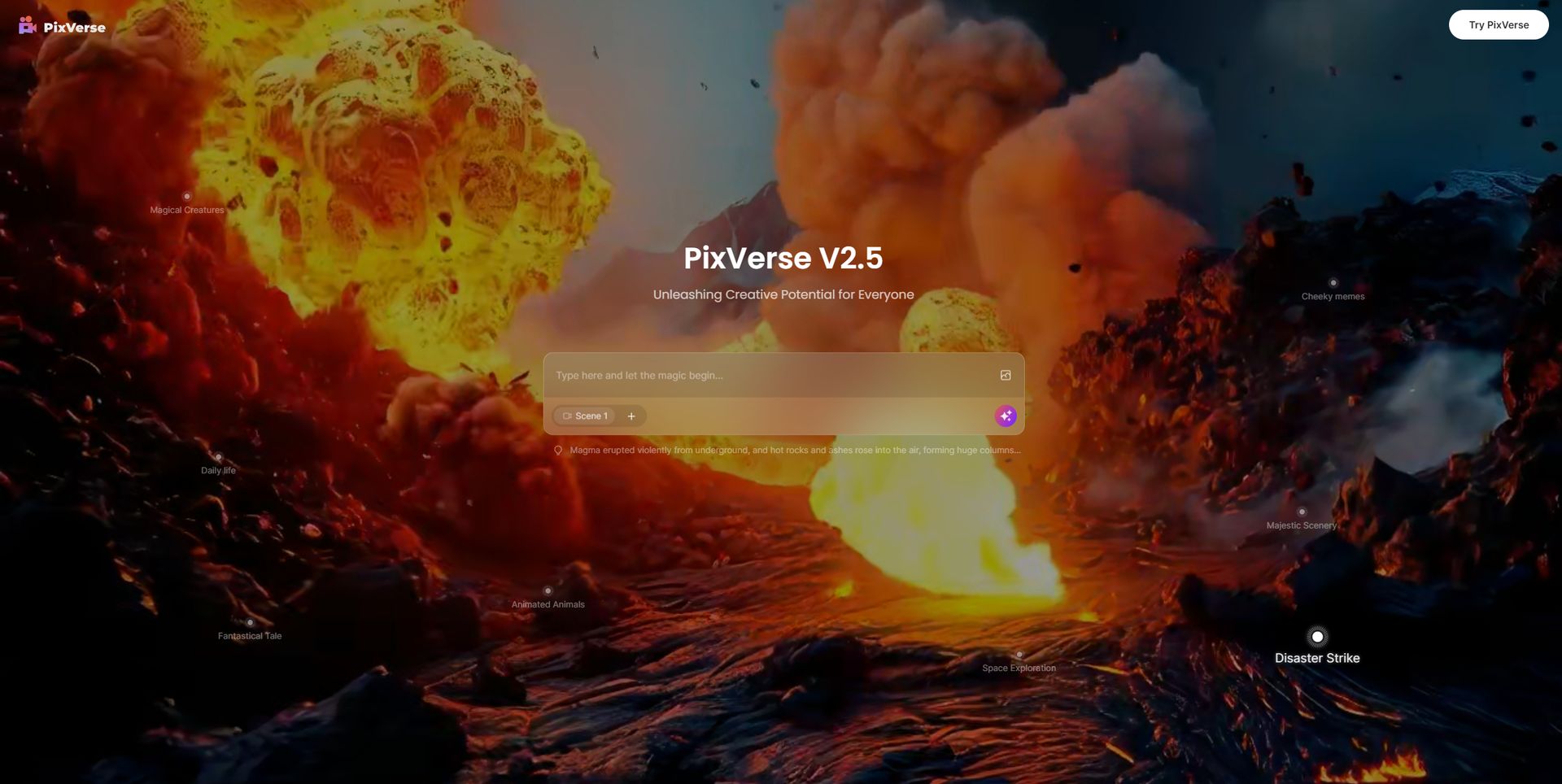
Hit Try PixVerse
Once you’re on the PixVerse homepage, click on the “Try PixVerse” button. This will initiate the process of setting up your video creation project.
Wait for the process to finish
After you’ve set up your scenes and entered the necessary prompts, the system will begin generating your video. Simply wait for the process to complete, and your video will be ready to view or edit further.
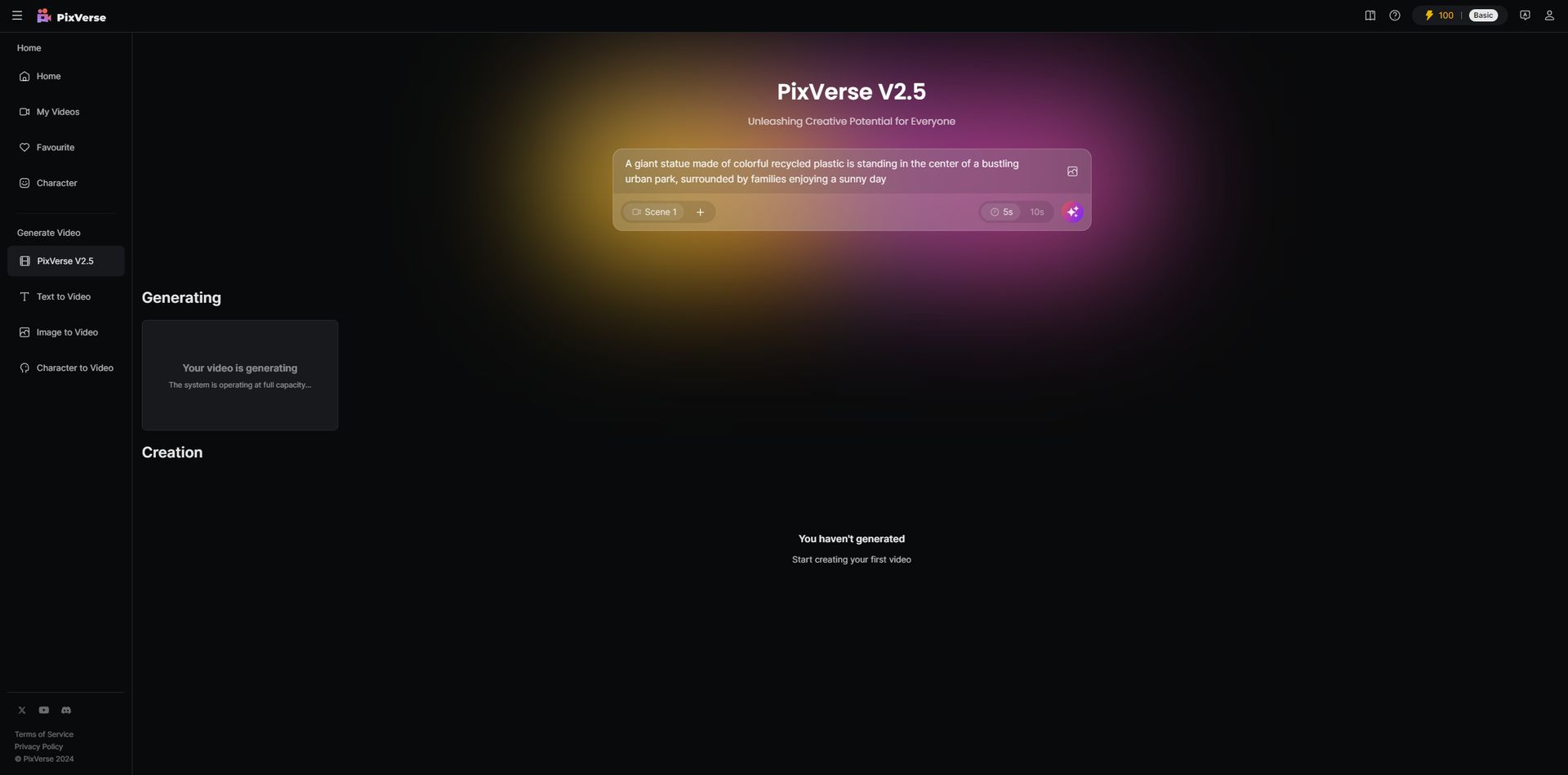
Download and watch your video
Delivered in 20 mins but with a few "creative" interpretations. The tool might need a bit more practice understanding context). Still, it’s fascinating to see how close we’re getting to AI-driven video creation that could soon flip the script on content production. pic.twitter.com/itDwDol1CY
— Kerem Gülen (@kgulenn) August 26, 2024
Can you still use PixVerse V2?
No, you can’t use PixVerse V2 directly on the site anymore. The platform now primarily offers PixVerse V2.5, which includes several performance enhancements and new features. For the best experience and to take full advantage of the latest improvements, it’s recommended to use PixVerse V2.5.
Featured image credit: Kerem Gülen/Midjourney