Dataconomy
  • News
    • Artificial Intelligence
    • Cybersecurity
    • DeFi & Blockchain
    • Finance
    • Gaming
    • Startups
    • Tech
  • Industry
  • Research
  • Resources
    • Articles
    • Guides
    • Case Studies
    • Whitepapers
    • AI Models Leaderboard
  • AI toolsNEW
  • Newsletter
  • + More
    • Glossary
    • Conversations
    • Events
    • About
      • Who we are
      • Contact
      • Imprint
      • Legal & Privacy
      • Partner With Us
Subscribe
No Result
View All Result
  • AI
  • Tech
  • Cybersecurity
  • Finance
  • DeFi & Blockchain
  • Startups
  • Gaming
Dataconomy
  • News
    • Artificial Intelligence
    • Cybersecurity
    • DeFi & Blockchain
    • Finance
    • Gaming
    • Startups
    • Tech
  • Industry
  • Research
  • Resources
    • Articles
    • Guides
    • Case Studies
    • Whitepapers
    • AI Models Leaderboard
  • AI toolsNEW
  • Newsletter
  • + More
    • Glossary
    • Conversations
    • Events
    • About
      • Who we are
      • Contact
      • Imprint
      • Legal & Privacy
      • Partner With Us
Subscribe
No Result
View All Result
Dataconomy
No Result
View All Result

Microsoft responds to Windows 10 0x80070643 issue

The company is working on it...

byOnur Demirkol
January 17, 2024
in News
Home News
Share on FacebookShare on TwitterShare on LinkedInShare on WhatsAppShare on e-mail
Google Preferred Source

A challenge has emerged for Microsoft users: the persistent and perplexing Windows 10 0x80070643 error. This issue, manifesting primarily during critical system updates, has captured the attention of Microsoft’s technical team, prompting an immediate and focused response. In this article, we delve into the nature of these errors, Microsoft’s strategic approach to resolution, and the underlying causes of this software conundrum.

What is the Windows 10 0x80070643 error?

Have you ever tried updating your Windows 10 and got hit with an error code 0x80070643? If yes, you’re not alone. This error has been a thorn in the side for many Windows users. Simply put, it’s a signal that something went wrong during the update process. But it’s not just any error – it’s a bit of a mystery box.

According to Bleeping Computer, the error usually shows up when there’s a hiccup in installing updates, especially security updates like the recent KB5034441. This particular update was crucial as it patched a vulnerability in BitLocker, labeled CVE-2024-20666. But, the process hasn’t been smooth sailing. Systems with a small Windows Recovery Environment (WinRE) partition stumble upon this error. Instead of the specific error message that should appear – something about insufficient disk space – users see the generic 0x80070643 error.
Stay Ahead of the Curve!

Don't miss out on the latest insights, trends, and analysis in the world of data, technology, and startups. Subscribe to our newsletter and get exclusive content delivered straight to your inbox.

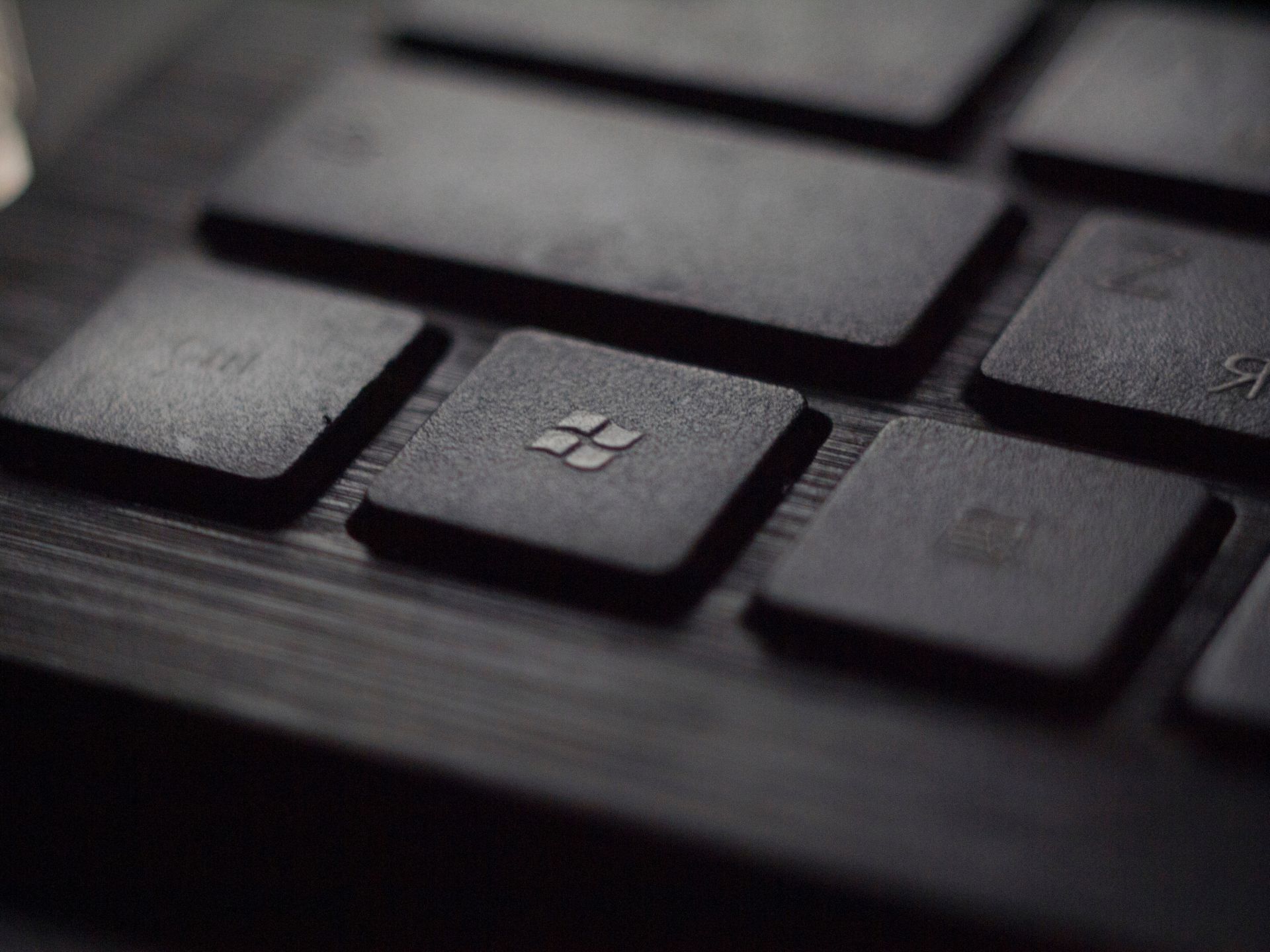
Windows 10 0x80070643
Many users are fed up because of the Windows 10 0x80070643 error (Image Credit)

Microsoft is on it

Microsoft isn’t sitting back. They’ve acknowledged the issue and are busy finding a fix. For now, they’ve offered a workaround. It’s a bit technical, but it involves resizing the WinRE partition. They’ve laid out instructions on their support website, but it’s not exactly easy-peasy.

But wait, there’s more. Microsoft has also released a PowerShell script. This script is a sort of DIY fix. It updates the WinRE partition to tackle the BitLocker flaw. The script is a handy tool. It mounts the WinRE image, applies an update, and reconfigures WinRE for BitLocker service. Sounds complex? It kind of is. But for tech-savvy folks, it’s a useful stopgap solution until Microsoft rolls out a permanent fix.

Also, there’s a tip. After running the script, use Microsoft’s Show or Hide Tool. This tool prevents Windows Update from trying to install the problematic update again and prevents you from repeatedly facing the 0x80070643 error.
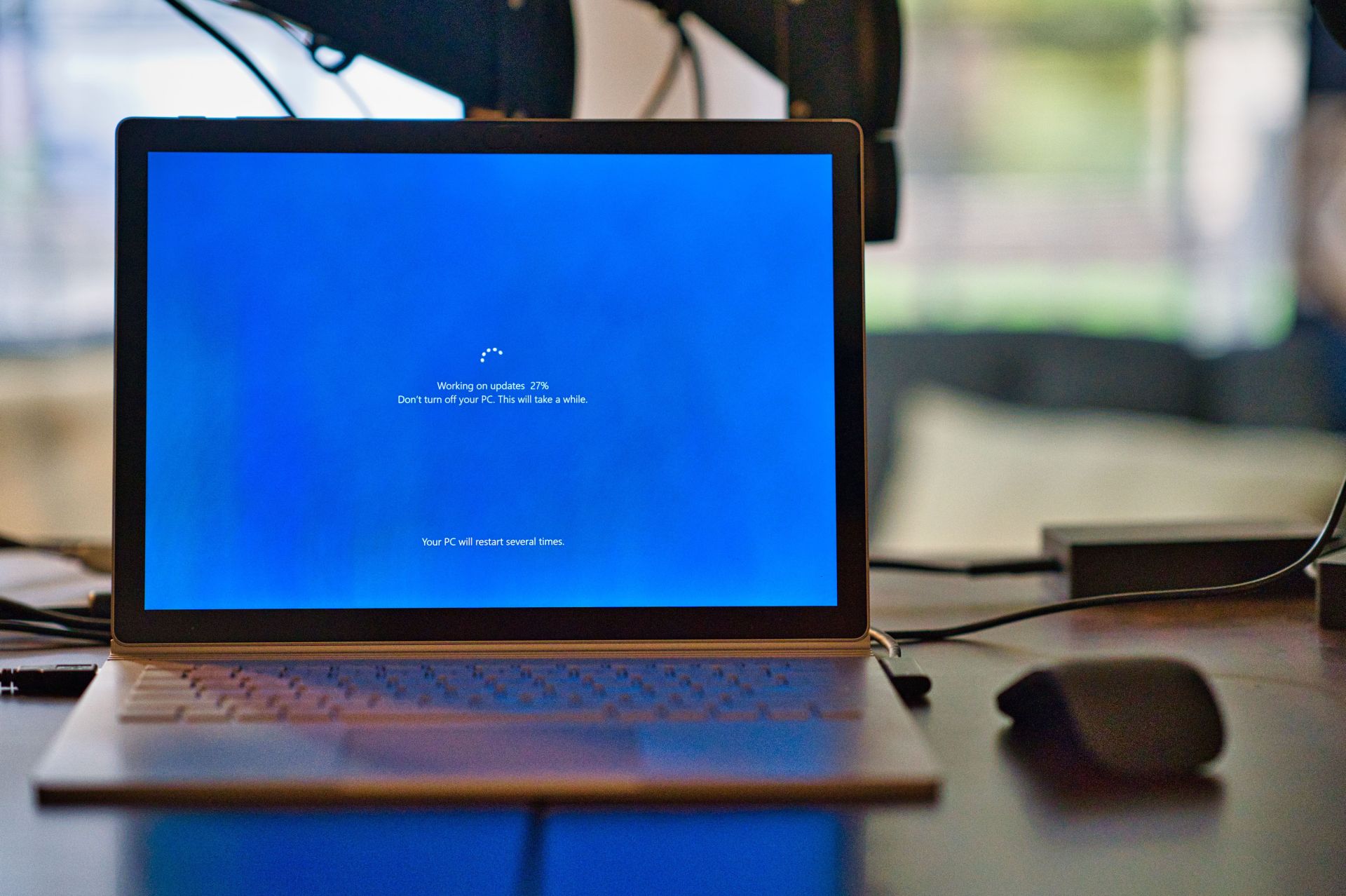
Windows 10 0x80070643
The Windows 10 0x80070643 is bothering users but Microsoft is on it (Image Credit)

Casual reasons for Windows 10 0x80070643 error

The error 0x80070643 message is usually the result of system settings that were configured incorrectly, a malware or virus infection, a driver malfunction, corrupted or missing system files, or old versions of programs that weren’t removed correctly when a new version was downloaded. A 0x80070643 error can also occur when a Windows computer or tablet is shut down incorrectly or disconnected from a power source while in use.

If you think you have malware on your computer, run your antivirus software to ferret it out and remove it before doing anything else.

In summary, Microsoft is actively working on resolving the Windows 10 0x80070643 error issue. It’s a bumpy road, but there’s light at the end of the tunnel. Their approach includes a mix of temporary fixes and a promise of a more permanent solution soon. For now, users can follow Microsoft’s guidelines and use the provided script to keep their systems secure and error-free. Let’s hope for a smoother update experience in the near future!

Featured image credit: Clint Patterson/Unsplash

Tags: windows 10

Related Posts

OpenAI improves health responses for free ChatGPT users

OpenAI improves health responses for free ChatGPT users

June 19, 2026
Adobe expands Firefly AI across Premiere, Illustrator, InDesign and Frame.io

Adobe expands Firefly AI across Premiere, Illustrator, InDesign and Frame.io

June 19, 2026
Spotify launches Reserved to give superfans early ticket access

Spotify launches Reserved to give superfans early ticket access

June 19, 2026
Google discontinues Nest Home Mini and Nest Audio

Google discontinues Nest Home Mini and Nest Audio

June 19, 2026
Instagram adds unique captions for each carousel slide

Instagram adds unique captions for each carousel slide

June 19, 2026
Steam Next Fest sees one in five demos labeled for generative AI

Steam Next Fest sees one in five demos labeled for generative AI

June 17, 2026

LATEST NEWS

OpenAI improves health responses for free ChatGPT users

Adobe expands Firefly AI across Premiere, Illustrator, InDesign and Frame.io

Spotify launches Reserved to give superfans early ticket access

Google discontinues Nest Home Mini and Nest Audio

Instagram adds unique captions for each carousel slide

Steam Next Fest sees one in five demos labeled for generative AI

BEST AI MODELS LEADERBOARD

See the best AI models, ranked by intelligence, benchmark results, speed and token price. Find the most suitable LLMs, Text-to-Image, Image Editing, Text-to-Speech, Text-to-Video and Image-to-Video  artificial intelligence model for your tasks and business.

LATEST TOOLS

Novoresume

PolyAI

SeaArt

H2O.ai

Techpresso

Namecheap Free Logo Maker

Binaural Beats Factory

Lyricallabs

Jobscan

Vsub

Dataconomy

COPYRIGHT © DATACONOMY MEDIA GMBH, ALL RIGHTS RESERVED.

  • About
  • Imprint
  • Contact
  • Legal & Privacy

Follow Us

  • News
    • Artificial Intelligence
    • Cybersecurity
    • DeFi & Blockchain
    • Finance
    • Gaming
    • Startups
    • Tech
  • Industry
  • Research
  • Resources
    • Articles
    • Guides
    • Case Studies
    • Whitepapers
    • AI Models Leaderboard
  • AI tools
  • Newsletter
  • + More
    • Glossary
    • Conversations
    • Events
    • About
      • Who we are
      • Contact
      • Imprint
      • Legal & Privacy
      • Partner With Us
No Result
View All Result
Subscribe

This website uses cookies to improve your experience. You can choose to accept or reject them. Visit our Privacy Policy.