In a world increasingly dominated by digital visuals, Stockimg AI emerges as a beacon of creativity, offering a seamless solution for individuals and businesses seeking to elevate their design game. This remarkable tool simplifies the complex process of image creation, making it accessible to everyone, regardless of artistic prowess.
Let’s delve into what Stockimg AI is, how to wield its creative power, and explore the exciting features and pricing that make it a standout in the realm of visual design.
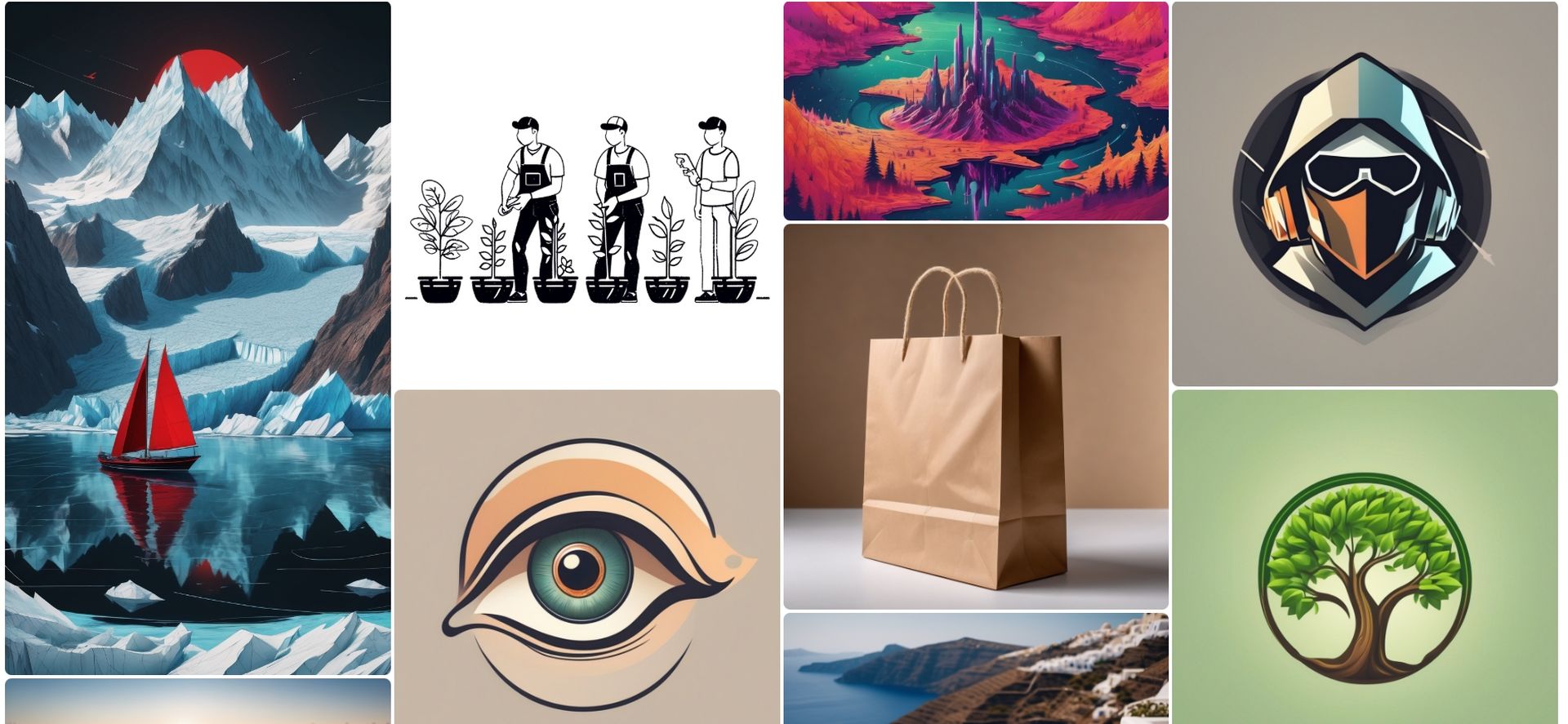
What is Stockimg AI?
Stockimg AI is like a super-smart artist friend who helps you make cool pictures without any art skills. It’s a special tool for creating your own images for things like your social media, websites, or emails. You don’t need to be a creative pro – just tell Stockimg AI what you want, and it does the hard work.
Imagine you want a picture for your blog or Instagram, but you’re not sure what it should look like. With Stockimg AI, you just type a few words describing your idea and boom!
And the best part? You can tweak your picture until it’s perfect. Don’t like something on the first try? No problem – change it up, and Stockimg AI will make a new version for you. It’s like having your own personal design assistant.
Introducing Stockimg AI V2 ✨
All in one design and content creation tool powered by AI. You can design and edit anything in your imagination. If you don't know how to design, AI can do it for you.
Try For Free: https://t.co/PxpxJU1cYz pic.twitter.com/PI0IHYG9RT
— Stockimg.ai (@stockimgAI) October 8, 2023
How to use Stockimg AI
Using Stockimg AI is as easy as pie, making it an ideal choice for both beginners and seasoned designers. Let’s walk through the simple steps to turn your ideas into visually stunning creations:
- Describe Your Idea:
- Start by typing a few words about what you want your picture to look like. Short and sweet works best.
- Try Different Styles:
- Play around with different styles, like making your picture look like a cartoon or a fancy portrait.
- Fix It If You Don’t Like It:
- If the first try isn’t exactly what you want, no worries. Change things up and try again until it’s just right.
- Download Your Picture:
- Once your picture is perfect, download it to your computer or phone. It’s yours to use wherever you want.
- Make It Crisp and Clear:
- Want your picture to look super sharp? Stockimg AI can make it up to 4 times clearer without losing quality.
- Stay Organized:
- Keep all your pictures in one place on your dashboard. It’s like a neat and tidy closet for your digital creations.
Generate vector illustrations you can't find on internet for your slideshows or websites 🖍️
1. Go to " stockimg . ai "
2. Stockimg is the free AI tool to create images
3. Choose illustration category
4. Choose vector illustration model
5. Describe what you want on your… pic.twitter.com/g21P30jGcT
— Stockimg.ai (@stockimgAI) October 31, 2023
Runway Motion Brush mesmerizes users, here is how it works
Stockimg AI features
Stockimg AI comes loaded with features that not only make your creative journey enjoyable but also affordable. Let’s dive into the cool features and pricing plans that make Stockimg AI stand out:
- Fun AI Styles:
- Explore different AI styles like portraits, Disney, papercut, and analog to give your pictures a unique vibe.
- Make Your Pictures Better:
- Make your pictures up to 4 times clearer so they look amazing no matter where you use them.
- Remember Your Creations:
- Stockimg AI keeps a record of all the pictures you make, so you can find them easily and use them again.
Pricing
Here are the pricing plans for the tool:
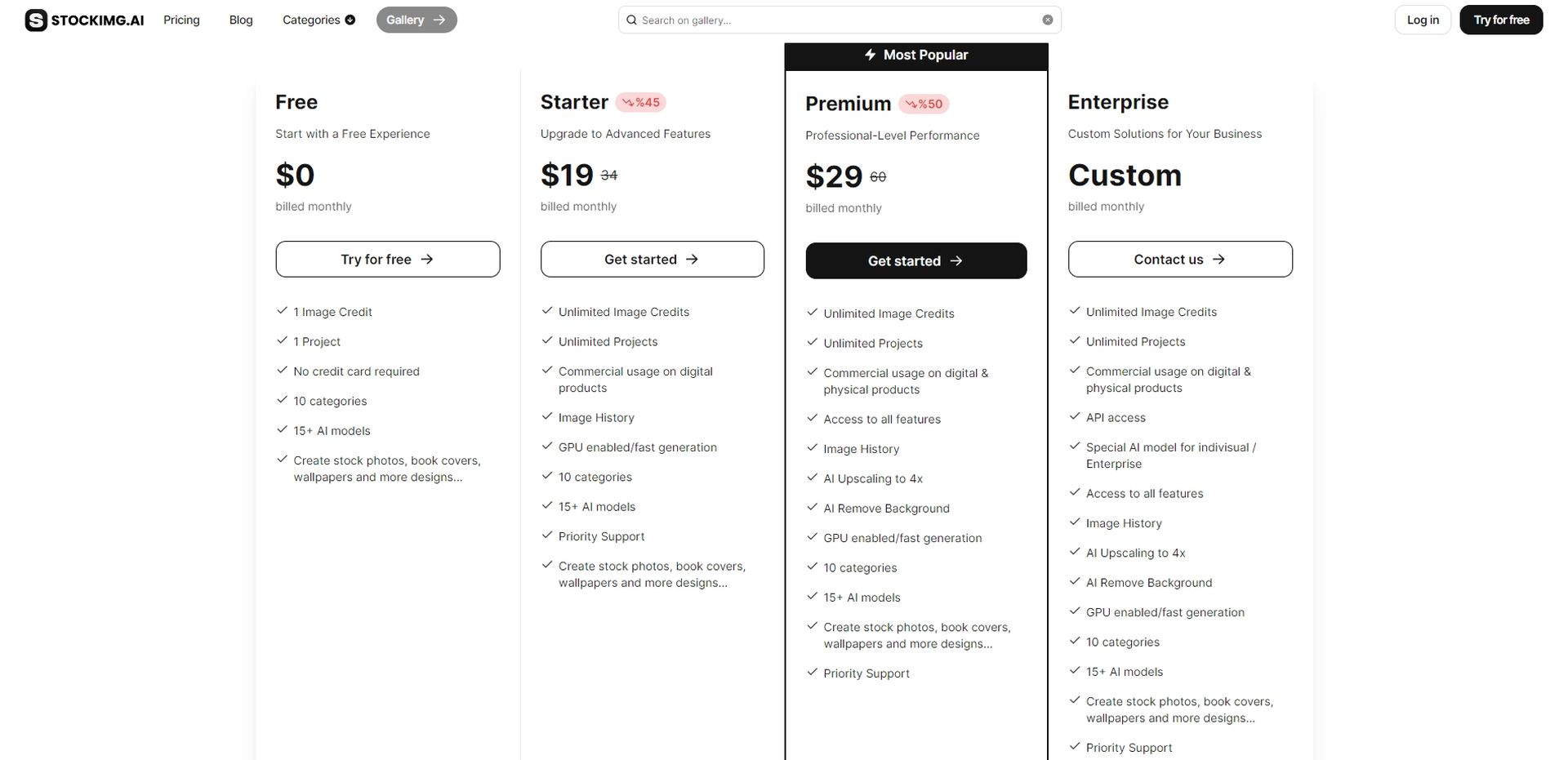
Free
- 1 Picture Credit
- 1 Project
- Totally free, no need for a credit card
- Make pictures for stuff like social media and wallpapers.
Starter – $19
- Make as many pictures as you want
- Use them for digital projects
- Keep track of your picture history
- Get faster picture generation
- Priority support for any questions
Stable Video Diffusion (SVD) transforms static images to dynamic shorts
Premium – $29
- Everything in Starter, plus
- Use pictures for both digital and physical things
- Unlock all features for more creative options
- Make your pictures 4 times clearer
- Remove the background from your pictures
- Priority support for super quick help
Enterprise – Custom
- Everything in Premium, plus
- Use pictures for business stuff
- Get special AI models for extra uniqueness
- Use Stockimg AI with other software using API
- Priority support for top-notch assistance
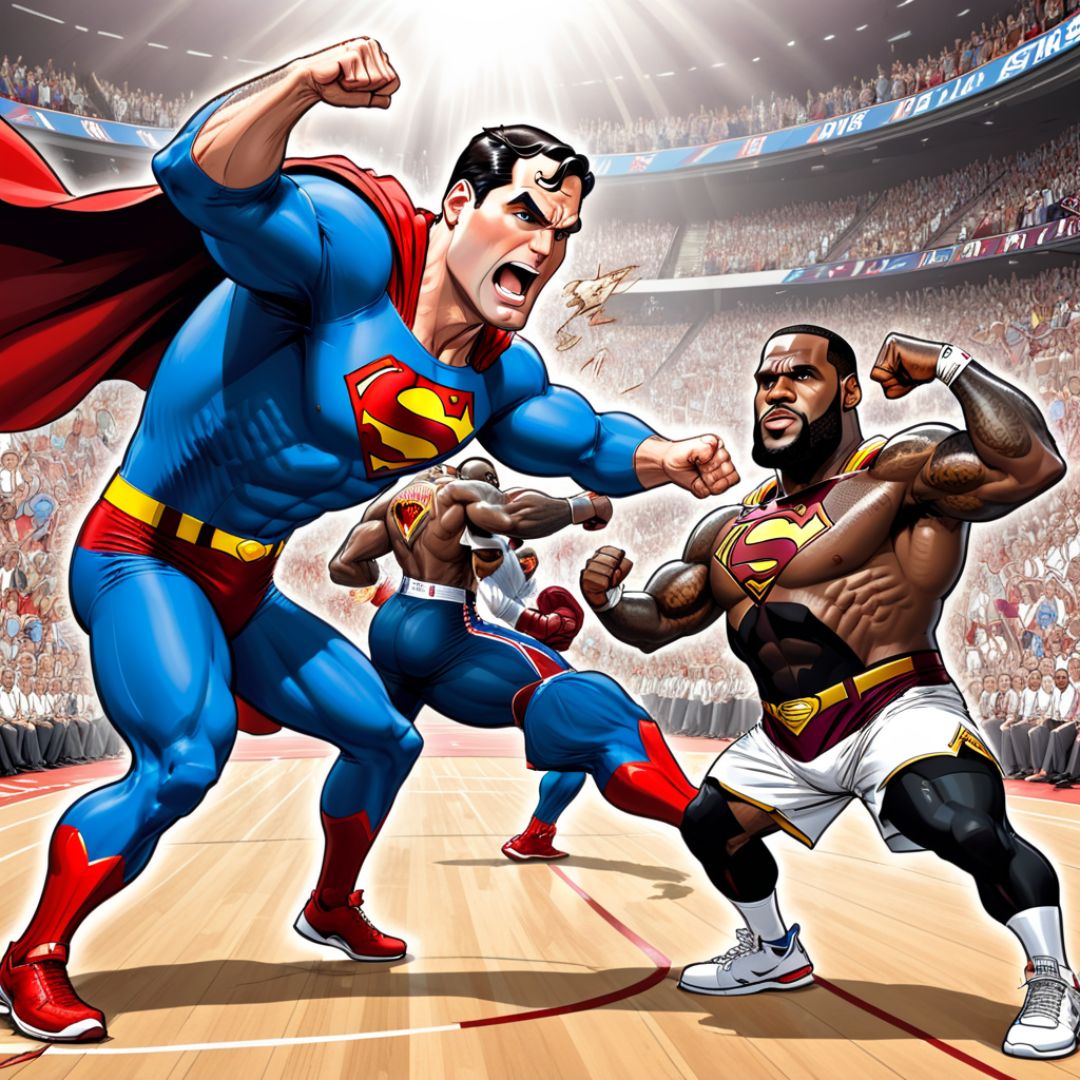
Featured image credit: Stockimg AI