WebWave AI
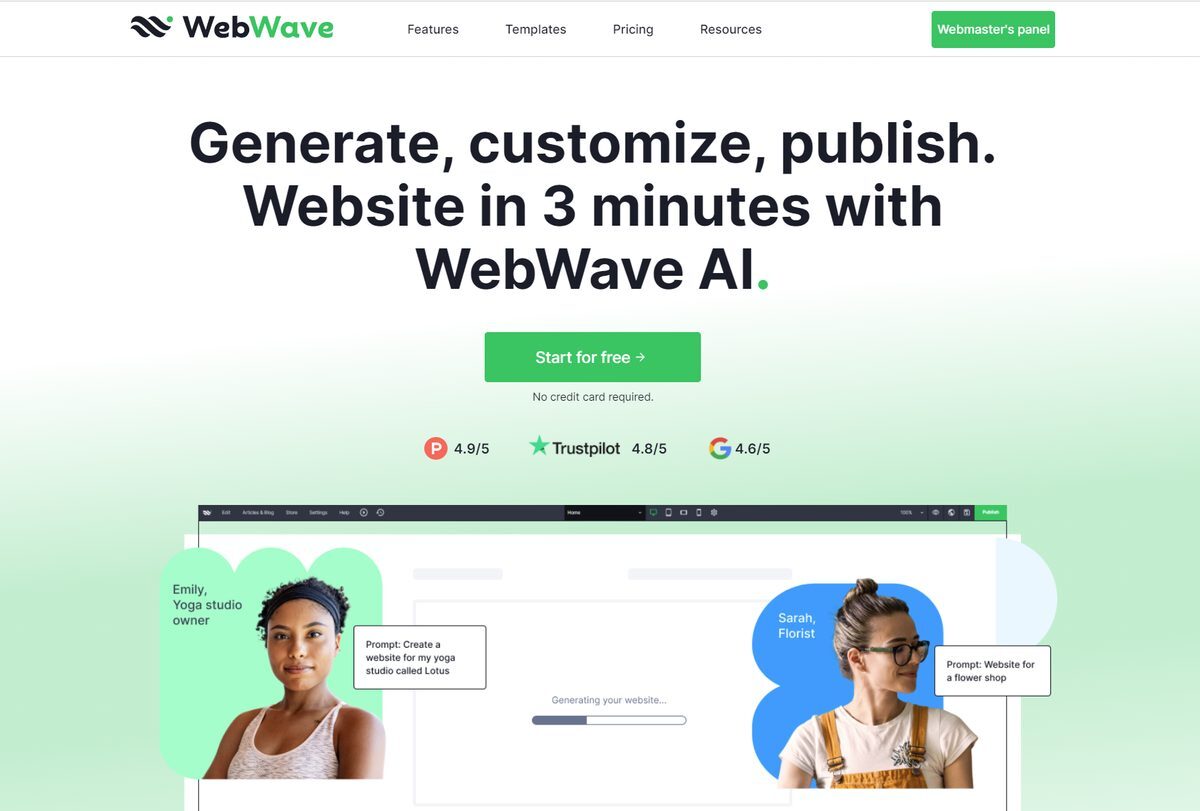
The WebWave AI Website Builder is a tool that allows users to generate a fully functional website with just one click. It utilizes artificial intelligence technology to create a website tailored to the user's needs and preferences. The drag and drop interface allows for easy customization, enabling users to position elements anywhere on the canvas and change every aspect of the website. Additionally, the tool offers the WebWave AI Writer, which generates high-quality website copy optimized for visitor engagement and search engines.
Pros
- One-click website generation
- User-friendly drag and drop interface
- Full customization abilities for layout, images, colors, fonts, and copy
- Advanced algorithm for tailored website generation
- Generated copy reflects brand character
- SEO optimization for increased traffic
- Saves time and money on copywriting
- Facilitates the creative process with AI support
- No coding knowledge required
- High-quality generated content with editing flexibility
Cons
- Lack of third-party integrations
- No offline functionality available
- No mobile application support
- Limited advanced SEO features
- No multi-language support
- No user community for support
- No A/B testing feature
- Does not support e-commerce functions
- Could have limited blogging capabilities
- Occasional slow loading times
The WebWave AI Website Builder is a tool that empowers users to design and generate a fully functional website with just one click, leveraging artificial intelligence to tailor the website to user requirements.
WebWave AI uses advanced algorithms to process a user's description of their goals or industry and translates it into a tailored website format.
Yes, users can fully customize the website after it is generated, including changing the layout, images, color palette, fonts, and textual content.
The 'AI website' button initiates the website generation process by allowing users to provide a brief description that the AI will convert into a functional website.
The WebWave AI Writer tool creates high-quality website copy based on user specifications, saving time and reducing costs associated with traditional copywriting.
Yes, users can edit the generated copy using the 'Rewrite' feature to explore different versions and refine the text.
No, the WebWave AI Website Builder is designed to be user-friendly and does not require any coding or technical expertise.
Yes, the website is optimized for search engines, enhancing visibility and engagement potential.
Yes, users can design their website layout after the AI generates a general format, allowing full control over customization.
Yes, users have the ability to customize the color palette and fonts of the website to fit their branding.
Become a Contributor
Sign in to unlock these features:
- ⭐️ Rate this tool with a 1-5 star score
- ✍️ Write a detailed review for the community
- ❤️ Follow this tool to get important updates
Get started in seconds
[jnews_social_login_form]