Pixian.AI
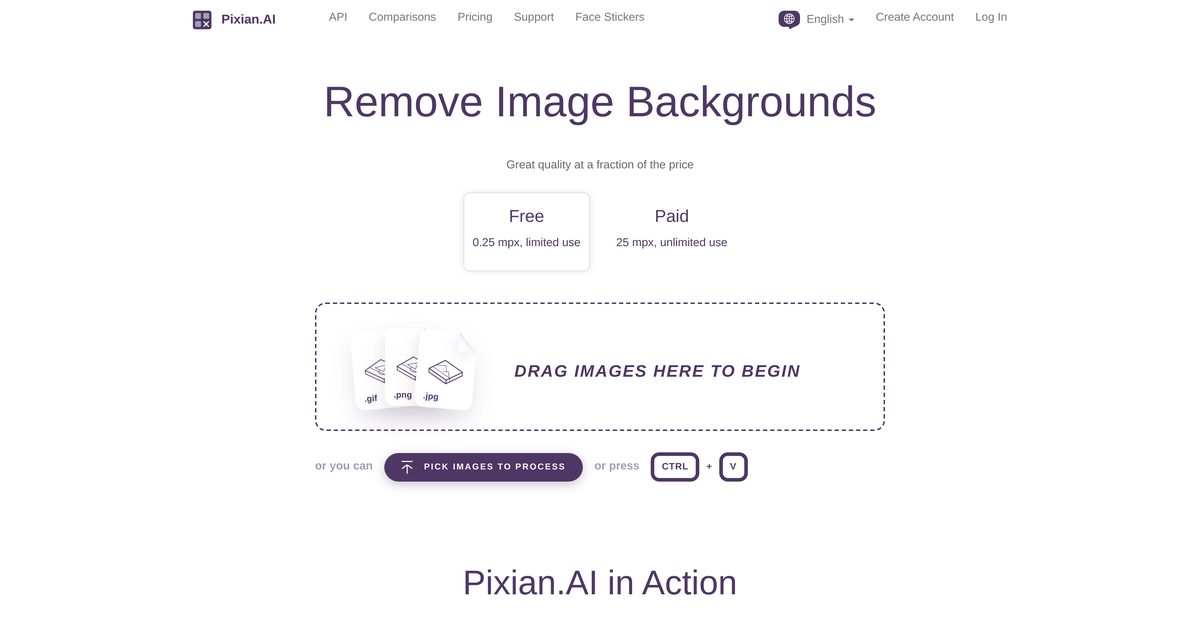
Pixian.AI provides an advanced and accessible solution for image background removal. The tool processes images by leveraging powerful server GPUs and multi-core CPUs for analysis and subsequent background elimination. It is designed for users needing efficient and high-quality background removal, such as e-commerce businesses, marketers, and designers. Key capabilities include customizable output settings, multilingual support, and integration with other services, ensuring flexibility and usability for a variety of use cases.
Pros
- Free to use with a limited tier
- No sign up required for basic functions
- Supports high-resolution downloads up to 25 megapixels
- Quick processing speeds due to powerful GPU and CPU utilization
- API access available for integration into workflows
- Integration with other services like Vectorizer.AI and ClippingMagic.com
- Multilingual support for diverse user base
- Customizable output settings including file format and JPEG quality
- Preview option before finalizing downloads
- High-quality output comparable to leading competitors
Cons
- Limited to processing images up to 25 megapixels in the paid tier
- API access is currently limited and not fully operational
- Limited customization options for file formats compared to some competitors
- Data retention for processed images is limited to 24 hours
- Specific multi-core CPU requirements for optimal performance
- Errors may occur with persistent network problems
- Limited options for crop margins and result sizes
- Minimal customer support availability
- Steep learning curve for advanced features
- No offline capabilities available
Pixian.AI removes image backgrounds by leveraging the capabilities of powerful server GPUs and multi-core CPUs, focusing on detailed image analysis to eliminate backgrounds.
Pixian.AI can process images with a maximum size of up to 25 megapixels in the paid tier.
The quality of the images after background removal is high, and users can download results in HD resolution.
Pixian.AI has been favorably compared to well-known competing services, outperforming in areas such as objective backgrounds and artwork scans.
Pixian.AI supports multiple languages including English, German, Spanish, French, Hindi, Italian, Japanese, Korean, Polish, Portuguese, Russian, Thai, Turkish, and Vietnamese.
Users can customize file format, JPEG quality, crop margin, and result size among other settings.
Results can be downloaded directly from the Pixian.AI platform after previewing.
Pixian.AI integrates with services like Vectorizer.AI, Recompressor.com, and ClippingMagic.com for enhanced functionality.
Yes, Pixian.AI is particularly effective in removing backgrounds from logos and artworks.
Pixian.AI offers both free and paid options, with detailed pricing available on their website.
Become a Contributor
Sign in to unlock these features:
- ⭐️ Rate this tool with a 1-5 star score
- ✍️ Write a detailed review for the community
- ❤️ Follow this tool to get important updates
Get started in seconds
[jnews_social_login_form]