meetXcc
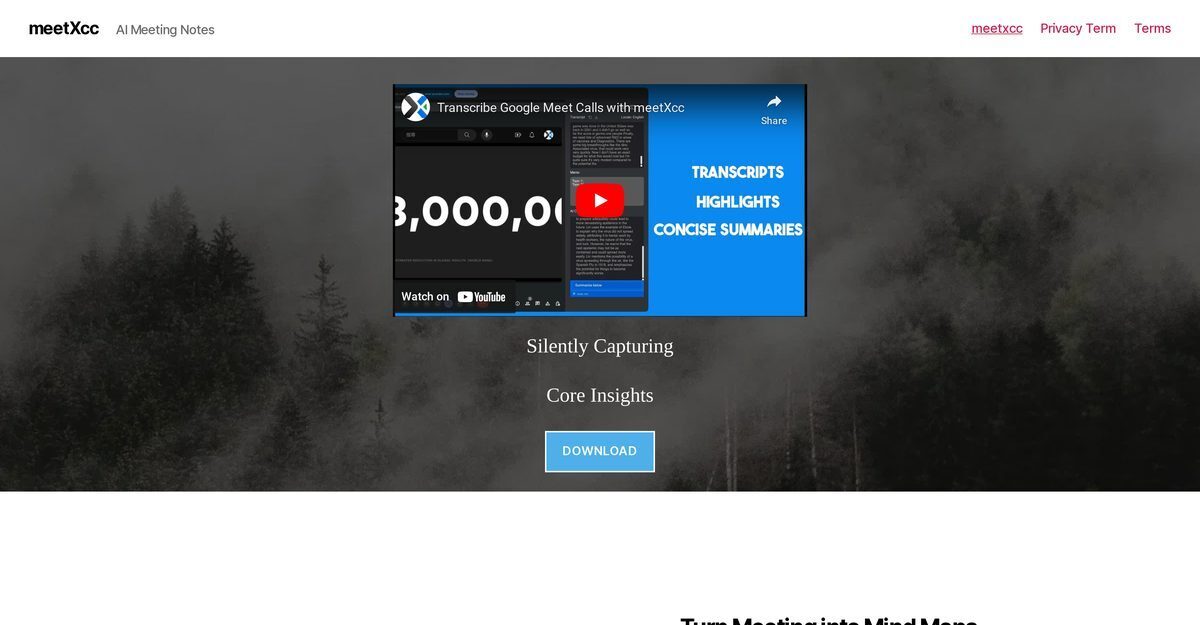
meetXcc is an AI-powered Chrome extension that boosts meeting productivity in Google Meet by providing invisible real-time transcription, multi-speaker identification, and summarization in 86 languages, powered by Anthropic Claude. It automatically captures key topics, speakers, action items, and transforms discussions into structured mind maps, notes, and memos, all stored securely in the user's personal Google Drive without any bots joining the call. Features include customizable summaries, in-line highlighting, one-click exports, and email integration, with a free tier for 10 meetings and Pro plan at $8/month for unlimited access. Zoom support is coming soon, ensuring distraction-free, professional use for recruiters, executives, and teams.
Pros
- Real-time meeting transcription
- Automated meeting summarization
- Invisible operation without bots
- Multi-language support for 86 languages
- Speaker identification and highlights
- Generates mind maps and action items
- Secure storage in personal Google Drive
Cons
- Only integrates with Google Meet currently
- Data saved only to Google Drive
- Invisible operation might confuse users
- Summarization may miss important points
- No API for custom integration
- Zoom integration not yet available
- Lacks real-time user feedback system
- Possible delays in transcript creation
MeetXcc is an Artificial Intelligence (AI) tool designed to enhance meeting productivity by transcribing and analyzing meeting content in real-time, capturing key topics, speakers, and points, and transforming meetings into structured mind maps.
Yes, MeetXcc integrates seamlessly with Google Meet, automatically capturing and summarizing crucial content from meetings.
MeetXcc records meetings silently in the background, operating invisibly without external bots or disruptions.
MeetXcc saves all meeting data directly to the user's personal Google Drive for security and easy access.
The invisibility feature allows MeetXcc to operate discreetly, visible only to the user and disappearing during screen sharing.
Yes, MeetXcc supports 86 languages for transcription and analysis.
MeetXcc is based on Anthropic Claude's AI technology.
Yes, user interaction remains private; other participants are unaware of its use.
Free plan: 10 meetings with basic features; Pro plan: $8/month for unlimited meetings, AI chat, and exports.
No, it is only visible to the user; no AI bot joins the meeting.
Become a Contributor
Sign in to unlock these features:
- ⭐️ Rate this tool with a 1-5 star score
- ✍️ Write a detailed review for the community
- ❤️ Follow this tool to get important updates
Get started in seconds
[jnews_social_login_form]