Dewatermark
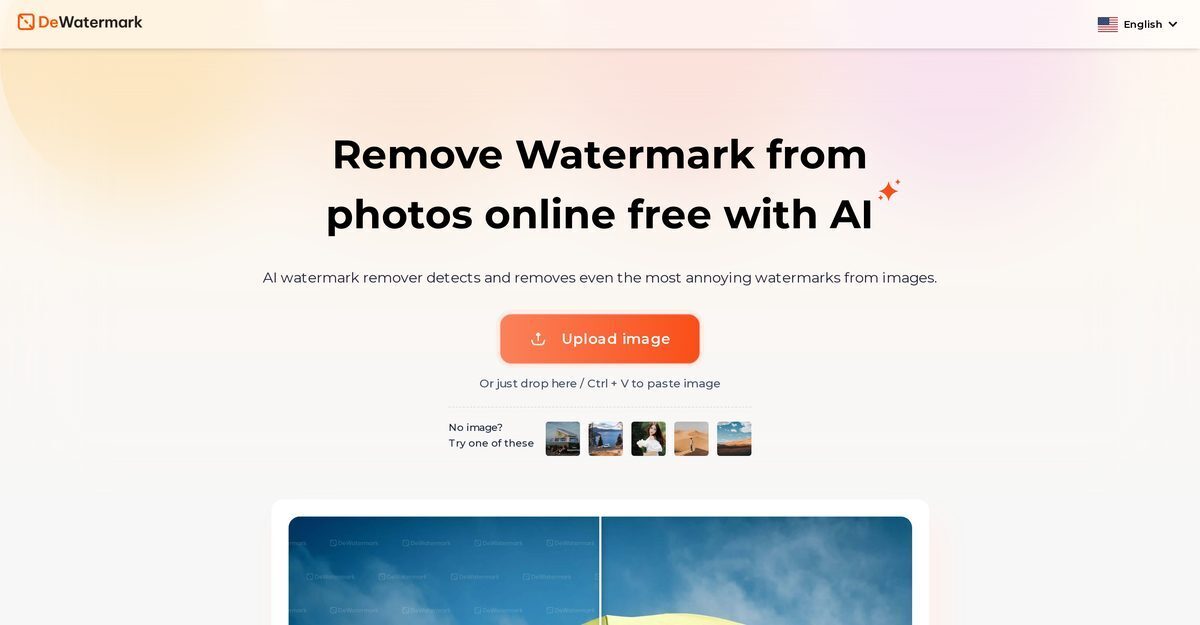
Dewatermark.AI is a free, AI-powered tool that automatically detects and removes watermarks from images and videos, handling complex, multi-layered, and color-blended ones while preserving original quality and details. It features a manual brush for fine-tuning remaining traces, preview options, and choices between original or enhanced downloads. Multi-platform support includes web, desktop apps for Windows/Mac, mobile, and tablets, with premium credits unlocking batch processing, 4X upscale, full video support, and higher resolutions. User-friendly and fast, it saves time on manual editing without requiring professional skills.
Pros
- Free tool with daily credits
- User-friendly interface
- Multi-platform compatibility (mobile, desktop, tablet)
- Quick automatic processing
- Handles complex, layered watermarks
- Retains original image quality and details
- Manual brush for perfection
- High user ratings and multilingual support
Cons
- No batch processing in free tier
- No API access
- Limited file formats (e.g., JPEG, PNG)
- Limited built-in editing tools
- Requires manual brush for perfect results
- No offline version
- Doesn't support vector images
- Credit limits for free users
Dewatermark.AI operates across multiple platforms including mobile, desktop (Windows/Mac), tablet, and web.
It uses AI technology to automatically detect watermarks, even complex, color-blended ones, separating them from the background.
Yes, it retains original quality with no loss in details during removal.
A tool for users to manually remove any remaining watermark traces for perfection.
Yes, after removal, users can download original or enhanced versions.
Free tier with 3 credits/day; premium subscriptions for more features and quality.
Yes, AI video watermark remover available, with full processing in premium plans.
1 credit = 1 image or 5s of video; unused expire at subscription end.
Yes, in premium plans for higher volume needs.
No, it's user-friendly for all skill levels.
Become a Contributor
Sign in to unlock these features:
- ⭐️ Rate this tool with a 1-5 star score
- ✍️ Write a detailed review for the community
- ❤️ Follow this tool to get important updates
Get started in seconds
[jnews_social_login_form]