Cleanup.pictures
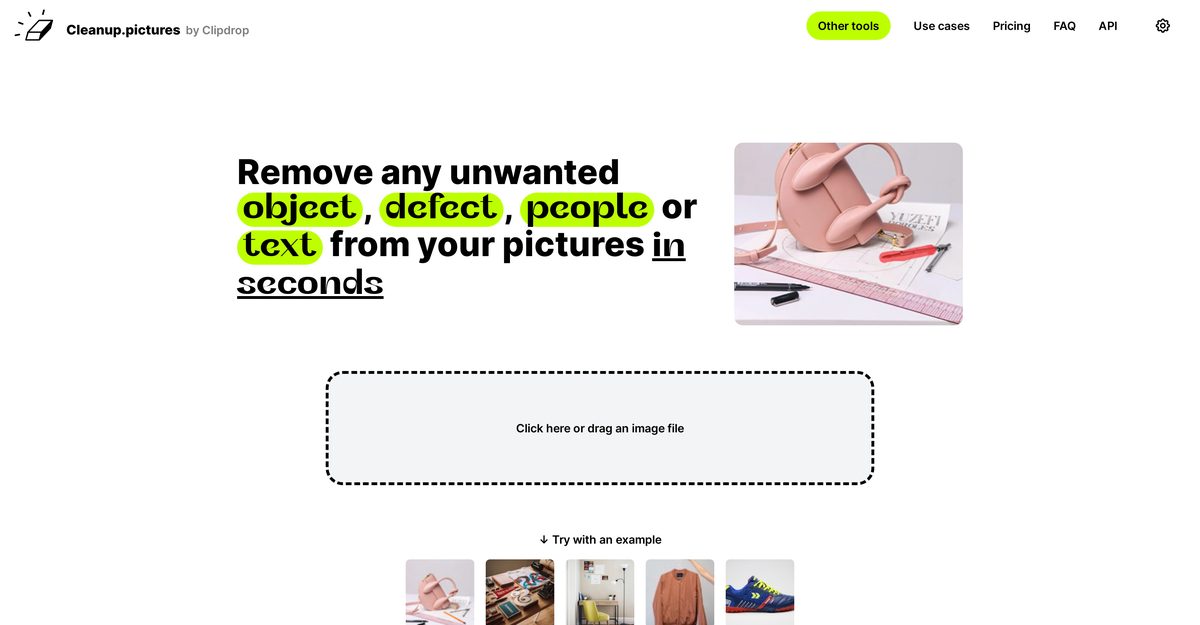
Cleanup.pictures is an AI-powered image editing tool designed to remove unwanted objects, people, text, and defects from photos. It is suitable for photographers, creative agencies, real estate agents, and e-commerce businesses seeking to enhance their images. The tool leverages advanced AI inpainting technology, allowing users to reconstruct backgrounds automatically, which sets it apart from traditional editing tools. With both free and paid options, it caters to users needing different levels of quality and resolution.
Pros
- Removes unwanted objects, text, and people effectively
- Advanced inpainting capabilities for superior results
- Fast and high-quality retouching
- User-friendly interface with drag-and-drop functionality
- Includes a free version with unlimited image edits
- Pro version allows unlimited high-resolution exports
- Compatible with both mobile and desktop platforms
- API available for product integration
- Ideal for e-commerce image enhancement and real estate photography
- Offers trial access to test HD quality
Cons
- Limited export resolution in the free version
- Monthly subscription required for high-resolution processing
- Not ideal for complex edits requiring detailed adjustments
- Potential quality issues when removing small objects
- Results quality can depend on user skill level
- Background reference may be needed for better outcomes
- Single user license only
- High usage might necessitate API access
- Multiple steps may be involved for achieving complete results
- Text removal can sometimes be imprecise
Inpainting is a retouch technology that uses AI to remove unwanted objects from photos, providing better results than traditional clone tools.
Cleanup.pictures utilizes AI to reconstruct backgrounds without needing a reference, offering superior results compared to traditional clone stamp tools.
You can import and edit pictures of any size, but the free version limits exports to 720px. The Pro version has no size limits.
Cleanup.pictures is free for basic use, with paid options starting at $3/month for high-resolution processing.
Yes, Cleanup.pictures is compatible with both mobile and desktop platforms.
Yes, Cleanup.pictures offers an API for integration into other applications.
The tool allows unlimited image editing, but batch processing capabilities are not explicitly mentioned.
Cleanup.pictures supports JPG and PNG formats for image editing.
While it's possible to cancel your subscription, some users have reported difficulty in the cancellation process.
Yes, there is a trial version that allows you to test HD quality for free.
Become a Contributor
Sign in to unlock these features:
- ⭐️ Rate this tool with a 1-5 star score
- ✍️ Write a detailed review for the community
- ❤️ Follow this tool to get important updates
Get started in seconds
[jnews_social_login_form]