Circleback
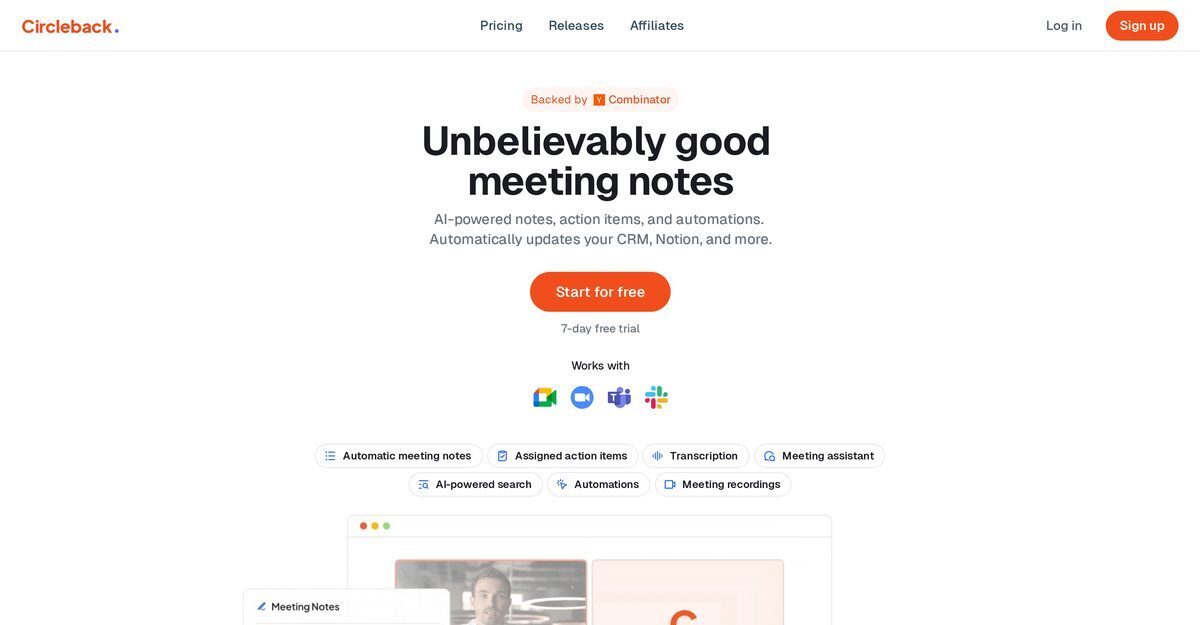
Circleback is an AI-powered meeting assistant that automatically captures online and in-person meetings across platforms like Zoom, Google Meet, Microsoft Teams, and Slack Huddles using botless desktop and mobile apps. It generates accurate notes, action items, summaries, and transcripts with speaker identification in over 100 languages, achieving 95%+ accuracy. Key features include AI-powered search with cited sources, custom automations integrating with tools like Slack, Notion, HubSpot, Salesforce, Linear, and Zapier, as well as video/audio playback and calendar/email syncing. The tool ensures data security with encryption at rest and in transit, allowing users to focus on discussions while automating post-meeting workflows and insights extraction.
Pros
- Automated meeting notes
- Summarizes meetings
- Records calls
- Works with Zoom
- Works with Teams
- Works with Meet
- AI-powered search
Cons
- Limited platform compatibility
- No offline functionality
- No API access
- Unable to customise summaries
- Dependent on stable internet connection
- Limited transcription languages
- No voice command support
Zoom, Google Meet, Microsoft Teams, Slack Huddles, and in-person via mobile apps.
Yes, via iOS and Android mobile apps for recording in-person meetings.
Over 100 languages with 95%+ accuracy and speaker identification.
Slack, Notion, HubSpot, Salesforce, Attio, Linear, monday.com, Zapier, Outlook, Gmail, and more.
Free trial available; paid plans start from $25/month.
Data is encrypted at rest and in transit, with access controls.
Yes, custom automations extract insights and sync to tools like Linear or Salesforce.
AI-powered search and Q&A across meetings with cited sources from meetings, calendar, and emails.
Video and audio playback with jump-to-timestamp functionality.
No, botless local recording via desktop and mobile apps.
Become a Contributor
Sign in to unlock these features:
- ⭐️ Rate this tool with a 1-5 star score
- ✍️ Write a detailed review for the community
- ❤️ Follow this tool to get important updates
Get started in seconds
[jnews_social_login_form]