CapCut
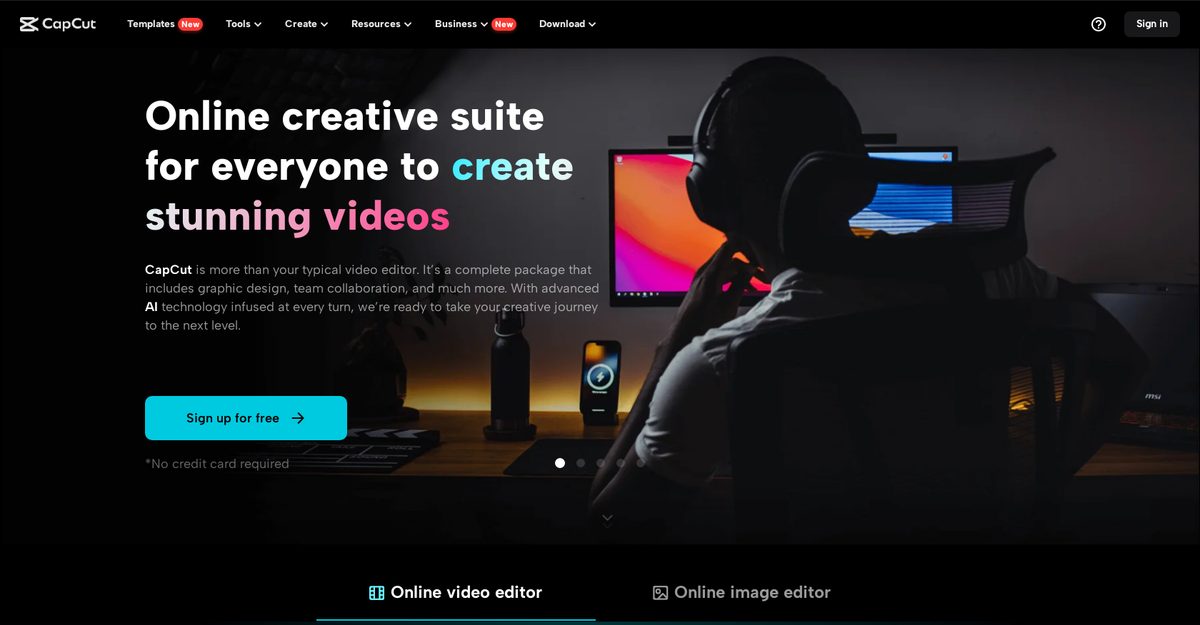
CapCut is a comprehensive online creative suite offering robust video editing, image editing, graphic design, and AI-powered tools for personal and commercial content creation. It includes features like keyframe animation, speed curves, transcript-based editing, text-to-speech, noise reduction, image upscaling, portrait generation, background removal, and social media-specific canvases for TikTok, YouTube, Instagram, and Facebook. The platform supports unlimited tracks, royalty-free music, team collaboration, cloud backup, and multi-device access, making it user-friendly for content creators, businesses, and social media managers. With AI enhancements simplifying workflows, it enables efficient production of high-quality visuals despite some performance dependencies on hardware and internet.
Pros
- Comprehensive video and image editing with unlimited tracks
- AI-powered tools like upscaler, portrait generator, and color correction
- Team collaboration and cloud backup features
- Social media optimized templates and multi-sized canvases
- Royalty-free music, sound effects, and text templates
- Free plan available with core functionalities
- Multi-device accessibility and cross-platform project management
Cons
- Confusion over billing cycles and difficulty canceling subscriptions
- Browser lag or crashes with large 4K files
- Many essential features locked behind Pro subscription
- Performance depends on internet connection and computer RAM
- Pricing varies by region and platform
- Limited transparency on company information
- Potential learning curve for advanced AI and editing tools
- Team plans may be costly for small groups
CapCut is a comprehensive online creative suite for video editing, image editing, graphic design, AI tools, and team collaboration.
Yes, a free plan is available with core editing features, though many advanced tools require Pro.
Free tier available; Pro plans from $7.99–$19.99/month or $89.99/year; Team plans start around $24.99/month.
Yes, it supports 4K video export, but performance depends on internet and RAM.
AI tools include image upscaler, portrait generator, photo colorizer, style transfer, low-light enhancer, text-to-speech, and video stabilization.
Yes, it offers team collaboration, cloud backup, material sharing, and joint project reviews.
Tailored for TikTok, YouTube, Instagram, Facebook with multi-sized canvases and templates.
Audio, Image, Text, Video inputs are supported.
Users report billing confusion, cancellation issues, browser crashes with 4K, and paywalls for features.
Yes, it supports commercial video projects, ad scripts, product photo enhancement, and marketing tools.
Become a Contributor
Sign in to unlock these features:
- ⭐️ Rate this tool with a 1-5 star score
- ✍️ Write a detailed review for the community
- ❤️ Follow this tool to get important updates
Get started in seconds
[jnews_social_login_form]