Artguru
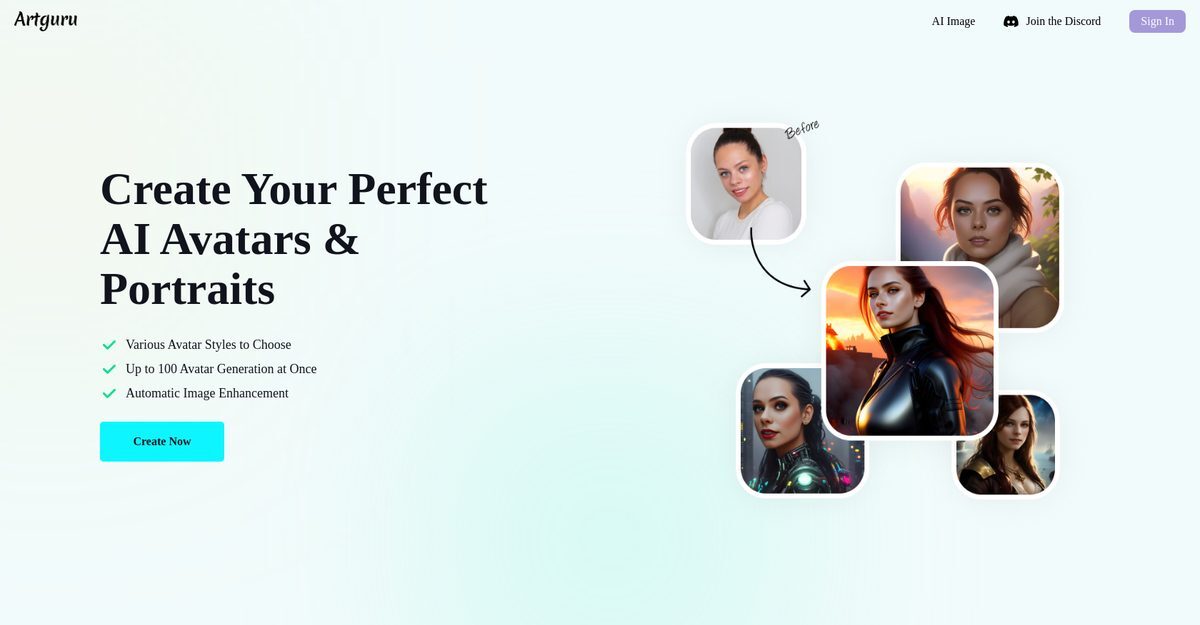
Artguru's AI Avatar Generator is an advanced online tool that transforms user-uploaded selfies (6-30 photos) or text prompts into highly realistic, expressive avatars and portraits using sophisticated AI models. Users select from dozens of styles like Cyberpunk City, Impressionist, Anime, and more, choosing up to 10 preferences, with automatic image enhancement and the ability to generate up to 100 unique avatars at once. It's user-friendly, accessible via web browser or the Pica AI Magic Avatar App on iOS and Android, supporting multiple languages and high-quality outputs up to 4K. The freemium model offers free daily credits for basic use, with premium plans from $3.99 for unlimited access and advanced features like photo restoration and background removal.
Pros
- Generates unique and personalized avatars
- Automatic image enhancement and restoration
- Can generate up to 100 avatars simultaneously
- User-friendly interface and simple four-step process
- Dozens of diverse avatar styles available
- Free tier with daily credits using selfies
- Accessible online and via iOS/Android apps
Cons
- Requires uploading 6-30 selfies for best results
- Limited to one gender selection per generation
- Pricing details beyond freemium not fully specified
- No offline functionality available
- Relatively limited range of styles compared to claims
- No API for integrations or developers
- Exact generation time not specified
- App features not fully detailed on website
Artguru's AI Avatar Generator is an advanced online tool that creates unique, realistic, and expressive avatars and portraits using AI models from selfies or text prompts.
You can choose up to 10 styles for your Artguru AI avatar.
You need to upload between 6 to 30 pictures.
Artguru's AI Avatar Generator can create up to 100 avatars at once.
Yes, you can use it for free with daily credits.
The steps are: select gender, pick styles, upload photos, and let AI generate avatars.
Yes, it provides automatic image enhancement.
Yes, the Pica AI Magic Avatar App is available on App Store and Google Play.
Styles include Nostalgic Art, Cyberpunk City, Impressionista, Anime, Oil Painting, and many more.
Upload close-ups with different facial expressions and varied backgrounds.
Become a Contributor
Sign in to unlock these features:
- ⭐️ Rate this tool with a 1-5 star score
- ✍️ Write a detailed review for the community
- ❤️ Follow this tool to get important updates
Get started in seconds
[jnews_social_login_form]