AniEraser
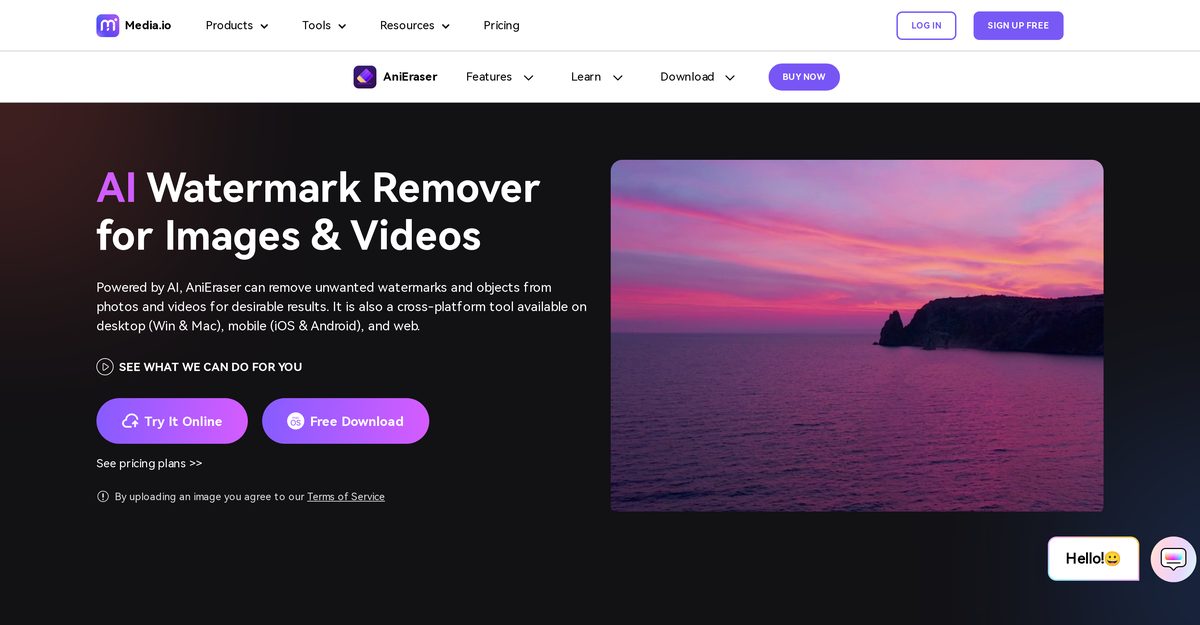
AniEraser is a powerful AI-enhanced tool designed to remove unwanted elements such as watermarks, objects, text, and people from both images and videos. It offers cross-platform compatibility, allowing users to seamlessly edit media across desktops, mobile devices, and web browsers. With its intuitive interface and advanced AI algorithms, AniEraser simplifies the process of retouching and restoring visual content while preserving the original quality.
Pros
- Removes watermarks and unwanted objects from images and videos
- Cross-platform support for Windows, Mac, iOS, Android, and Web
- AI-powered for precise removal without quality loss
- Supports batch processing for multiple files on desktop
- User-friendly interface requiring no advanced editing skills
- Capable of retouching photos by removing blemishes and wrinkles
- Works with high-resolution files and large video formats
Cons
- Free version has limitations on usage frequency and features
- Full access requires a paid subscription starting at $6.99/month
- May struggle with complex backgrounds or large obstructions
- No offline functionality for the web-based version
- Potential for slight distortions in the edited areas
- Does not support all image and video file formats
- Batch processing is limited to the desktop application
AniEraser is an AI tool that removes unwanted objects, watermarks, and people from photos and videos.
Yes, AniEraser can remove specific objects and watermarks from video files as well as images.
It offers a limited free trial, but full access requires a subscription starting at $6.99 per month.
Yes, AniEraser has mobile apps available for both iOS and Android devices.
Yes, the desktop version allows users to process multiple files simultaneously.
Absolutely, it is designed to detect and remove text, emojis, and logos from visual content.
No, the tool is designed to be simple and user-friendly, requiring no professional editing knowledge.
AniEraser aims to preserve the original quality and details of the image or video during the removal process.
Yes, it includes features to reduce or eliminate glare and other lighting artifacts from photos.
Yes, AniEraser is compatible with both Mac and Windows desktop operating systems.
Become a Contributor
Sign in to unlock these features:
- ⭐️ Rate this tool with a 1-5 star score
- ✍️ Write a detailed review for the community
- ❤️ Follow this tool to get important updates
Get started in seconds
[jnews_social_login_form]