Adobe Audio Enhancer
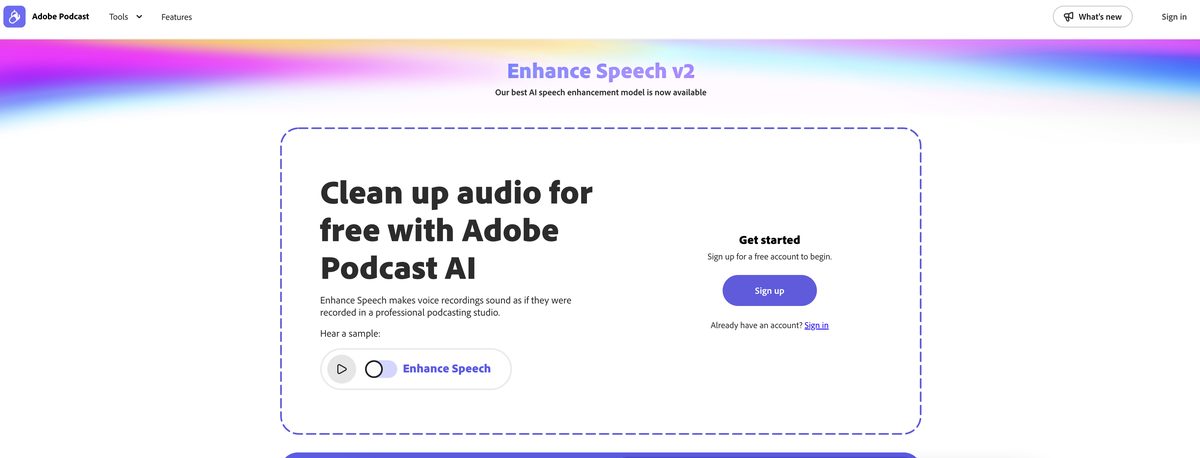
Adobe Audio Enhancer, also known as Enhance Speech, is an AI-powered audio filter designed to enhance the quality of spoken audio. It processes raw audio to refine it, making it sound as if recorded in a professional studio. Ideal for podcasters, broadcasters, and anyone needing audio refinement, this tool effectively reduces noise and enhances speech clarity. With a user-friendly interface, it allows users to easily navigate its features and improve audio quality without the need for extensive editing skills.
Pros
- Reduces background noise effectively
- Enhances speech clarity
- User-friendly interface for easy navigation
- Free version available for basic use
- Can process audio files up to 500 MB
- Supports multiple audio formats like MP3 and WAV
- Can enhance both audio and video files in premium version
- Ideal for podcasters and broadcasters
- Removes distortions and inconsistencies in speech
- Delivers studio-grade audio quality
Cons
- Does not substitute professional audio editing software
- Efficiency varies with the quality of raw audio
- Limited to enhancing spoken audio only
- Free version has a limit of 30 minutes of audio enhancement per day
- Cannot handle severe audio distortions
- May misinterpret some background noises
- Lacks advanced editing options for customization
- User reviews are not visible
- Only basic effects available in the free version
- May incorrectly process mispronunciations
Adobe Enhance Speech is an AI-powered audio filter that ensures sound quality improvement of spoken audio recordings.
Adobe Enhance Speech uses machine learning algorithms to analyze audio recordings, detecting and removing unwanted noise while auto-adjusting elements like volume and pitch.
Adobe Enhance Speech uses AI technology, including machine learning algorithms to enhance audio by analyzing and processing recordings.
Yes, it is designed to effectively reduce background noise in audio recordings.
Yes, it can auto-adjust levels of volume and pitch in the audio.
Yes, it allows users to add effects such as reverb and echo.
Yes, it is particularly useful for podcasters and broadcasters looking to improve audio quality.
Yes, it offers a free version, making it accessible to a wide range of users.
No, it is primarily an enhancement tool and does not replace comprehensive audio editing software.
By reducing background noise and adjusting audio levels, it enhances the clarity and quality of podcast recordings.
Become a Contributor
Sign in to unlock these features:
- ⭐️ Rate this tool with a 1-5 star score
- ✍️ Write a detailed review for the community
- ❤️ Follow this tool to get important updates
Get started in seconds
[jnews_social_login_form]