Amazon’s Alexa is a hands-free wonder, but behind that cheerful voice is a data machine tuned to you. Whether it’s helping with to-dos or playing your morning playlist, it’s also quietly collecting—and sharing—your voice, habits, and interests.
But here’s the good news: you don’t have to ditch your Echo to reclaim your privacy. You just need to know where to tap. Let’s walk through five smart, lesser-known settings that every Alexa user should flip today.
1. Kill the eavesdropping: Mute the mic
Alexa is always listening—but it doesn’t have to be.
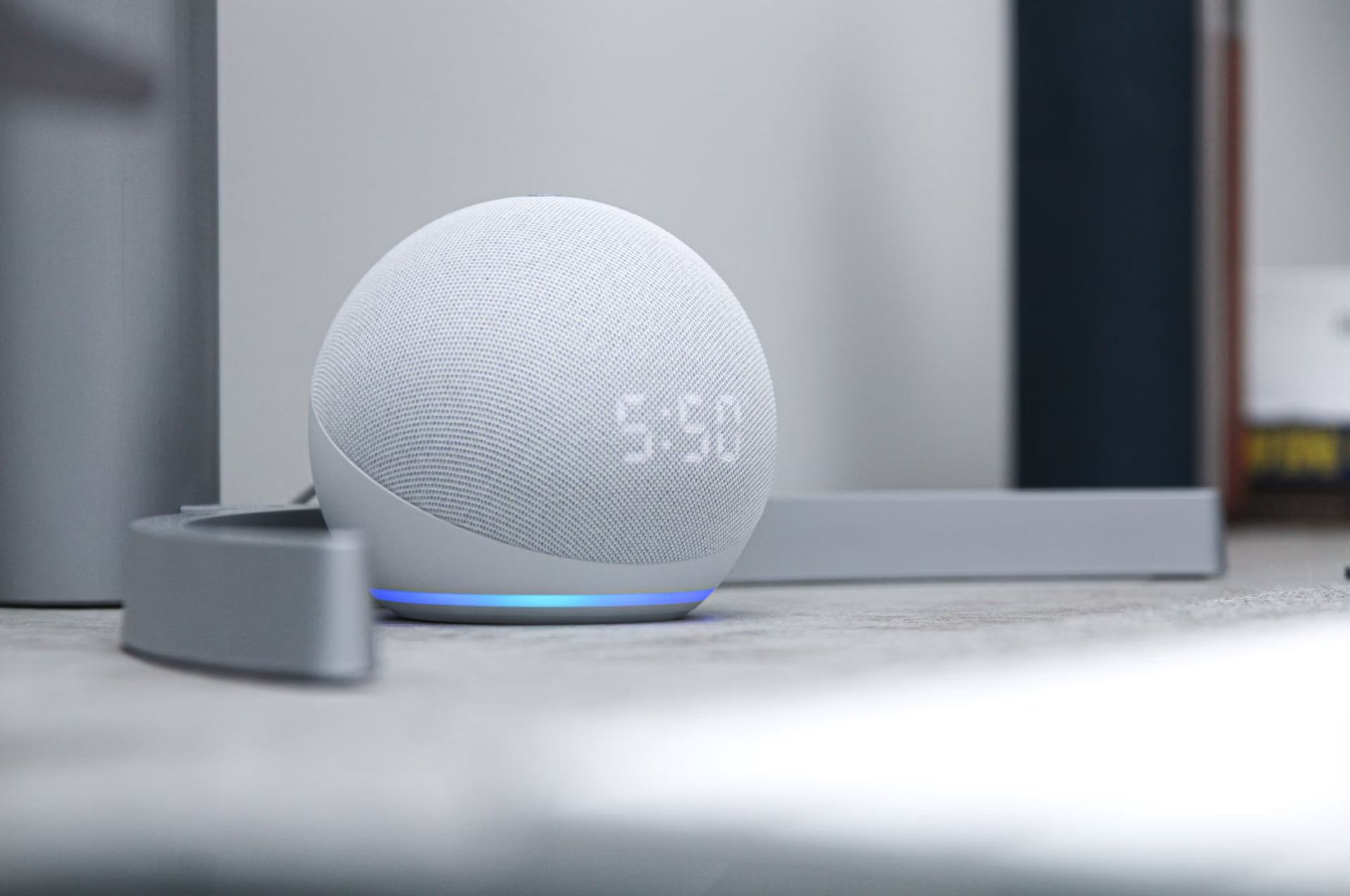
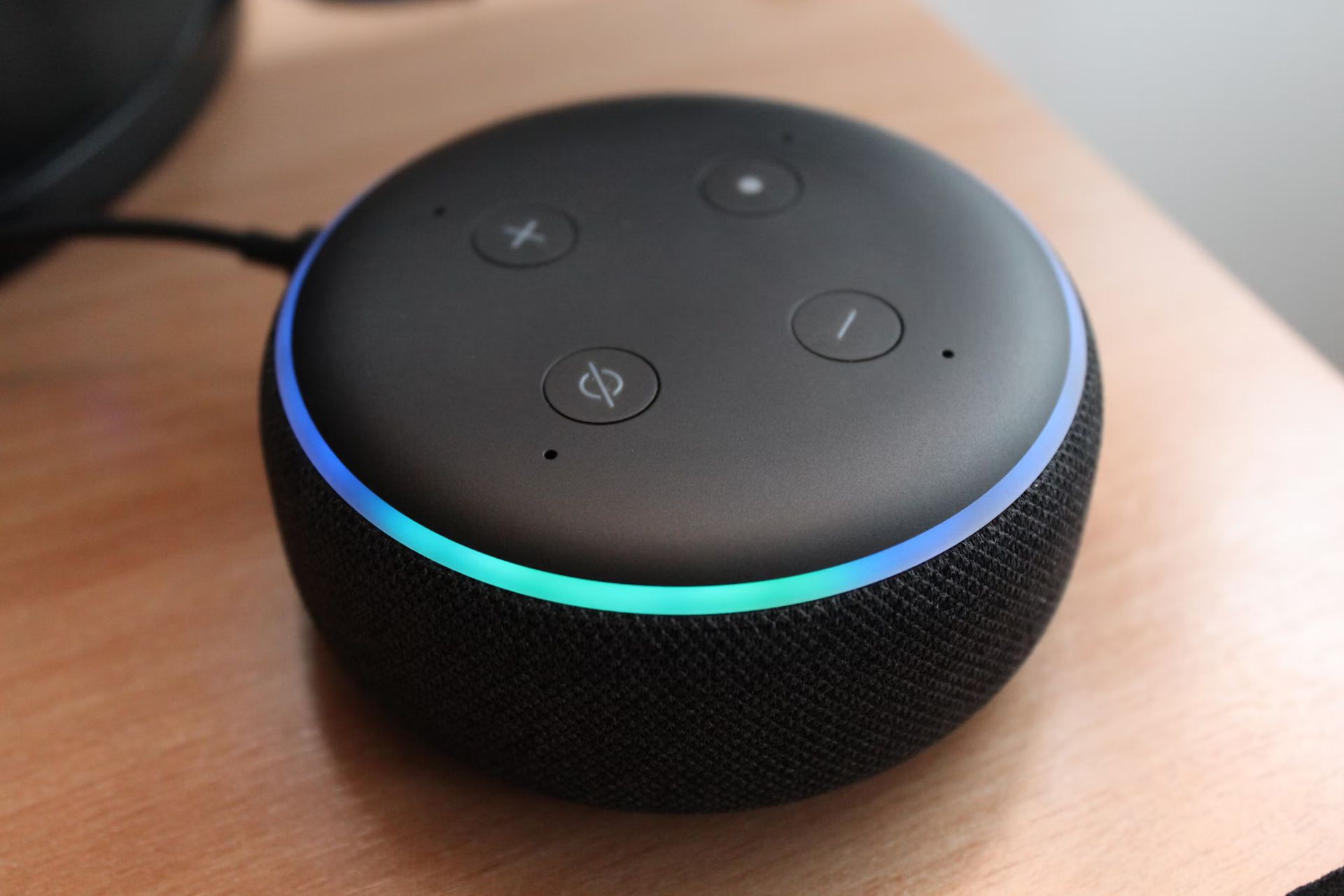
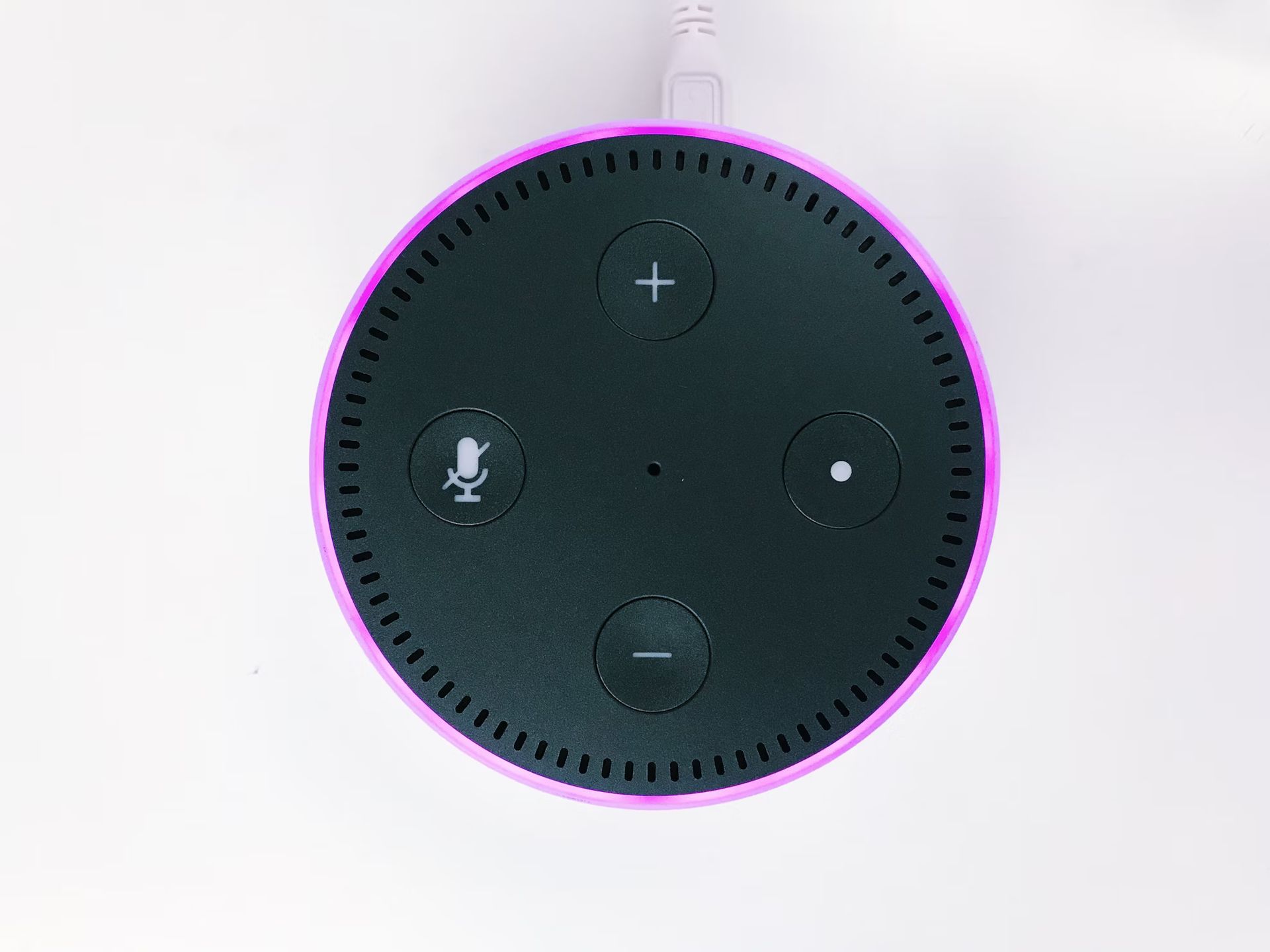
That soft blue ring means Alexa’s standing by for your wake word—but it’s also a live mic. If you’re not actively using it, especially during sensitive conversations, press the physical mute button on top of your Echo. It turns red, meaning the mic is off and Alexa’s deaf to the world.
This isn’t about being paranoid. It’s about taking a simple, tangible step toward peace of mind. Think of it as putting a lid on a coffee cup—you’re not throwing it away, just not letting it spill everywhere.
Note: Echo Shows and Spots also mute the camera when you hit the mic button. One tap = two blocks.
2. Your voice, your rules: Delete the recordings
Everything you’ve said to Alexa? It’s likely still stored somewhere.
Amazon uses your voice recordings to personalize responses and train its AI. But that also means conversations are sitting on a server somewhere, ripe for data mining.
Here’s how to clean house:
- Open the Alexa app
- Tap More ▸ Alexa Privacy ▸ Review Voice History
- Delete recordings individually, by date, or all at once
- Then go to Manage Your Alexa Data and set it to “Don’t save recordings”
Prefer a browser? Go to amazon.com/alexaprivacy and repeat the steps.
Tip: You can keep a rolling 3-month voice history to strike a balance between personalization and privacy.
Amazon just killed a vital Alexa privacy feature: Will you still use it?
3. Don’t train Alexa for free: Disable “Help improve Alexa”
Some of your voice clips may actually be reviewed by real humans at Amazon.
Unless you’ve opted out, Amazon can use your recordings to improve Alexa—and that includes manual listening to select clips. Yes, really.
To opt out:
- Open the Alexa app
- Go to More ▸ Alexa Privacy ▸ Manage Your Alexa Data
- Find “Help Improve Alexa” and toggle off Use of voice recordings
- Confirm when prompted
Disabling this won’t break your device—it just stops Amazon from analyzing your audio for AI training. You still get most features. Alexa just won’t study you while you’re talking.
Reality check: Amazon says this may reduce accuracy. In most cases, you won’t notice a difference.
4. Audit your Alexa skills: Fewer permissions, fewer problems
Alexa’s Skills are like apps—but some of them overreach.
There are over 100,000 Alexa skills, many from third-party developers. Some just need basic access, others want your location, contacts, even calendar. And most of us install and forget.
Time for a spring cleaning:
- In the Alexa app, tap More ▸ Alexa Privacy ▸ Manage Skill Permissions
- Toggle off access for apps you no longer trust or use
- Check reviews before installing new ones—shady apps do sneak through
Don’t just think “What is this app doing?”—ask “Why does it need access to that?”
Tip: Revoke ad preferences here too—it’s buried in the same menu.
5. Turn off personalized ads (Twice)
Amazon tracks what you say and do to sell you stuff. That’s not news—but you can fight back.
Step one: kill interest-based ads from your Amazon account.
- Go to
amazon.com/adprefsor your local equivalent - Select “Do not show me interest-based ads” and hit Submit
- Look for the option to delete personal ad data and confirm if available
Step two: head back to the Alexa app and go to:
- More ▸ Alexa Privacy ▸ Manage Your Alexa Data
- Turn off Receive interest-based ads delivered by Amazon on Alexa
This won’t kill all ads—but it reduces tracking and lowers creep factor across your devices.
Heads-up: Amazon’s ad settings vary by country. Some features may not appear if you’re outside the U.S.
Privacy is a power setting
Your Echo doesn’t need to be a trade-off. With just a few taps, you can enjoy the benefits of Alexa without giving up your data like candy.
Think of these settings as digital blinds—letting in only what you want. And once you’ve made the changes? You’ll barely notice the difference in functionality—but you’ll know the difference in control.
Smart assistants are here to stay. You might as well make yours smarter—for you, not just for Amazon.