CogVideo
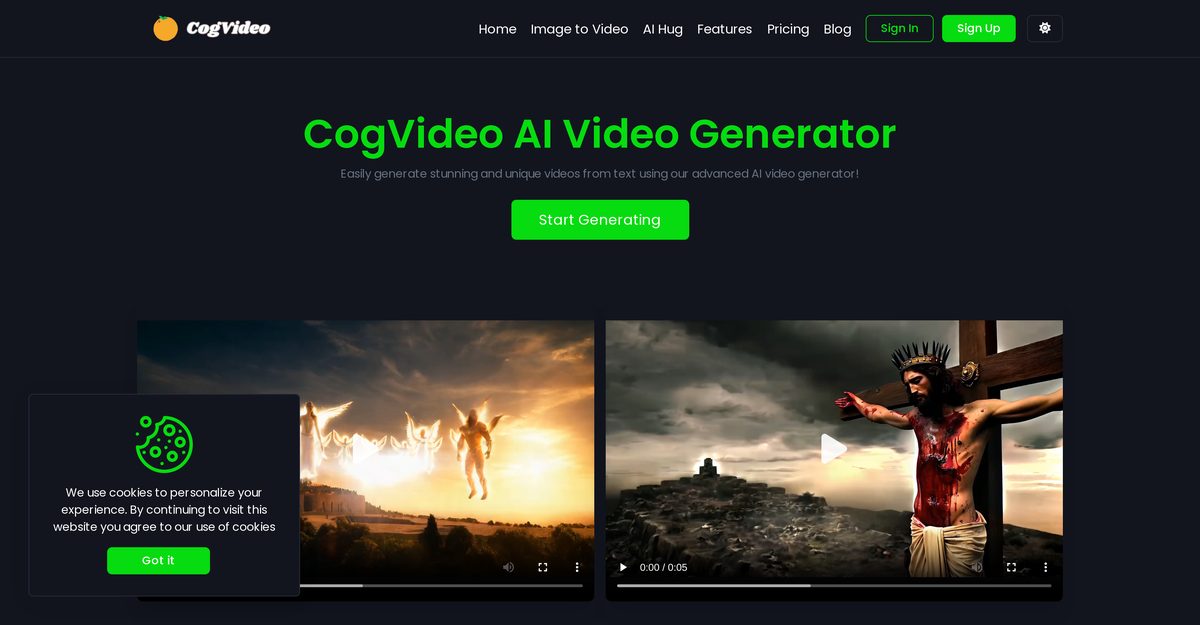
CogVideo AI Video Generator is a sophisticated tool designed to create unique and personalized videos using AI technology. It primarily converts text into visually appealing videos, but also allows users to generate videos from images. The AI can create diverse scenes based on user inputs, ranging from complex narratives to simple intimate moments. This tool is accessible to users of all expertise levels, requiring no prior video editing knowledge.
Pros
- Generates unique videos based on user input
- Converts text to visually appealing videos
- Creates videos from images and animations
- Handles both complex scenarios and intimate depictions
- Offers an 'AI Hug' feature for emotional storytelling
- Animates still images, bringing them to life
- User-friendly interface with no technical settings required
- Ideal for visual storytelling and personalized content
- Accessible for beginners with no editing knowledge required
- Supports diverse scene creation from text or image inputs
Cons
- No multi-language support
- Lacks version history for projects
- No mobile application available
- No user collaboration features
- No offline mode for video creation
- Limited animation styles offered
- Inability to import custom music
- Cannot adjust video speed
- No support for 360-degree video editing
- No 3D video editing capabilities
CogVideo uses AI technology to analyze input text and conceptualize scenes, translating the written narrative into dynamic videos.
Yes, CogVideo can animate still images, simulating movement to bring images to life.
The 'AI Hug' feature generates videos that depict togetherness and mutual care, capturing intimate moments.
No, it is designed to be user-friendly and does not require any expert video editing knowledge.
You can create personalized content by using unique text or images, which the AI transforms into tailor-made videos.
Yes, CogVideo is ideal for visual storytelling by converting text or images into engaging videos.
CogVideo can generate varied and diverse videos from images by animating elements within them.
Yes, it is designed to be accessible for users with different levels of expertise.
CogVideo can create highly diverse scenes, accurately depicting both complex and simple scenarios.
CogVideo simplifies the process by allowing users to provide input, which the AI then interprets and converts into videos.
Become a Contributor
Sign in to unlock these features:
- ⭐️ Rate this tool with a 1-5 star score
- ✍️ Write a detailed review for the community
- ❤️ Follow this tool to get important updates
Get started in seconds
[jnews_social_login_form]