OpenAI introduced ChatGPT Memory in February, initially making it available to a limited number of users.
Following a trial period in both the free and subscription-based versions of its AI chatbot, OpenAI has decided to activate this feature exclusively for subscribers outside of Korea and Europe.
What is ChatGPT Memory?
ChatGPT Memory operates as its name suggests. It allows ChatGPT Plus to retain essential information from user interactions, including personal details, and use these in subsequent conversations. Essentially, ChatGPT Plus has evolved from being akin to an indifferent acquaintance to becoming more like a friend who remembers certain information.
Users have the option to either explicitly instruct the system to remember specific details or merely mention personal information that the AI will retain.
The Memory feature enhances ChatGPT’s ability to deliver personalized responses in two key ways.
- Firstly, it allows users to instruct ChatGPT to retain specific details.
- Secondly, it improves the AI’s learning from past conversations, similar to other algorithms used in our applications.
With Memory, ChatGPT progresses towards becoming a more effective AI assistant, capable of recalling and incorporating your preferences automatically in future interactions.
Until recently, generative AI technologies such as ChatGPT operated with a form of severe short-term memory loss. These systems were capable of sustaining extended, isolated discussions while reasonably preserving the context within a single session. However, if a conversation concluded and a new one began, it resembled interacting with an entirely new individual who had no recollection of any prior interaction, even if it occurred just moments before.
In contrast to human memory, which may retain certain memories indefinitely but forget others swiftly, the memory feature in ChatGPT Plus is designed to be managed by the user. This control allows for a more personalized and consistent interaction across sessions.
How to manage ChatGPT Plus Memory?
You can actively contribute to building ChatGPT Plus’s Memory by informing it of personal details you wish it to retain. When you share information such as your age or residence, ChatGPT Plus can recall and integrate these details into subsequent queries. This capability not only makes conversations quicker but also enhances the accuracy and relevance of the responses.
Memory is activated by default and can be accessed through the Settings/Personalization menu. There, you will find a toggle switch that allows you to disable the feature if desired.
To review the information stored in ChatGPT Plus’s Memory, follow these steps:
- Navigate to Settings and select the Personalization option.
- Locate the Memory section and click the Manage button found just beneath the Memory description and toggle switch.
- In the memory management area, you will see all the details that ChatGPT Plus has remembered. If the memory box appears empty initially, it indicates that no entries have been stored yet.
- If you find entries in the memory box, you have the option to delete them all or selectively remove specific ones.
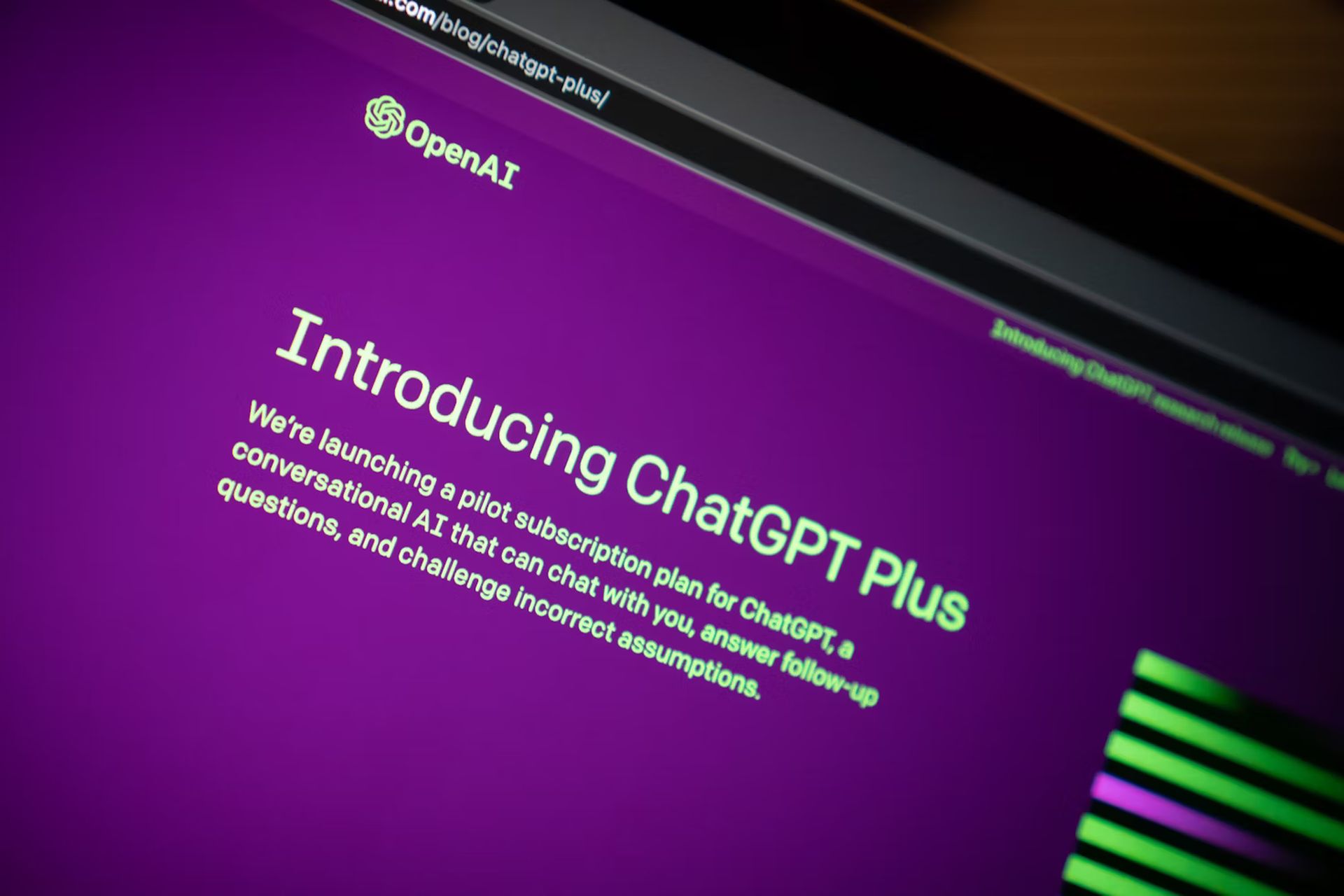
Access to Memory is exclusive to subscribers of ChatGPT Plus, which also includes the use of the advanced GPT-4 model. The subscription is priced at $20 / £20 per month. There has been inquiry into whether a version of Memory will be made available to non-subscribers of ChatGPT; updates will be provided based on responses from OpenAI.
While ChatGPT Plus Memory enhances the AI’s human-like interaction capabilities, it’s important to note that, unlike human memory, it cannot be intrusively accessed or modified by others.
China has its own ChatGPT now and here’s how to use it
For those seeking a balance, there is an alternative feature called “Temporary Chat” that allows for short-term memory only during the interaction:
- Open the ChatGPT interface and navigate to the model selection via the drop-down menu.
- Select “Temporary chat” from the options. This setting ensures that none of the details shared during the session are retained in the long-term memory of ChatGPT Plus.
This feature might prove useful, akin to having a friend who remembers only what you want them to remember, thus respecting both privacy and personal boundaries.
Featured image credit: Solen Feyissa/Unsplash