In the diverse arena of AI image generators, Tensor Art emerges as a cool and effective option, distinguishing itself by enabling users to create images with Stable Diffusion. While not overly extravagant in its claims, Tensor Art delivers a solid performance in allowing users to explore different digital art settins. This tool stands out with its unique blend of features and user-friendly interface, catering to both novice and experienced creators
What is Tensor Art?
Tensor Art stands as a cutting-edge AI image generator, enabling users to craft bespoke artistic creations. It integrates a spectrum of models and settings adjustments, enriched by tools like Laura’s Detailer and various image prompts, to achieve precise aspect ratios and maintain seed consistency.
In-depth look at Tensor Art’s features
The platform boasts an array of models, each designed to be tailored or customized for generating distinct artistic styles or themes, such as the whimsical charm of vintage cats or the elegance of high fashion imagery.
At the heart of Tensor Art is the Detailer tool, enhancing facial and hand details. It adeptly fills in blurred or absent sections while rectifying any facial distortions or image artifacts, elevating the clarity and realism of the artwork.
One of the more innovative features is the use of negative prompts in Stable Diffusion. This technique fosters the creation of intriguing, avant-garde visual effects, such as surreal body distortions or the addition of extra limbs, thus encouraging artists to venture into uncharted creative territories.
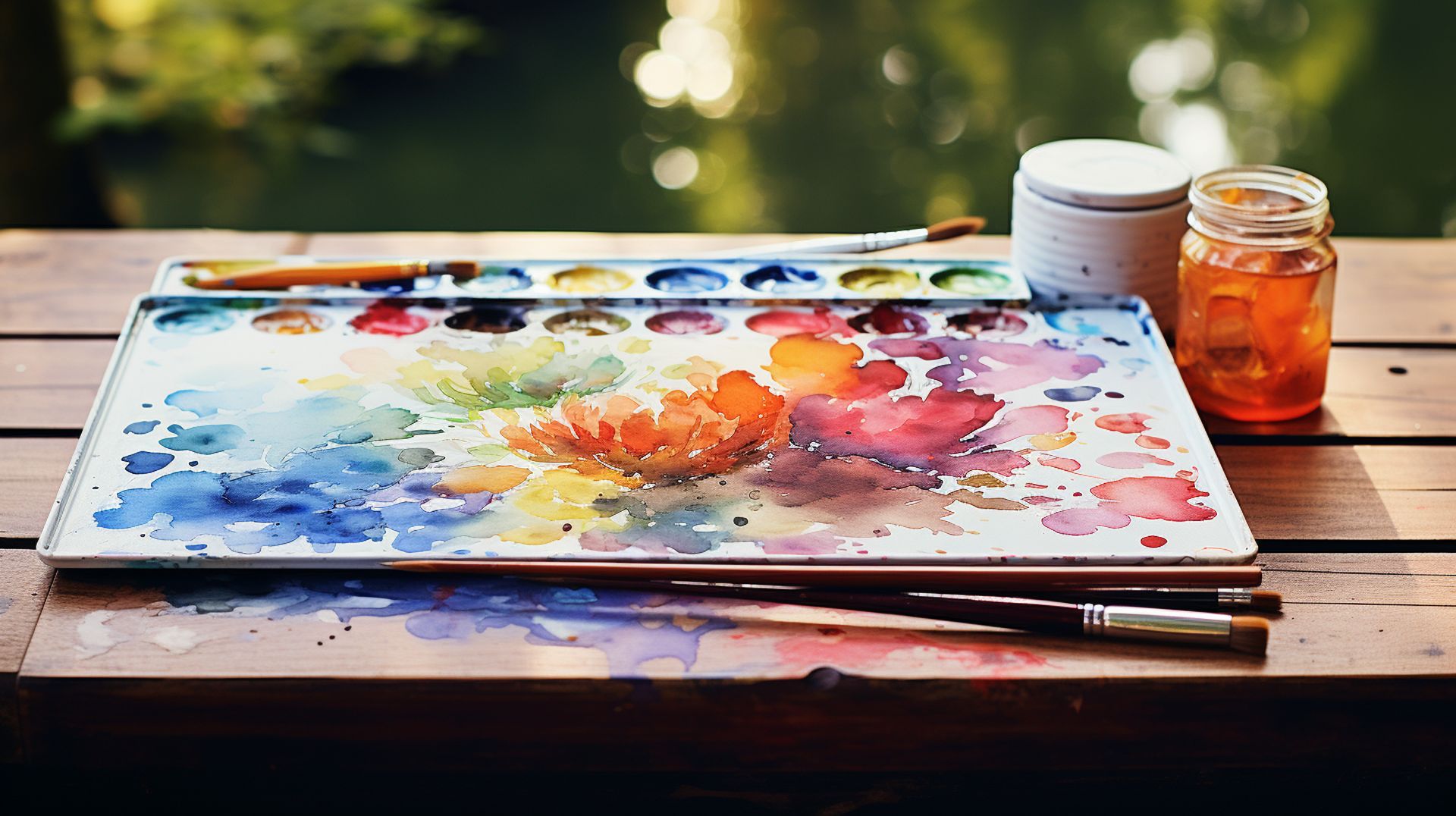
For those seeking to recreate specific poses or elements from existing images, Tensor Art allows the uploading of a reference image. Users can then detail their desired alterations in the text prompt, effectively capturing the essence of the original image’s pose or intricate details.
The high-resolution fix tool is another pivotal feature in Tensor Art. It addresses common issues in final artworks by initially generating a low-resolution image, which is then scaled up to the preferred resolution or aspect ratio. This process ensures a more polished and visually striking output.
Tensor Art’s AI image generator is adept at sculpting images from mere noise. It progressively diminishes noise through each stage, culminating in a pristine and captivating final image.
Finally, personalizing the default settings in this AI-powered image generation tool unlocks unique and personalized artistic results, offering each user a tailored experience in their creative journey.
How to use Tensor Art?
Follow below instructions in order to start creating images with Tensor Art:
- Begin by navigating to the official website of Tensor Art. This is your gateway to unlocking a world of artistic possibilities.
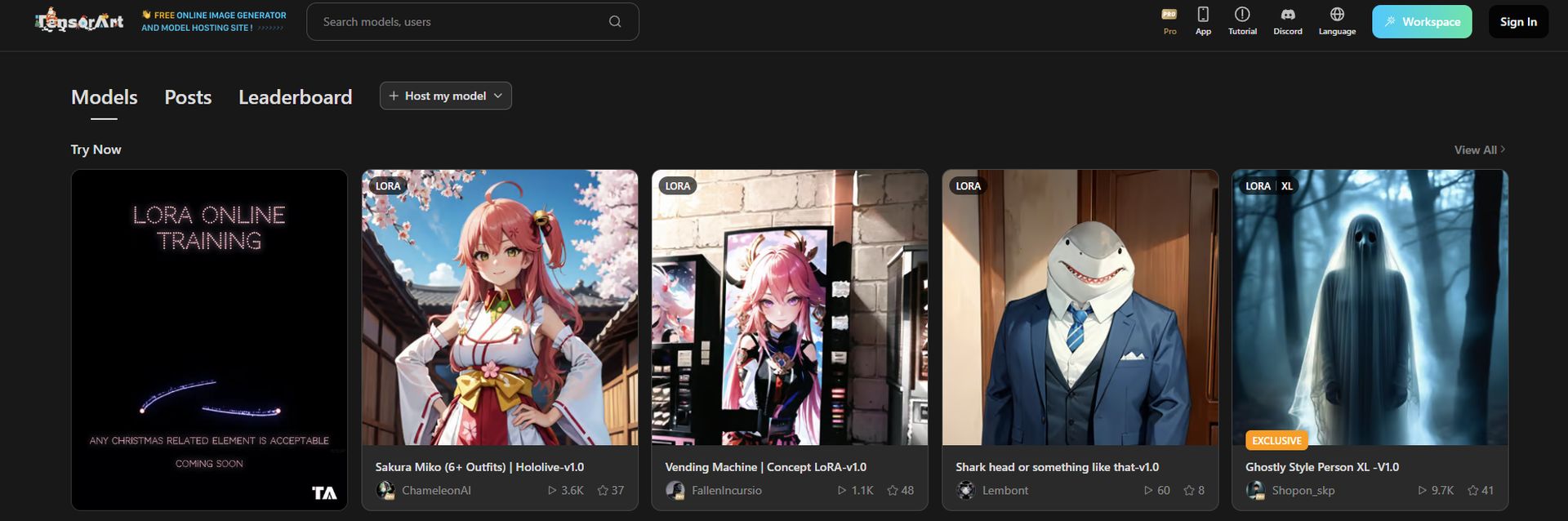
- Once on the site, locate the “Sign In” option, conveniently placed at the upper right corner of the webpage. This is your first step into the Tensor Art universe.
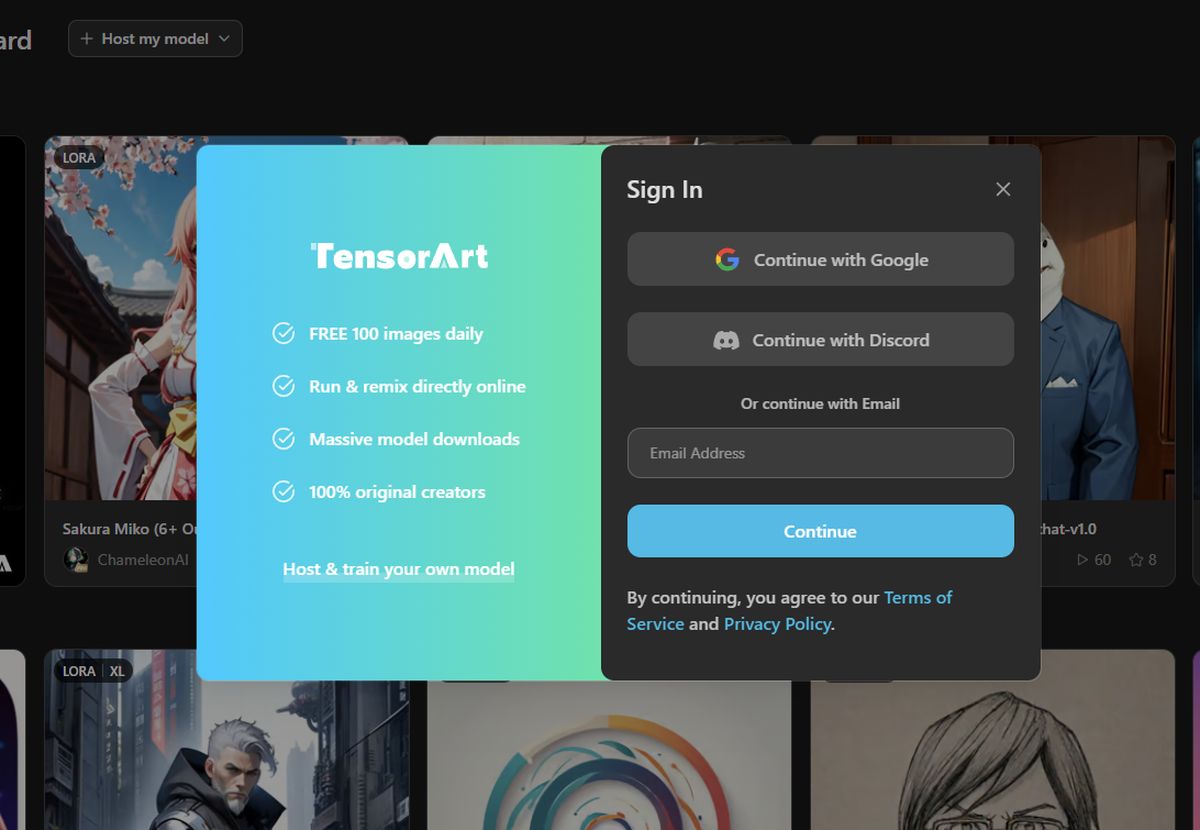
- Tensor Art provides various sign-in options for ease of access. For instance, we used a Google account for logging in. Select the method that best suits your preferences.
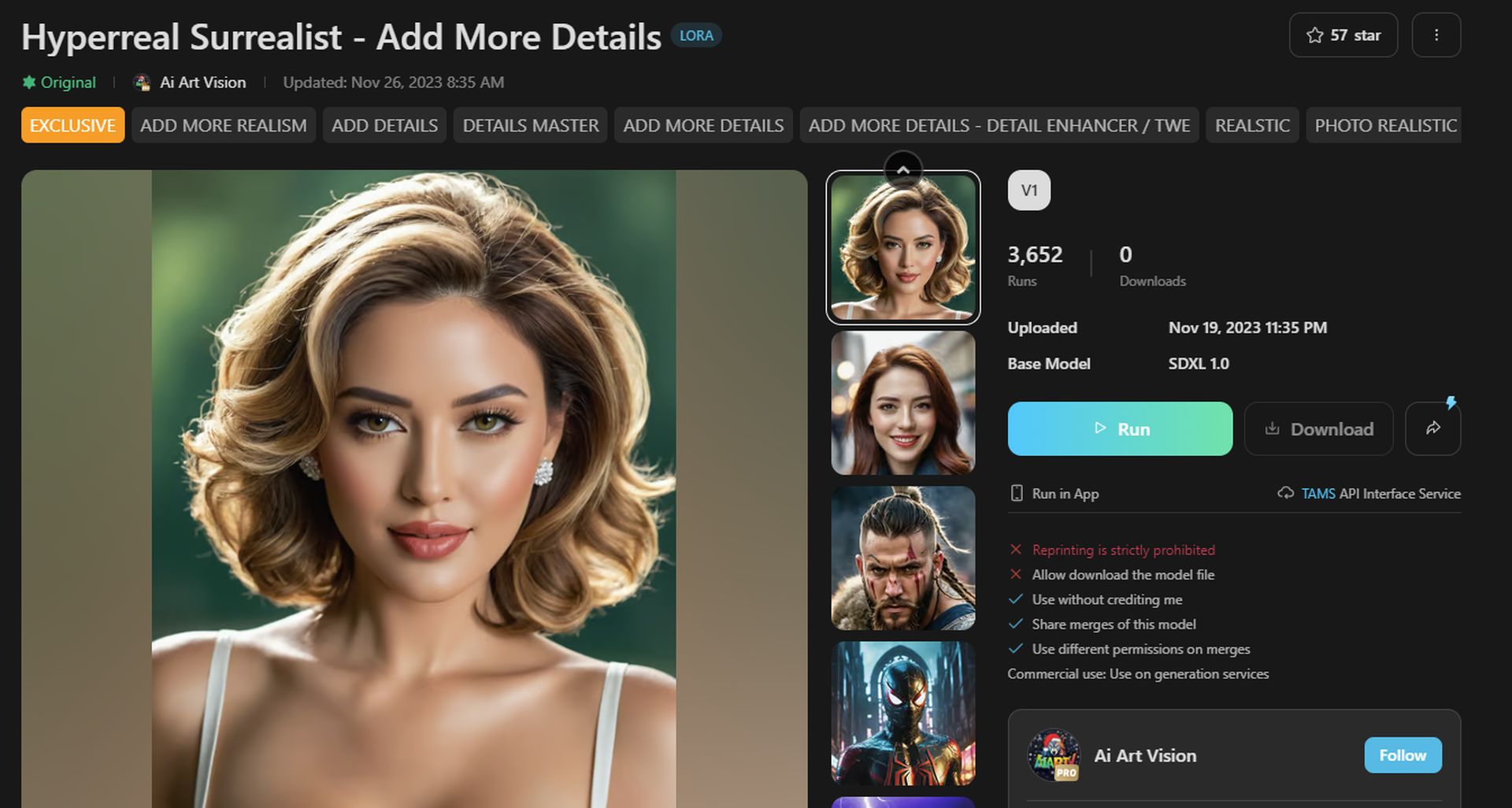
- The next step involves choosing a model. This choice is crucial as it sets the foundation for the kind of art you’ll be creating, click on Run.
- After selecting a model, you will be greeted with a prompt area accompanied by a set of settings on the left side of the screen. Here, you have the option to incorporate ControlNet. This feature is particularly useful for fine-tuning the positioning of characters in your artwork.
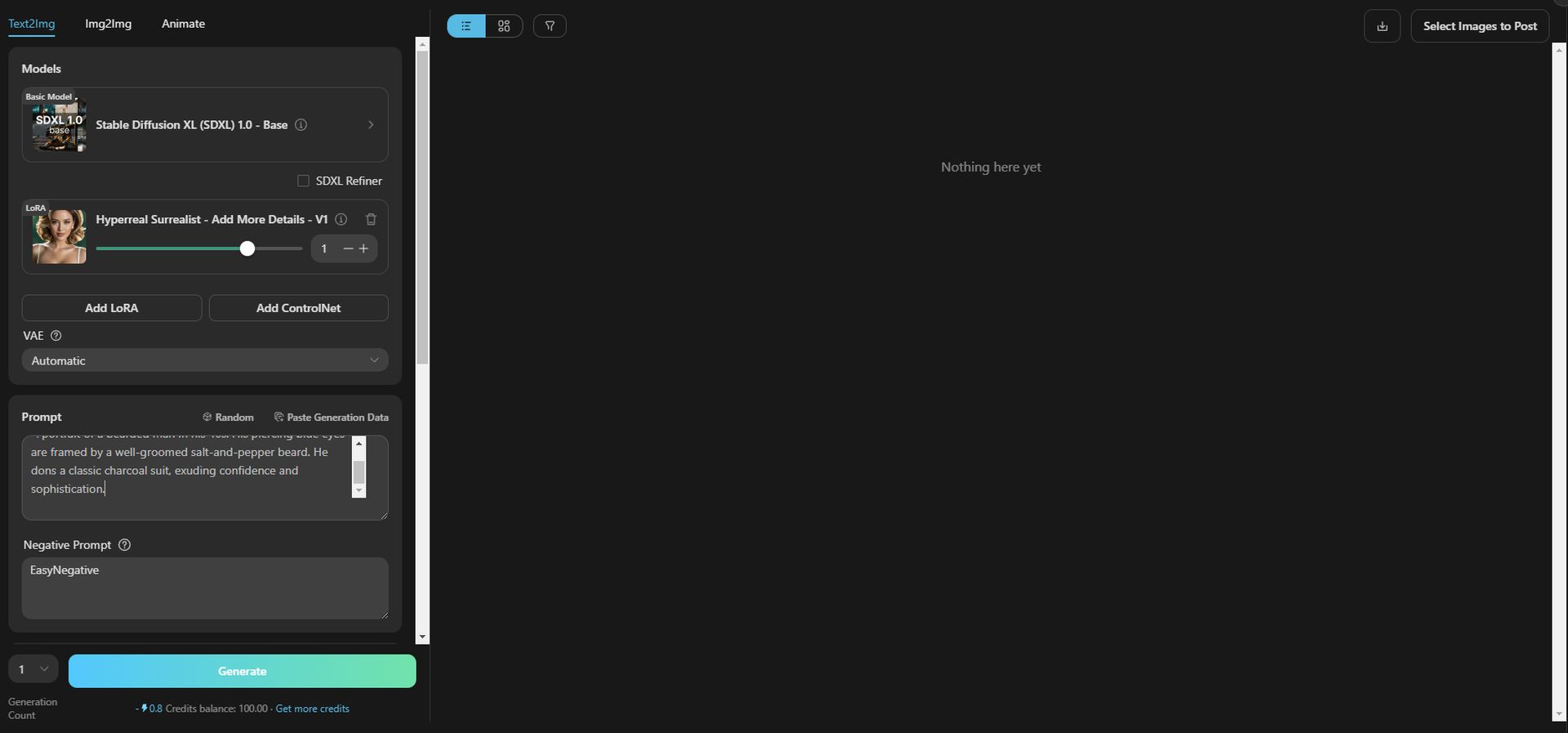
- Enter your creative prompt and adjust the settings as needed. These settings are instrumental in shaping the final outcome of your artwork.
- Once you are satisfied with your prompt and settings, simply click on “Generate.” This action sets the creative process in motion, transforming your ideas into a tangible piece of art.
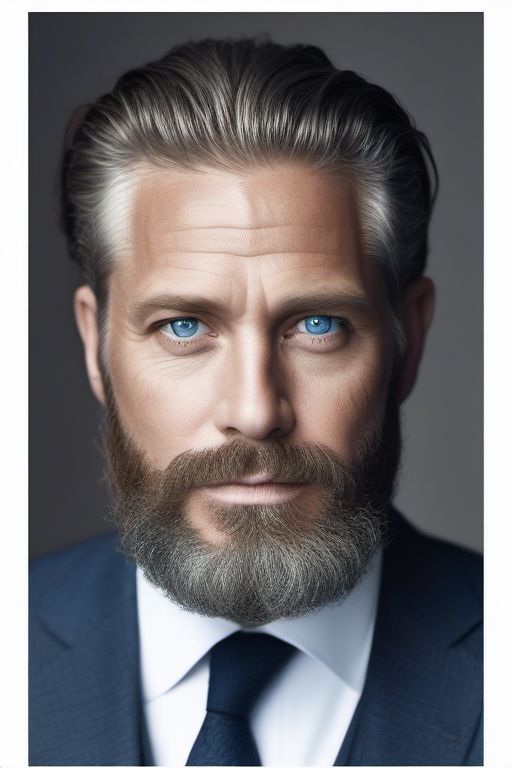
Our prompt: A portrait of a bearded man in his 40s. His piercing blue eyes are framed by a well-groomed salt-and-pepper beard. He dons a classic blue suit, exuding confidence and sophistication.
The result:
Keep experimenting with Tensor Art
It’s important to note that our example represents just the most fundamental version of what Tensor Art can offer. As you understand the tool’s features better and become more adept at using the settings, especially mastering the art of Stable Diffusion prompts, the potential for creating more sophisticated and refined images increases significantly.
With each attempt and adjustment in the settings, you’ll discover new dimensions of creativity. Experimentation is key. By trying various combinations and refining your approach with Stable Diffusion prompts, you open up a world of possibilities for more complex, detailed, and aesthetically pleasing artworks. This journey of exploration and mastery is what sets Tensor Art apart, offering a platform for continuous growth and innovation in your artistic creations.