Dataconomy
  • News
    • Artificial Intelligence
    • Cybersecurity
    • DeFi & Blockchain
    • Finance
    • Gaming
    • Startups
    • Tech
  • Industry
  • Research
  • Resources
    • Articles
    • Guides
    • Case Studies
    • Whitepapers
    • AI Models Leaderboard
  • AI toolsNEW
  • Newsletter
  • + More
    • Glossary
    • Conversations
    • Events
    • About
      • Who we are
      • Contact
      • Imprint
      • Legal & Privacy
      • Partner With Us
Subscribe
No Result
View All Result
  • AI
  • Tech
  • Cybersecurity
  • Finance
  • DeFi & Blockchain
  • Startups
  • Gaming
Dataconomy
  • News
    • Artificial Intelligence
    • Cybersecurity
    • DeFi & Blockchain
    • Finance
    • Gaming
    • Startups
    • Tech
  • Industry
  • Research
  • Resources
    • Articles
    • Guides
    • Case Studies
    • Whitepapers
    • AI Models Leaderboard
  • AI toolsNEW
  • Newsletter
  • + More
    • Glossary
    • Conversations
    • Events
    • About
      • Who we are
      • Contact
      • Imprint
      • Legal & Privacy
      • Partner With Us
Subscribe
No Result
View All Result
Dataconomy
No Result
View All Result

How to use ChatGPT voice control for free

Got to admit, it is very impressing to be revealing a new feature in the middle of all the drama...

byOnur Demirkol
November 22, 2023
in Artificial Intelligence
Home News Artificial Intelligence
Share on FacebookShare on TwitterShare on LinkedInShare on WhatsAppShare on e-mail
Google Preferred Source

Voice control is finally available to free users, and today we will show you how to use ChatGPT voice control to enhance your experience with the chatbot. You may or may not like it at first, but trust us, you will get used to it in time and it will help you out a lot!

Considering all the recent buzz within OpenAI’s management, it sounds like a miracle to be able to push a game-changing feature for ChatGPT, and you know who is there to lead the announcement on social media: Greg Brockman. Even his feature at OpenAI was not clear but Greg still stepped up to talk about ChatGPT’s newest feature. Now let’s move on to the details of how to use ChatGPT voice control.

How to use ChatGPT voice control
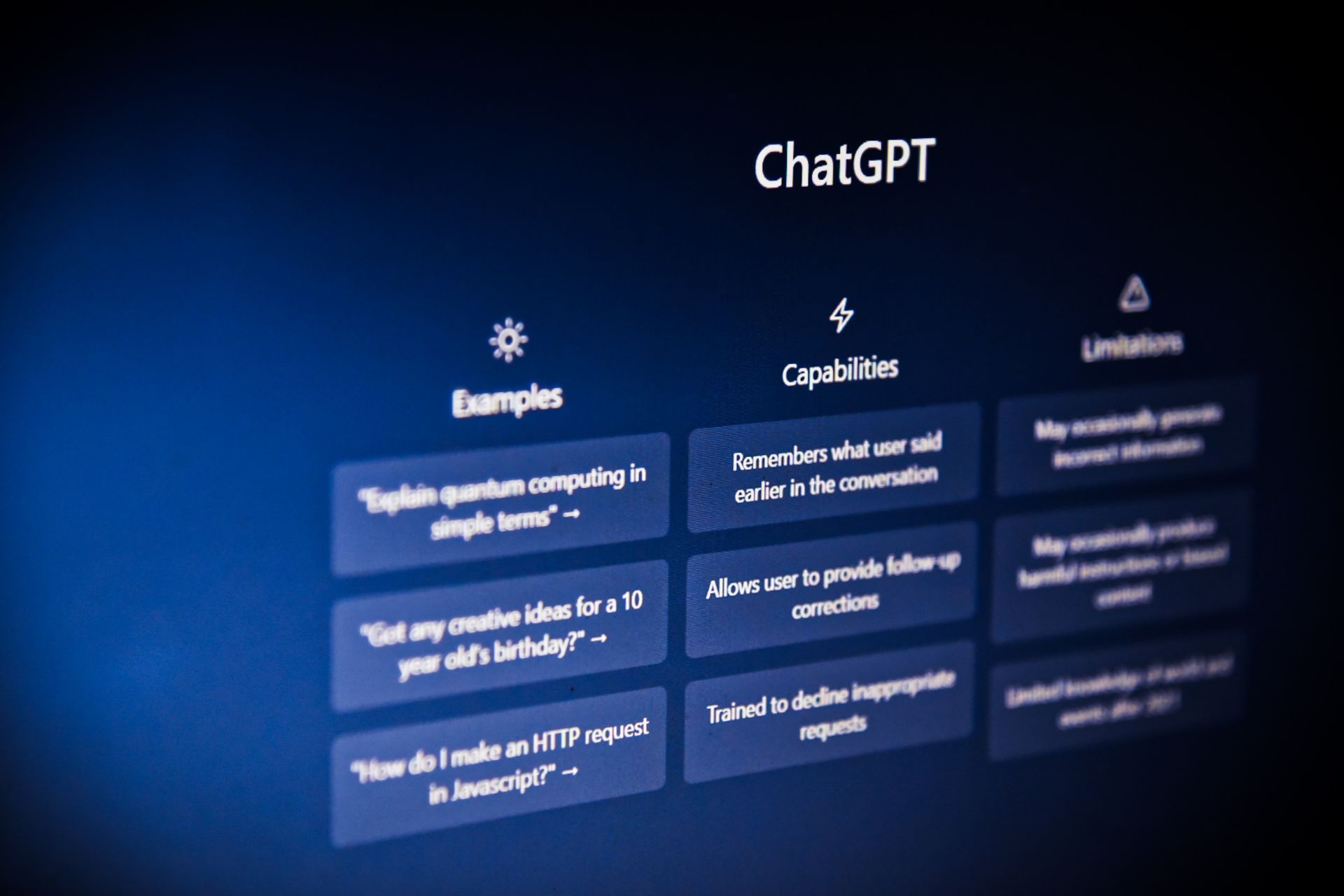
Despite the recent buzz, OpenAI continues to roll out new features (Image Credit)

What is voice control in ChatGPT?

ChatGPT’s voice control introduces a groundbreaking text-to-speech model, converting text into remarkably human-like voices with a mere few seconds of sampled speech. OpenAI collaborated with professional voice actors, presenting users with five distinct voices. The integration of the open-source Whisper speech recognition system ensures seamless transcription of spoken words into text.

Stay Ahead of the Curve!

Don't miss out on the latest insights, trends, and analysis in the world of data, technology, and startups. Subscribe to our newsletter and get exclusive content delivered straight to your inbox.

OpenAI Dev Day summary: ChatGPT will integrate further into daily life

This innovative combination creates a more authentic and engaging conversational experience, marking a significant leap forward in the capabilities of ChatGPT’s voice control feature.

ChatGPT Voice rolled out for all free users. Give it a try — totally changes the ChatGPT experience: https://t.co/DgzqLlDNYF

— Greg Brockman (@gdb) November 21, 2023

This is big news because, until now, only paying users got to play with ChatGPT’s voice and image prompts, which were rolled out in September. But the game has changed, and now, all users can tap into the power of voice interaction without opening their wallets.

OpenAI’s decision to make voice control accessible to the masses is a major shift. Forget exclusivity – now, anyone can have a chit-chat with ChatGPT by just speaking into their device. It’s a move that’s all about inclusivity and breaking down the barriers that kept these features behind a paywall.
How to use ChatGPT voice control
Here is how to use ChatGPT voice control (Image Credit)

How to use ChatGPT voice control

Even with the leadership shuffle at OpenAI, the updates keep rolling in for ChatGPT. First revealed in September, this text-to-speech marvel, initially available to paying users, is now breaking free for everyone. Here’s a step-by-step guide on how to use ChatGPT voice control:

  1. Open your ChatGPT mobile app and head to the settings section. It’s usually a gear or cog icon – look for it, and tap away.
  2. Once you’re in the settings, keep an eye out for the “headphones” icon. It’s your gateway to vocal wonders with ChatGPT. Give it a tap to initiate the voice control feature.
  3. With the “headphones” icon activated, start speaking your mind. ChatGPT is now ready to turn your words into a text-to-speech symphony.
  4. OpenAI didn’t just stop at giving you voice control; they’ve teamed up with voice actors to offer five distinct voice options. Explore and pick the one that suits your conversational style.
  5. Sit back and revel in the magic. Your ChatGPT is now not just a text wizard but a conversational companion, responding audibly to your prompts.

OpenAI has made it a breeze to unlock the voice control feature, putting the power of seamless conversation at your fingertips.

Despite all the chaos, OpenAI is keeping the tech fires burning. This move to let everyone talk to ChatGPT shows they’re serious about pushing the boundaries of conversational AI, even when things are rocky on the inside. The tech might be changing, but OpenAI’s commitment to innovation is loud and clear, hinting at a bright future for artificial intelligence.

Featured image credit: Rolf van Root/Unsplash

Tags: chatgpt

Related Posts

ChatGPT hits 1 billion users as global AI adoption surges despite backlash

ChatGPT hits 1 billion users as global AI adoption surges despite backlash

June 12, 2026
OpenAI Codex referral program rewards users with extra rate resets

OpenAI Codex referral program rewards users with extra rate resets

June 12, 2026
Zuckerberg says small elite teams can drive major AI breakthroughs

Zuckerberg says small elite teams can drive major AI breakthroughs

June 12, 2026
Google says AI Overviews reach 2.5 billion monthly users

Google says AI Overviews reach 2.5 billion monthly users

June 12, 2026
Anthropic apologizes for hidden Fable throttling, pledges transparency

Anthropic apologizes for hidden Fable throttling, pledges transparency

June 11, 2026
Reco builds momentum to secure the enterprise AI agent sprawl

Reco builds momentum to secure the enterprise AI agent sprawl

June 11, 2026

LATEST NEWS

“Free robots are an illusion”: Why we’ll pay for system intelligence, not delivery workers

How Henrique Schmaiske led Meteor.js through its biggest transformation

Proven privacy: Why ‘no-log’ claims need real evidence today

ChatGPT hits 1 billion users as global AI adoption surges despite backlash

Huawei launches HarmonyOS 7 developer beta with upgraded API 26

OpenAI Codex referral program rewards users with extra rate resets

BEST AI MODELS LEADERBOARD

See the best AI models, ranked by intelligence, benchmark results, speed and token price. Find the most suitable LLMs, Text-to-Image, Image Editing, Text-to-Speech, Text-to-Video and Image-to-Video  artificial intelligence model for your tasks and business.

LATEST TOOLS

Roboto AI

Pickaxe

Pfpmaker

MindPal

Syllaby

ScreenApp

FinanceBrain

GitHub Spark

Hints

VisionStory AI

Dataconomy

COPYRIGHT © DATACONOMY MEDIA GMBH, ALL RIGHTS RESERVED.

  • About
  • Imprint
  • Contact
  • Legal & Privacy

Follow Us

  • News
    • Artificial Intelligence
    • Cybersecurity
    • DeFi & Blockchain
    • Finance
    • Gaming
    • Startups
    • Tech
  • Industry
  • Research
  • Resources
    • Articles
    • Guides
    • Case Studies
    • Whitepapers
    • AI Models Leaderboard
  • AI tools
  • Newsletter
  • + More
    • Glossary
    • Conversations
    • Events
    • About
      • Who we are
      • Contact
      • Imprint
      • Legal & Privacy
      • Partner With Us
No Result
View All Result
Subscribe

This website uses cookies to improve your experience. You can choose to accept or reject them. Visit our Privacy Policy.