Dataconomy
  • News
    • Artificial Intelligence
    • Cybersecurity
    • DeFi & Blockchain
    • Finance
    • Gaming
    • Startups
    • Tech
  • Industry
  • Research
  • Resources
    • Articles
    • Guides
    • Case Studies
    • Whitepapers
    • AI Models Leaderboard
  • AI toolsNEW
  • Newsletter
  • + More
    • Glossary
    • Conversations
    • Events
    • About
      • Who we are
      • Contact
      • Imprint
      • Legal & Privacy
      • Partner With Us
Subscribe
No Result
View All Result
  • AI
  • Tech
  • Cybersecurity
  • Finance
  • DeFi & Blockchain
  • Startups
  • Gaming
Dataconomy
  • News
    • Artificial Intelligence
    • Cybersecurity
    • DeFi & Blockchain
    • Finance
    • Gaming
    • Startups
    • Tech
  • Industry
  • Research
  • Resources
    • Articles
    • Guides
    • Case Studies
    • Whitepapers
    • AI Models Leaderboard
  • AI toolsNEW
  • Newsletter
  • + More
    • Glossary
    • Conversations
    • Events
    • About
      • Who we are
      • Contact
      • Imprint
      • Legal & Privacy
      • Partner With Us
Subscribe
No Result
View All Result
Dataconomy
No Result
View All Result

How to browse with Bing after the ChatGPT internet access

OpenAI continues to move the bar higher and higher each day

byOnur Demirkol
October 2, 2023
in Artificial Intelligence
Home News Artificial Intelligence
Share on FacebookShare on TwitterShare on LinkedInShare on WhatsAppShare on e-mail
Google Preferred Source

OpenAI is looking to start a new era with the new ChatGPT internet access feature. Today, we will show you how to browse with Bing using the new feature!

OpenAI has unlocked a new dimension of potential for ChatGPT, the versatile chatbot that has been assisting users with a wide array of tasks. While ChatGPT has been a go-to tool for writing, coding, research, and vacation planning, it has had one glaring limitation – its inability to access real-time internet information.

Now, the game is changing as OpenAI introduces a game-changing feature that allows ChatGPT to surf the web and provide direct links to its sources, giving users access to up-to-the-minute information. In this article, we’ll guide you through how to harness the power of ChatGPT’s internet access using Bing and explore the exciting possibilities it brings.

Stay Ahead of the Curve!

Don't miss out on the latest insights, trends, and analysis in the world of data, technology, and startups. Subscribe to our newsletter and get exclusive content delivered straight to your inbox.

OpenAI is looking to start a new era with the new ChatGPT internet access feature. we will show you how to browse with Bing using the new feature!
The new ChatGPT internet access feature might change everything (Image Credit)

ChatGPT internet access starts a new era

With its recent news that ChatGPT Plus and Enterprise members now have real-time internet access, OpenAI created a stir via an X (previously Twitter) post. With the help of this enormous improvement, ChatGPT’s understanding is no longer restricted to data from before 2021. It represents a significant improvement for customers in terms of functionality and dependability.

ChatGPT has partnered with Microsoft’s Bing web browser to accomplish this feat of internet browsing. The partnership was initially introduced at Microsoft Build in May and was initially made available only to ChatGPT Plus members. OpenAI, however, temporarily removed this function when some users took advantage of it to bypass website paywalls.

Since the product’s first launch, OpenAI has tirelessly worked to enhance the functionality, considering customer feedback, and has included functions like “following robots.txt” and “identifying user agents” to ensure improved interactions with websites.
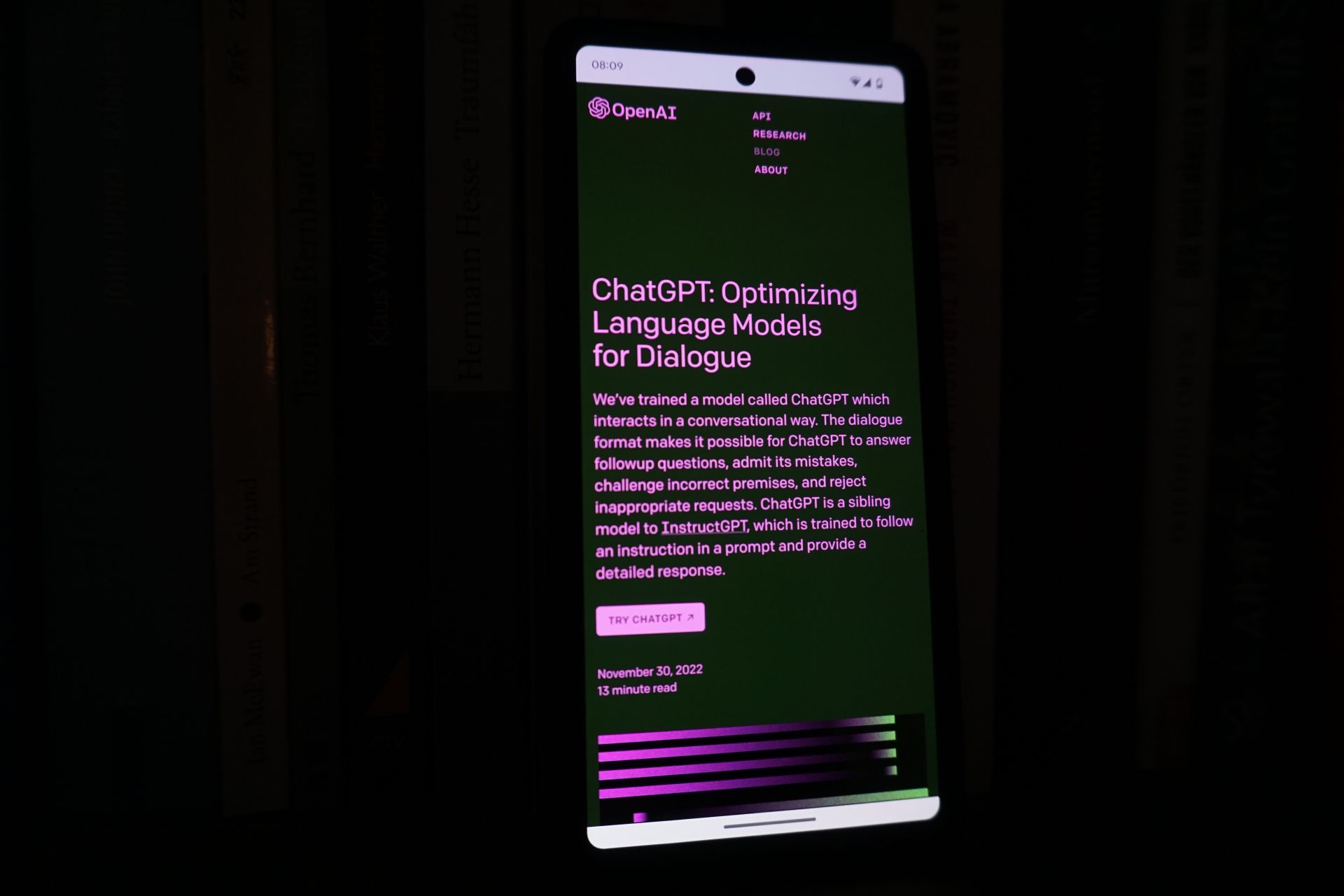
OpenAI is looking to start a new era with the new ChatGPT internet access feature. we will show you how to browse with Bing using the new feature!
If you want to know how to use the feature, check the guide below (Image Credit)

How to browse with Bing, using the ChatGPT internet access

With the new experimental tool known as ChatGPT Browse with Bing, which is only accessible to paid users, you may use the internet to search for current information to improve your responses. It’s crucial to keep in mind, though, that this experimental functionality may occasionally expose data in unexpected ways, such as showing a URL’s complete text when not specifically requested.

The Browse with Bing beta feature will be available to all paying users starting on September 27, 2023, including Plus and ChatGPT Enterprise members.

To unlock the power of ChatGPT Browse with Bing, follow these simple steps:

  1. Start by clicking on ‘Settings & Beta’ in your ChatGPT interface.
  2. Look for the ‘Beta features’ option within the settings menu and select it.
  3. Find the ‘Browse with Bing’ feature in the list of beta features and switch it on.
  4. After enabling the feature, you can now select ‘Browse with Bing’ in the model selector located under GPT-4. This action activates the ChatGPT’s web-browsing capabilities, allowing it to search the internet for real-time information.

While ChatGPT Plus membership comes with a $20/month price tag, the added accuracy and reliability may justify the investment for users who demand the latest and most dependable information.
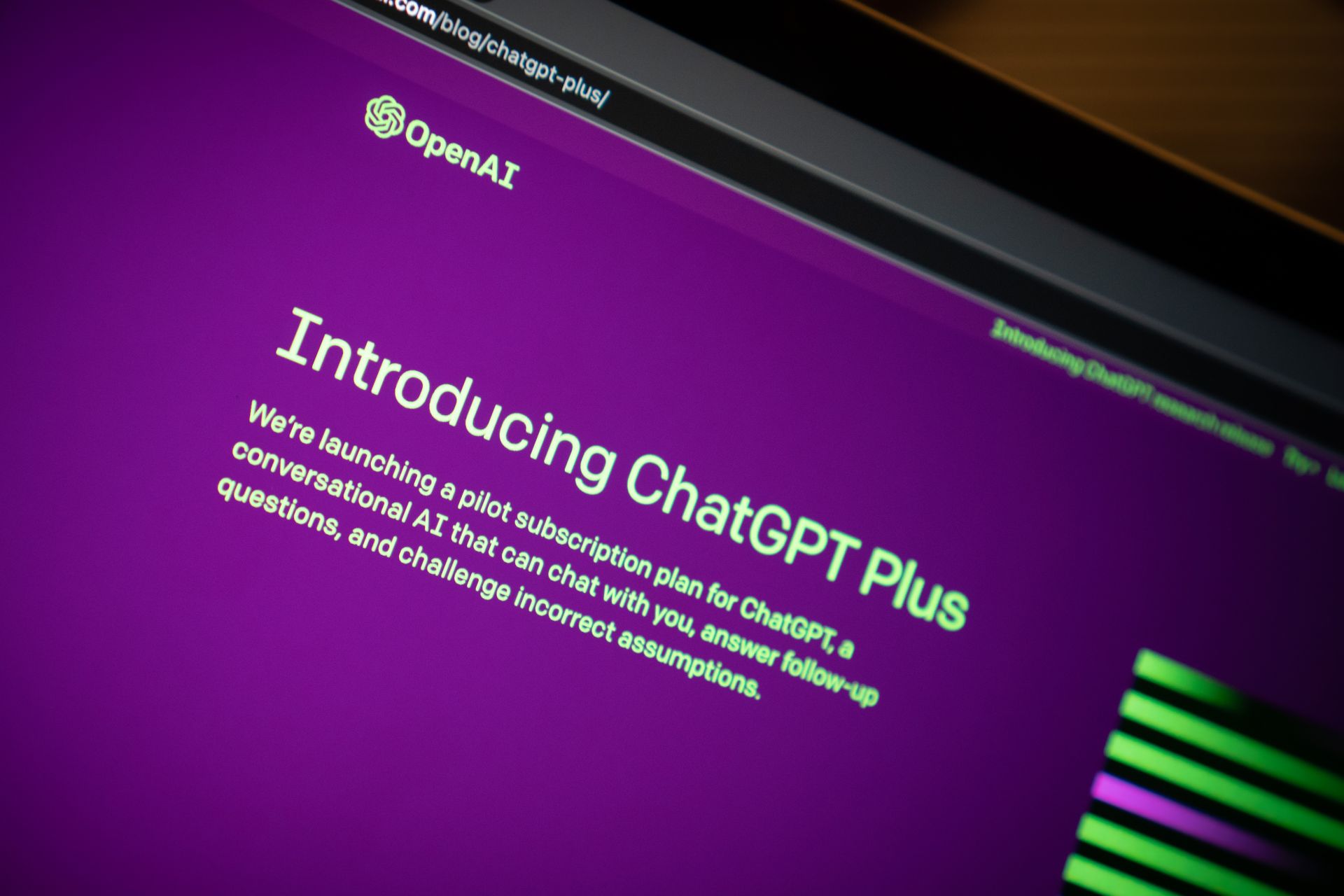
OpenAI is looking to start a new era with the new ChatGPT internet access feature. we will show you how to browse with Bing using the new feature!
You can get ChatGPT Plus for $20 a month (Image Credit)

What about non-subscribers?

Don’t worry if you don’t have a ChatGPT Plus or Enterprise subscription. This intriguing function will eventually be made available to all users, according to a commitment made by OpenAI. Bing Chat, which is likewise driven by GPT-4, allows internet connection, provides sources, and most of all, it’s free, is a good alternative in the meantime.

With the recent reveal by OpenAI that ChatGPT is now capable of “seeing, hearing, and speaking,” intriguing new possibilities have been made possible by receiving picture and audio suggestions and even responding with voice prompts.

These cutting-edge search and response features will also be rolled out to ChatGPT Plus and Enterprise users in the coming two weeks, further enhancing the capabilities of this already impressive tool.

Featured image credit: Jonathan Kemper/Unsplash

Tags: BingchatgptopenAI

Related Posts

Does your AI clock in without you?

Does your AI clock in without you?

June 3, 2026
Anthropic invites 150 more organizations into Project Glasswing

Anthropic invites 150 more organizations into Project Glasswing

June 3, 2026
Microsoft unveils Project Solara for an agent-first future

Microsoft unveils Project Solara for an agent-first future

June 3, 2026
OpenAI expands Codex with enterprise plug-ins and new Sites feature

OpenAI expands Codex with enterprise plug-ins and new Sites feature

June 3, 2026
Google will let websites opt out of AI search results

Google will let websites opt out of AI search results

June 3, 2026
Best AI game maker tools and guide to AI game development

Best AI game maker tools and guide to AI game development

June 2, 2026

LATEST NEWS

Why Telegram Mini Apps have become the optimal ecosystem for launching AI SaaS products

Crypto investors are watching one date closely in 2026

How Telegram Creators test post visibility before running growth campaigns

Does your AI clock in without you?

Why secure software delivery depends on better release management

Sony reveals God of War: Laufey for PS5

BEST AI MODELS LEADERBOARD

See the best AI models, ranked by intelligence, benchmark results, speed and token price. Find the most suitable LLMs, Text-to-Image, Image Editing, Text-to-Speech, Text-to-Video and Image-to-Video  artificial intelligence model for your tasks and business.

LATEST TOOLS

Veed.io

Paper Pilot

IsOn24

Magnific

DADABOTS

Rosebud AI

Prome

Pageon AI

Vyond

Centauri AI

Dataconomy

COPYRIGHT © DATACONOMY MEDIA GMBH, ALL RIGHTS RESERVED.

  • About
  • Imprint
  • Contact
  • Legal & Privacy

Follow Us

  • News
    • Artificial Intelligence
    • Cybersecurity
    • DeFi & Blockchain
    • Finance
    • Gaming
    • Startups
    • Tech
  • Industry
  • Research
  • Resources
    • Articles
    • Guides
    • Case Studies
    • Whitepapers
    • AI Models Leaderboard
  • AI tools
  • Newsletter
  • + More
    • Glossary
    • Conversations
    • Events
    • About
      • Who we are
      • Contact
      • Imprint
      • Legal & Privacy
      • Partner With Us
No Result
View All Result
Subscribe

This website uses cookies to improve your experience. You can choose to accept or reject them. Visit our Privacy Policy.