TurboScribe
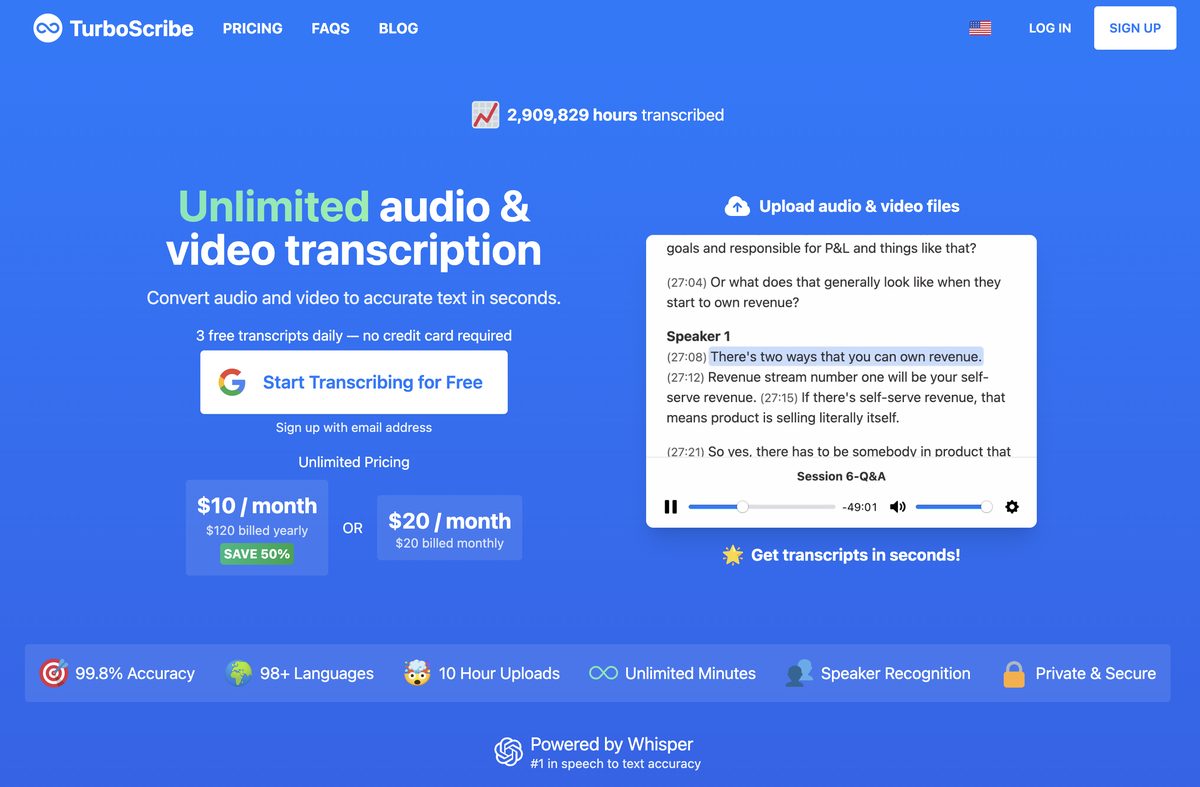
TurboScribe is an AI-powered transcription tool designed to convert audio and video files into accurate text in seconds. Supporting over 98 languages, it offers features like speaker recognition, built-in translation, and export options in multiple formats such as PDF, DOCX, and SRT. The platform provides a free tier with daily usage limits and an unlimited plan for heavy users, ensuring high accuracy and privacy through encrypted data handling.
Pros
- Unlimited transcriptions available on the paid plan
- Supports over 98 languages for transcription and translation
- High accuracy using advanced Whisper AI technology
- Includes speaker recognition for multi-speaker audio
- Offers various export formats including subtitles (SRT/VTT)
- Generous file upload limits (up to 10 hours/5GB)
- Secure and private with encrypted data handling
Cons
- Free tier has daily usage and file duration limits
- No dedicated mobile application available
- No offline functionality; requires internet access
- Accuracy may decrease with heavy background noise or strong accents
- Lack of real-time transcription capabilities
- No team collaboration or shared account features
- Customer support options are somewhat limited
TurboScribe is an AI tool that transcribes audio and video files into text with high accuracy and speed.
Yes, it offers a free tier allowing up to 3 transcriptions per day, each limited to 30 minutes.
TurboScribe supports transcription in over 98 languages and can translate transcripts into more than 134 languages.
Yes, paid users can upload files up to 10 hours long and 5 GB in size.
Yes, the tool includes speaker recognition to distinguish between different voices in the audio.
Transcripts can be exported as PDF, DOCX, TXT, and subtitle formats like SRT and VTT.
TurboScribe ensures privacy by encrypting all uploaded files and transcripts, accessible only by the user.
While there is no dedicated app, the web-based platform is accessible via mobile browsers.
The fastest mode, Cheetah, can transcribe one hour of audio in roughly 45 seconds.
Yes, TurboScribe supports importing audio directly from YouTube video links.
Become a Contributor
Sign in to unlock these features:
- ⭐️ Rate this tool with a 1-5 star score
- ✍️ Write a detailed review for the community
- ❤️ Follow this tool to get important updates
Get started in seconds
[jnews_social_login_form]