PseudoEditor
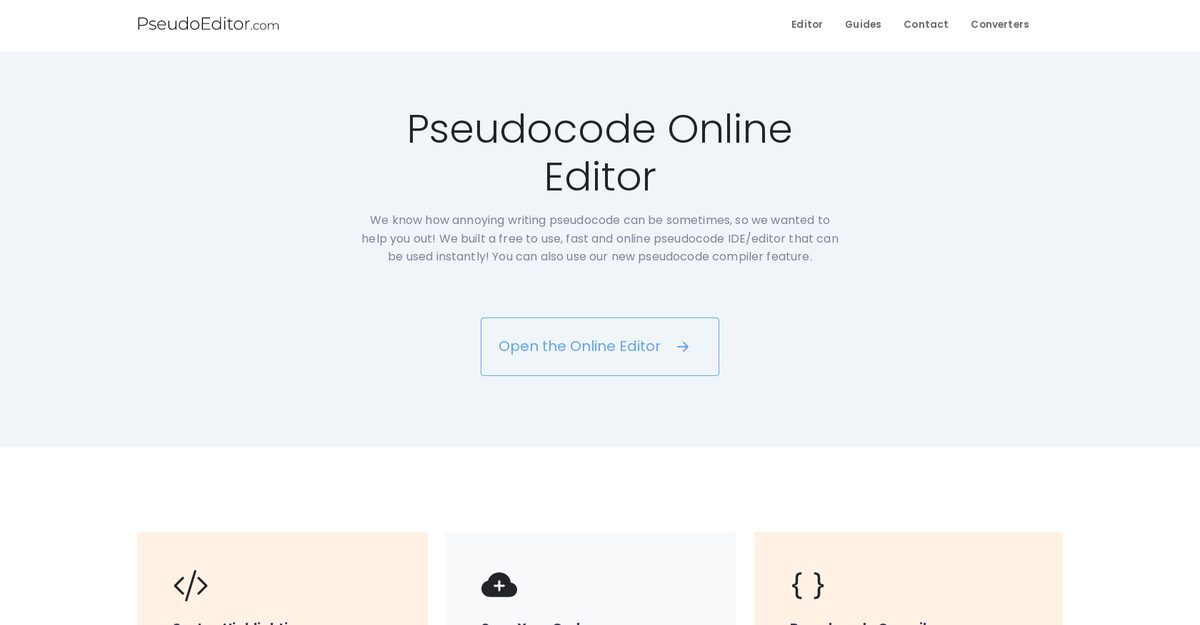
PseudoEditor is a free, browser-based pseudocode editor and compiler designed for writing, debugging, and testing algorithms quickly, supporting the AQA pseudocode standard. It offers dynamic syntax highlighting for keywords, functions, and conditionals, error highlighting, autocomplete, cloud code saving for cross-device access, and one-click compilation with inputs/outputs. Users can switch between light and dark modes, benefiting from a user-friendly interface that enables pseudocode creation up to 5x faster than basic text editors like Notepad. The tool is completely ad-supported with no hidden fees, includes advanced privacy consent options, and requires no setup, making it ideal for students and professionals.
Pros
- Web-based with no setup required
- Syntax highlighting for better code structure visibility
- Error highlighting for quick debugging
- Pseudocode compiler for one-click testing
- Code saving with cross-device access
- Free of charge, ad-supported
- Light and dark mode options
Cons
- Ad-supported
- No offline mode
- No pseudocode generator
- Limited style options
- Dependent on browser performance
- No explicit multi-language support
- Privacy concerns due to data processing
- Not mobile-friendly
PseudoEditor is a free online tool designed to assist users in writing and debugging pseudocode. It includes features such as syntax highlighting, code saving, error highlighting and a pseudocode compiler function.
PseudoEditor speeds up the pseudocode writing by offering advanced tools such as syntax highlighting, which makes it easier to identify and understand the code's structure. It also includes error highlighting to make debugging faster.
Yes, PseudoEditor offers features for debugging pseudocode. It has syntax highlighting that helps users identify code structure effectively and error highlighting which helps to promptly identify and rectify errors in the pseudocode.
Yes, PseudoEditor is completely free of charge. The hosting and operating costs of the tool are supported by ads, making every feature accessible at no cost to the user.
PseudoEditor offers code saving features that allow users to write their pseudocode online, save it, and resume their work anytime. You won't lose a single line of your pseudocode.
Yes, PseudoEditor offers a pseudocode compiler feature. This function allows users to write and test their pseudocode with a single click.
Yes, PseudoEditor can be accessed and used from any device. As it is a web-based tool, users can start coding immediately without any setup.
Yes, PseudoEditor offers two different style options: light mode and dark mode. Users have the flexibility to switch between these modes.
PseudoEditor offers advanced settings and personalized consent options enabling users to control their privacy on the site.
Yes, PseudoEditor offers error highlighting which is critical in identifying and rectifying errors promptly. This feature makes debugging faster and more efficient.
Become a Contributor
Sign in to unlock these features:
- ⭐️ Rate this tool with a 1-5 star score
- ✍️ Write a detailed review for the community
- ❤️ Follow this tool to get important updates
Get started in seconds
[jnews_social_login_form]