Crayon AI
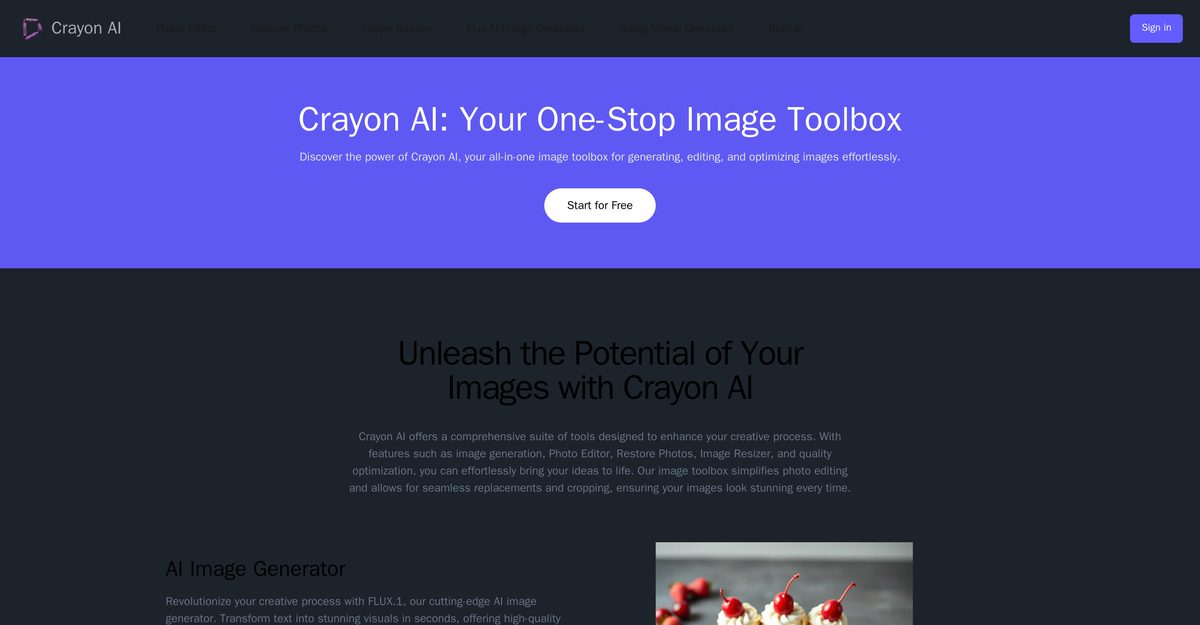
Crayon AI is an all-inclusive online platform that offers AI-driven image creation, editing, and optimization tools, making it suitable for users of all proficiency levels. It simplifies the creative process with features such as image generation, a photo editor, and photo restoration. The platform includes tools for seamless photo alterations, quality enhancement, and various fun generators like the Random Animal Generator and Slang Meme Generator. With its user-friendly interface and real-time editing capabilities, Crayon AI meets diverse creative needs across multiple devices.
Pros
- Seamless photo alterations
- Efficient cropping tools
- Real-time edits
- Image quality enhancement
- Photo restoration feature
- Random Animal Generator
- Slang Meme Generator
- Efficient background removal
- Quality optimization algorithms
- User-friendly interface
Cons
- Lacks batch editing capabilities
- Missing advanced editing features
- No downloadable desktop version
- No image classification tool
- No collaboration features
- Limited image generation styles
- No video editing capabilities
- No integrated sharing options
- Free version has limited functionality
Crayon AI is an all-inclusive online platform that provides artificial intelligence driven image creation, editing, and optimization tools to users of all expertise levels.
Crayon AI offers feature-rich tools including AI image generation, Photo Editor, Restore Photos, Image Resizer, quality optimization and more.
Yes, Crayon AI offers AI-driven image generation through its Flux1 feature.
Flux1 is the AI image generator feature in Crayon AI that transforms text into compelling visuals quickly.
The AI Photo Editor tool allows users to make adjustments such as cropping, resizing, rotating, and flipping images.
Yes, it has a feature that applies advanced AI technology for enhancing image quality or restoring damaged photos.
This feature generates a vast range of random animal images and information for educational or creative purposes.
The Background Removal feature identifies and eliminates undesirable backgrounds from images automatically.
Yes, it uses efficient algorithms to enhance clarity and color in images.
Crayon AI is available on multiple platforms including computers, tablets, and mobile phones.
Become a Contributor
Sign in to unlock these features:
- ⭐️ Rate this tool with a 1-5 star score
- ✍️ Write a detailed review for the community
- ❤️ Follow this tool to get important updates
Get started in seconds
[jnews_social_login_form]