SpeechPulse
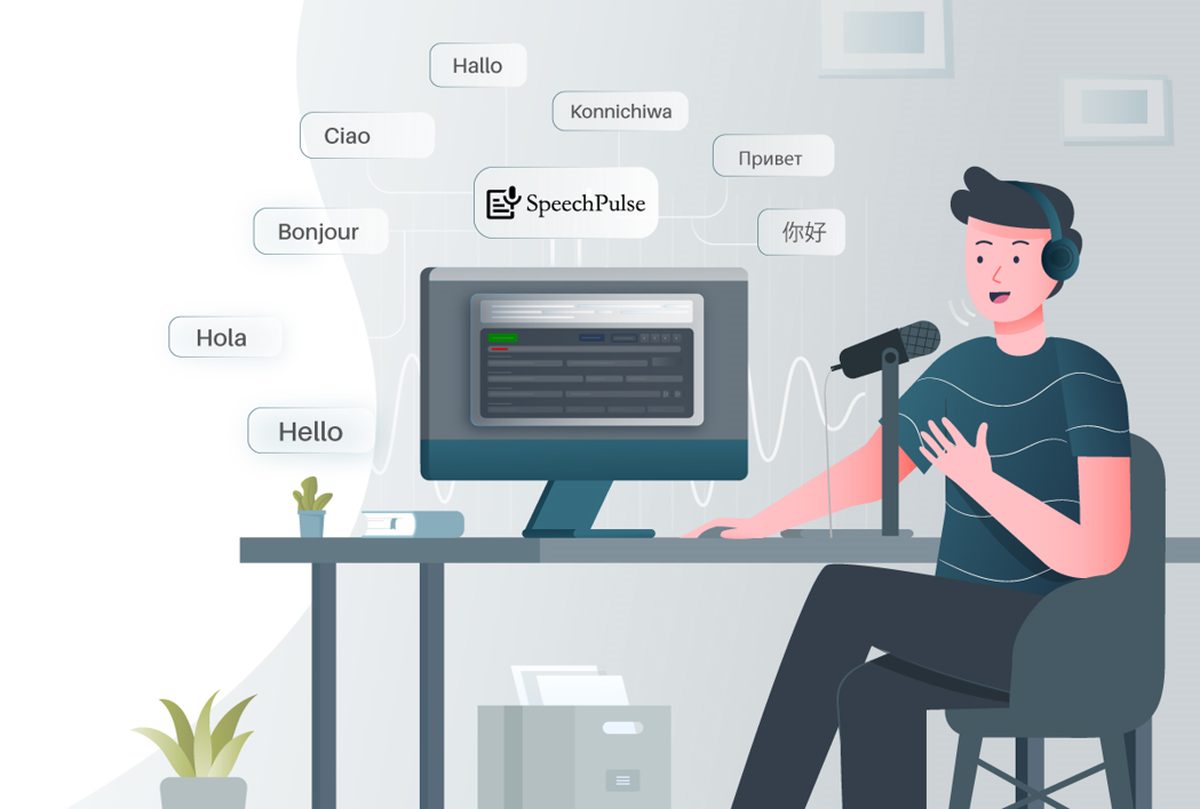
SpeechPulse is a voice recognition tool designed to enhance typing efficiency and facilitate real-time translation of non-English speech into English. It operates offline, utilizing the computer's microphone for real-time speech recognition, allowing users to type into various applications, such as text editors and web browsers. With high accuracy powered by OpenAI's Whisper speech-to-text models, SpeechPulse excels in noisy environments and supports multiple languages. Additionally, it can transcribe audio files and generate subtitles with accurate timestamps in .srt and .vtt formats.
Pros
- Offline capability for enhanced privacy
- High accuracy in speech recognition
- Low latency for real-time transcription
- Multilingual support for various languages
- Integration with text editors, web browsers, and office software
- Ability to transcribe and translate audio files
- Subtitle generation with accurate timestamps
- Support for multiple audio file formats including mp3, wav, and more
- Uses computer's microphone for direct voice input
- No internet connection required for operation
Cons
- Doesn't support Linux operating systems
- Limited to .srt and .vtt subtitle formats
- Lacks online functionality for cloud-based features
- Dependent on the quality of the microphone used
- Audio file format support is somewhat limited
- No mobile support for Android or iOS
- Performance dependent on device's CPU/GPU capabilities
- Requires specific Windows 10/11 or macOS versions
- No significant customization options for subtitle formats
- Not all languages may have equally high recognition accuracy
SpeechPulse is a voice recognition tool that increases typing efficiency and translates non-English speech into English in real-time.
SpeechPulse uses the computer's built-in microphone for real-time speech recognition, instantly converting spoken words into text.
SpeechPulse can type into various applications, including text editors, web browsers, and office software.
No, SpeechPulse operates completely offline.
It uses OpenAI's Whisper speech-to-text models, designed for high accuracy even in noisy environments.
It supports numerous languages, including English, French, Spanish, Italian, German, Japanese, Chinese, and Russian.
Yes, it can translate non-English speech into English text in real time.
Yes, it can transcribe or translate audio files in formats like mp3, wav, m4a, flac, ogg, and webm.
It generates subtitles by converting spoken dialogue into text and accurately timestamping it.
Yes, it is available for Windows 10/11 and Apple Silicon Macs.
Become a Contributor
Sign in to unlock these features:
- ⭐️ Rate this tool with a 1-5 star score
- ✍️ Write a detailed review for the community
- ❤️ Follow this tool to get important updates
Get started in seconds
[jnews_social_login_form]