GitMind
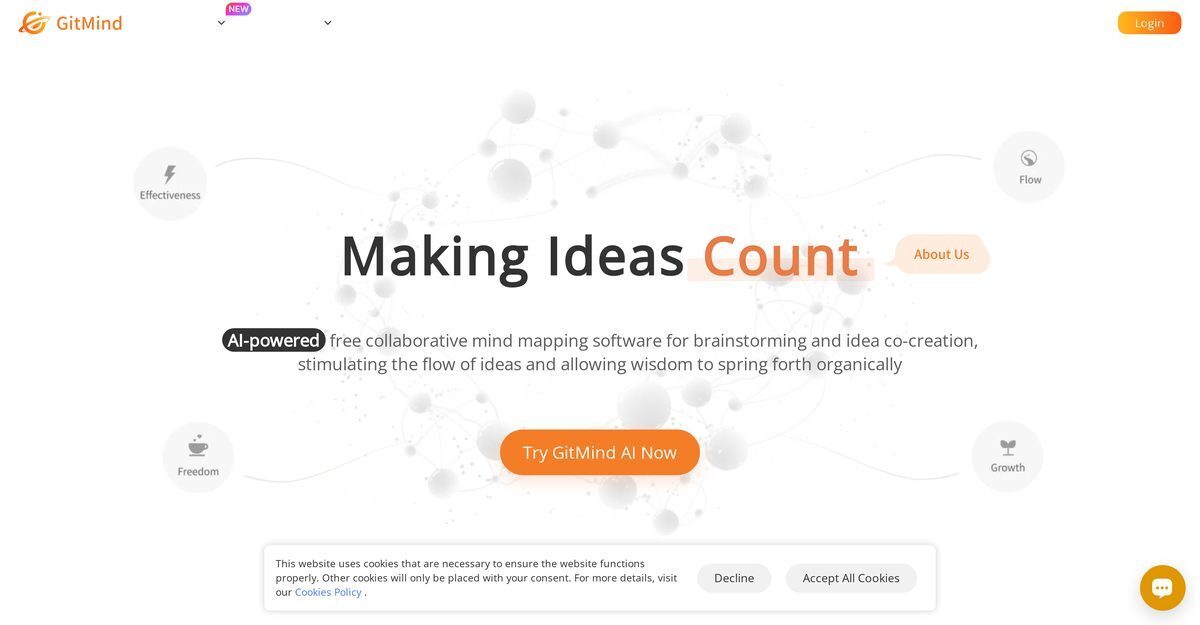
GitMind is an AI-powered mind mapping and brainstorming platform that enables real-time online collaboration on mind maps, flowcharts, organizational charts, UML diagrams, and more, transforming text, videos, audio, PDFs, websites, and images into summarized visual mind maps and infographics. It features an AI Art Generator for text-to-image creation, an AI Chat assistant, one-liner mind maps for concise info, instant idea capture, and GitMind Planet for centralized knowledge management across devices. Designed for PMs, engineers, researchers, teachers, students, and teams, it supports project planning, note-taking, research summarization, multi-language translation, and integrates AI models like ChatGPT, Claude, and Gemini for enhanced productivity and creativity.
Pros
- Real-time online collaboration
- File transformation into Mind Maps
- Cross-platform availability including mobile apps
- User-friendly interface with aesthetics focus
- Free tier with substantial value
- AI-driven summarization and visualization
- Knowledge management via GitMind Planet
Cons
- Lack in offline capabilities
- No storyboard feature
- Limited file formats supported
- No import from other tools
- No advanced text editing
- Absence of revision history
- Limited third-party integrations
- Initial setup and customization time-consuming
GitMind is an AI-powered software serving as a platform for mind mapping and brainstorming. It offers real-time collaboration on mind maps online and facilitates the invention of project plans, notes, flowcharts, organizational charts, UML diagrams, and more.
GitMind integrates knowledge management through the feature GitMind Planet which organizes and collates all mind map creations at one central place. This allows all mind maps and brainstorming outputs to be easily accessed, managed, and shared.
GitMind's AI Art Generator is capable of turning text into images. This feature allows users to create visually compelling representations of their ideas, enhancing communication efficiency and information recall.
Yes, enter a sentence to instantly generate a mind map; free credits provided after signup.
Yes, download the app, log in, and sync records to create AI mind maps anywhere.
GitMind can be used to create various diagrams including mind maps, flowcharts, organizational charts, and UML diagrams. These visual aids can assist in a more effective presentation of ideas and information flow.
GitMind can be used for brainstorming sessions by providing a space and toolset to create, collaborate, and share visual maps of ideas. Participants can real-time collaborate on a mind map, add their thoughts, and see others' contributions, leading to more comprehensive brainstorm outputs.
Yes, GitMind can be used for real-time collaboration. It allows multiple users to work on the same mind map simultaneously, making it ideal for team brainstorming sessions, project planning, and group learning activities.
GitMind's file to mind map feature works by transforming any files into summarized mind maps. This makes information more digestible, helping users to extract important points from the file and visually mapping them out to comprehend better.
Free tier with up to 10 mind maps; paid plans start from $4.08/month annually or $9/month, with Pro, VIP, and Enterprise options.
Become a Contributor
Sign in to unlock these features:
- ⭐️ Rate this tool with a 1-5 star score
- ✍️ Write a detailed review for the community
- ❤️ Follow this tool to get important updates
Get started in seconds
[jnews_social_login_form]